
Ryter Pro
AI Detector & Detecting Tools
Ryter Pro rewrites AI-generated text into more natural, human-like writing and includes detector-style reporting for your results.
- Pricing
- Free
- Category
- AI Detector
- Listed
- Jun 23, 2026
- Updated
- Jul 3, 2026
Promoted
 Sidrune AI85% off. Stable Claude API for agent developers. Pay as you go. Invoices & refunds available.
 Pixmax.aiPixmax.ai is an all-in-one AI workspace for videos, visual stories, and marketing content.
 AI Checker PlusAI detector that highlights which passages AI wrote. Free check, no sign-up. Plagiarism too.
 RewindType any X/Twitter handle. Get their year back as a narrated video story. Then ask it anything.
 KurodyneSell the tools from your AI side projects. Listing is free.
 SEOify - Improve your SEO & rankingsBuild links to rank in Google. Improve your DR with links you can start building now.Advertise here270,000+ people visit Dang.ai every month.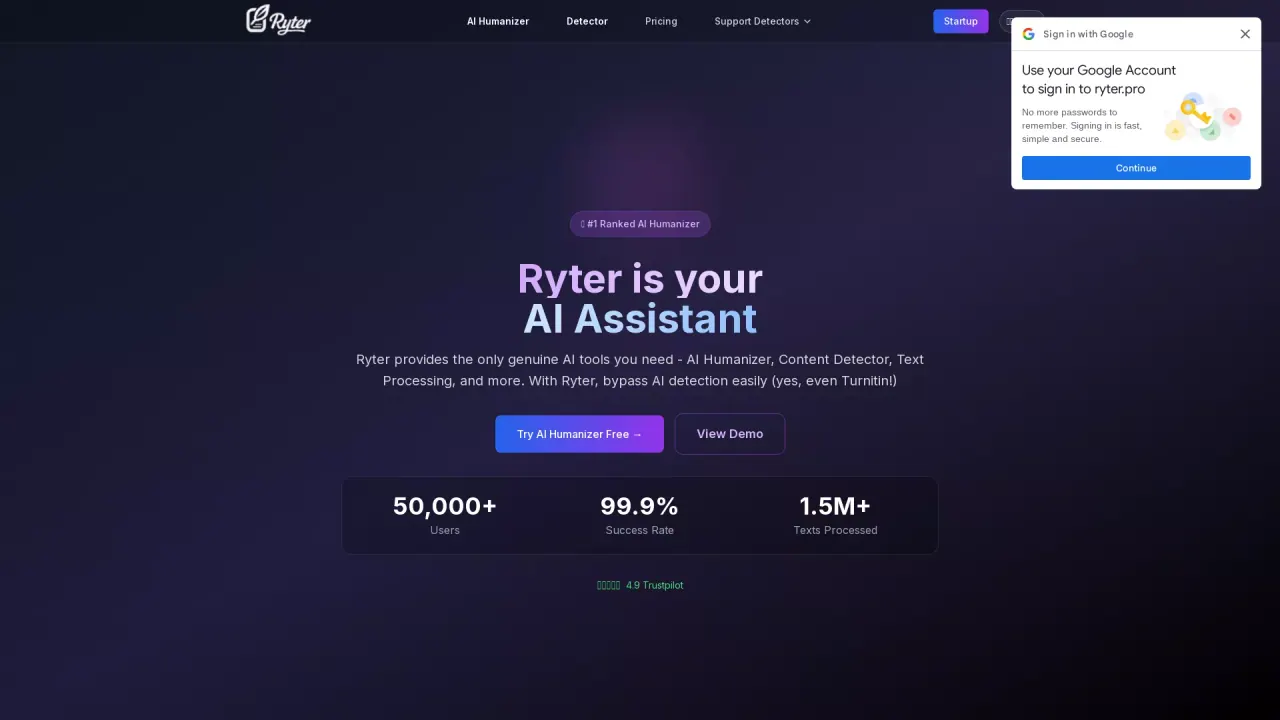
What does Ryter Pro do?
Ryter Pro is an AI humanizer built to take ChatGPT/GPT-style text and rewrite it to sound more natural and human. The workflow focuses on transforming writing style and structure while keeping the original meaning intact.
Beyond humanization, Ryter Pro adds a detector-oriented step: you can choose a target AI detector and generate a report so you can evaluate how the rewritten text performs. This helps you iterate until you get the best output.
Ryter Pro also offers API access and credits-based plans for higher-volume text processing, with options for different humanization limits and support levels.
How does Ryter Pro “humanize” AI text?
It rewrites AI-generated content using natural language processing focused on changing writing style and structure to sound more human-like while preserving the original meaning and context.
Can Ryter Pro help with AI detection tools like Turnitin or GPTZero?
Ryter Pro is designed to reduce detection flags by producing more natural writing, and it offers a detector-style workflow where you can select an AI detector and view a detailed report.
Does humanization change my message or facts?
The goal is to keep the core message, information, and context the same, while adjusting the phrasing and presentation to be more natural.
Is my content secure and private while it’s being rewritten?
Ryter Pro emphasizes privacy-first handling, stating that content is not stored and is deleted after processing.
What are the free and paid usage limits?
Free users get one humanization per day with up to 500 words. Premium plans are credits-based and increase processing limits per run (including higher char limits and more credits per month).
Is there an API option if I want to automate rewriting?
Yes—Ryter Pro includes full API access on its paid plans so you can integrate text humanization into your workflow via a REST API.
Is this your tool?
Claim Ryter Pro to manage this listing, or upgrade to Pro for featured-first placement and a newsletter feature.