RemoveHandwriting
Document Editing Tool
Remove handwritten text from photos, images, and PDFs with AI—cleaning pages while preserving printed content, layout, and colors.
Promoted
 Sidrune AI85% off. Stable Claude API for agent developers. Pay as you go. Invoices & refunds available.
 Pixmax.aiPixmax.ai is an all-in-one AI workspace for videos, visual stories, and marketing content.
 SEOify - Improve your SEO & rankingsBuild links to rank in Google. Improve your DR with links you can start building now.Advertise here270,000+ people visit Dang.ai every month.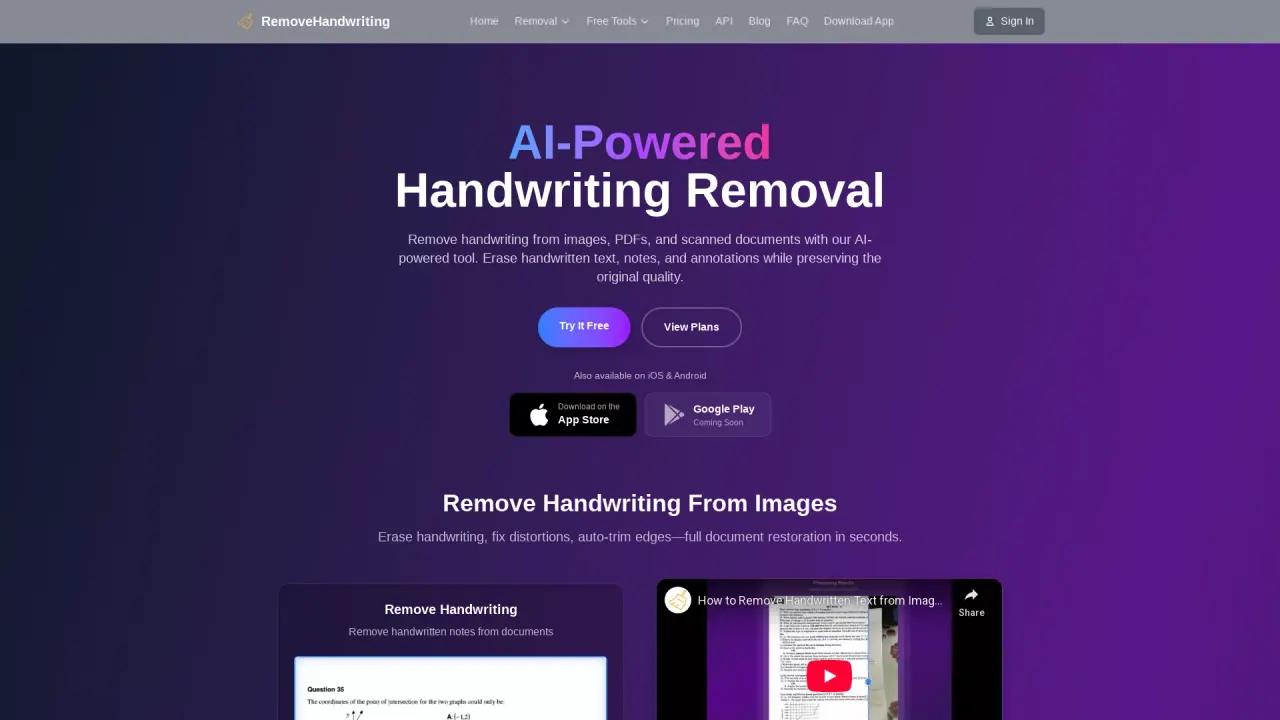
What does RemoveHandwriting do?
RemoveHandwriting (RemoveHandwriting.com) is an AI-powered tool that erases handwriting from images, PDFs, and scanned documents. It removes handwritten text, pen marks, notes, underlines, highlights, and scribbles while aiming to preserve the original printed content, tables, and diagrams.
Beyond handwriting removal, it also helps with common scan cleanup tasks. You can get automatic trimming to remove extra borders and background clutter, and it can correct distortions like skewed or warped pages and bent edges. For harder cleanups, you can use manual processing when pages are damaged or the marks are complex.
Choose the right workflow for your file: use the image remover for JPG/PNG (including phone photos and scanned worksheets), and use the PDF remover for multi-page documents with page selection and PDF export. There’s also an official mobile app for iOS and Android.
You can try it free—no credit card required. New users can also earn free credits by sharing a referral link and can use credits across web and mobile. Processing is designed to be quick, and results are returned as clean, downloadable files.
What can RemoveHandwriting remove from my documents?
It removes handwritten text, notes, annotations, pen strokes, underlines, highlights, and scribbles. Printed content like tables and diagrams is preserved as much as possible.
Which file types are supported?
You can upload common images (JPG, PNG/JPEG) and PDFs. For PDFs, you can select pages to process and export a cleaned PDF.
How do I remove handwriting from a PDF?
Use the PDF remover, upload your PDF, select the specific pages you want cleaned, and export the result as a new PDF.
Does it also fix scan problems like skew or warped pages?
Yes. It can straighten tilted pages, flatten warped areas, and correct bent or curved edges, while removing handwriting.
Is RemoveHandwriting free?
You can try the service for free with no credit card required. Free credits are available by sharing a referral link, and credits work across the web and mobile apps.
How do I get the best results?
Use clear photos or scans with good lighting and avoid strong shadows or glare. For standard documents, the tool is optimized for fast scan-style cleanup.
This listing is claimed
Own RemoveHandwriting? Sign in with the email used to claim it to manage this listing, or upgrade to Pro for featured-first placement and a newsletter feature.