
Quady3D AI
Verified
3D Modeling AI Tools
Quady3D AI turns images, text, sketches, or multiple views into 3D models you can preview, refine, and download in formats like GLB and OBJ.
Promoted
 Pixmax.aiPixmax.ai is an all-in-one AI workspace for videos, visual stories, and marketing content.
 AI Checker PlusAI detector that highlights which passages AI wrote. Free check, no sign-up. Plagiarism too.
 RewindType any X/Twitter handle. Get their year back as a narrated video story. Then ask it anything.
 KurodyneSell the tools from your AI side projects. Listing is free.
 Sidrune AI85% off. Stable Claude API for agent developers. Pay as you go. Invoices & refunds available.
 SEOify - Improve your SEO & rankingsBuild links to rank in Google. Improve your DR with links you can start building now.Advertise here270,000+ people visit Dang.ai every month.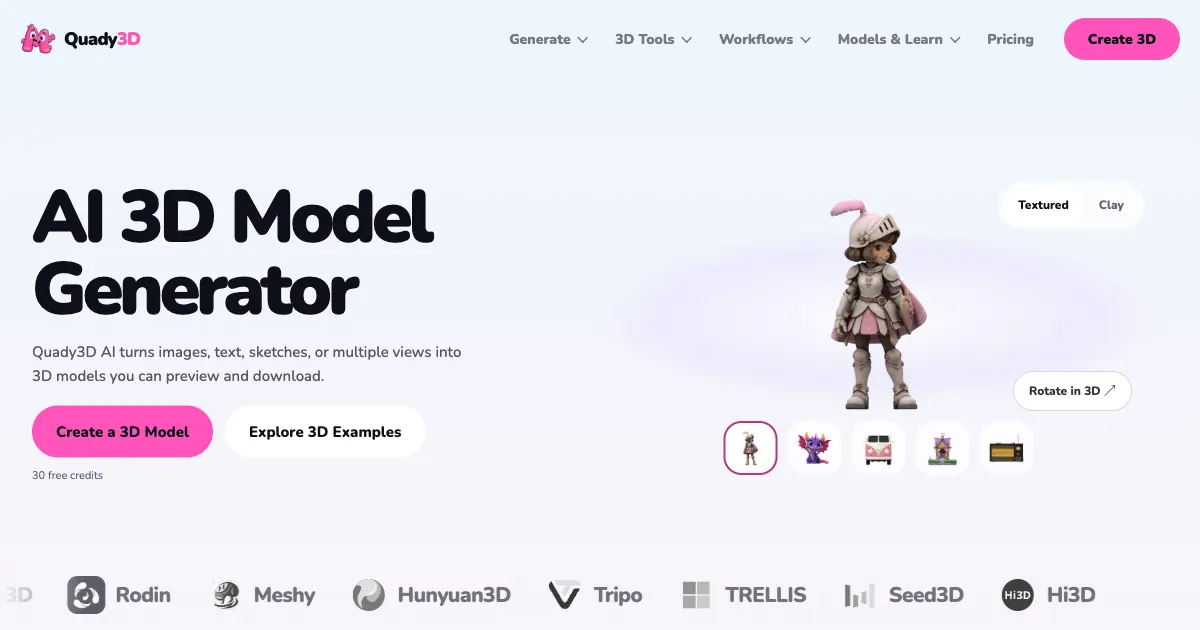
What does Quady3D AI do?
Quady3D AI is a browser-based AI 3D model generator that creates 3D assets from an image, a text prompt, a sketch, or multiple reference views. Start in a single workspace: choose an input type, pick an AI 3D model family (such as Meshy, Tripo, Rodin, Hunyuan3D, TRELLIS, Seed3D, or Hi3D), and tune quality/detail and texture options. Before committing, you can inspect the result in an interactive 3D viewer.
The workflow is designed to help you get to a model you can use. Upload your reference (or provide a prompt/sketch), select the model family that best fits your project needs, then check the credit cost before generation. After generation, rotate the model to review its shape and textures, and iterate with updated settings if needed.
Quady3D AI supports different downstream directions, including game assets and 3D printing workflows. Depending on the selected model and process, you can download files such as GLB and OBJ, and use available conversion tools to move between formats like GLB/OBJ and STL for printing or further editing in tools such as Blender.
Plans include a free option with 30 free credits once after email verification. Subscriptions are available as Basic ($10.00/month), Creator ($24.92/month), and Studio ($99.92/month) with monthly credits, storage limits while subscribed, and included professional tools; generation uses credits and credit costs vary by model and settings.
What inputs can I use to generate a 3D model in Quady3D AI?
You can generate from a single image (Image to 3D), a text prompt (Text to 3D), a sketch (Sketch to 3D), or multiple views of the same object (Multi-image to 3D).
Do I need to choose a specific AI 3D model family?
Yes. Quady3D AI offers multiple model families (like Meshy, Tripo, Rodin, Hunyuan3D, TRELLIS, Seed3D, and Hi3D), and you select one before generating. Different families are suited to different outcomes, so it can help to compare results for the same reference.
How do credits work and when do I see the credit cost?
Generation and related processing use credits. The credit cost is shown before you generate, and model/settings choices can change how many credits the run uses.
Can I preview the 3D result before downloading?
Yes. After generation, you can open the interactive 3D viewer, rotate the model, and inspect its shape and textures before you download.
What file formats can I download from Quady3D AI?
Download availability depends on the selected workflow and model. Common outputs include GLB and OBJ, and you may also have tools to convert between GLB/OBJ and STL for 3D printing.
Do I need to install 3D software to use Quady3D AI?
No. Quady3D AI runs in your browser. If you want to continue editing elsewhere, you can download compatible files and use them in tools like Blender.
This listing is claimed
Own Quady3D AI? Sign in with the email used to claim it to manage this listing, or upgrade to Pro for featured-first placement and a newsletter feature.