
Tripo AI 3D model Generator
AI Image Generators from Text Tools
Turn text prompts or uploaded images into high-detail 3D models in seconds—then export, rig, texture, or prep for printing.
- Category
- Image
- Listed
- Nov 15, 2026
- Updated
- Nov 15, 2026
Promoted
 KurodyneSell the tools from your AI side projects. Listing is free.
 Pixmax.aiPixmax.ai is an all-in-one AI workspace for videos, visual stories, and marketing content.
 AI Checker PlusAI detector that highlights which passages AI wrote. Free check, no sign-up. Plagiarism too.
 RewindType any X/Twitter handle. Get their year back as a narrated video story. Then ask it anything.
 SEOify - Improve your SEO & rankingsBuild links to rank in Google. Improve your DR with links you can start building now.Advertise here330,000+ people visit Dang.ai every month.
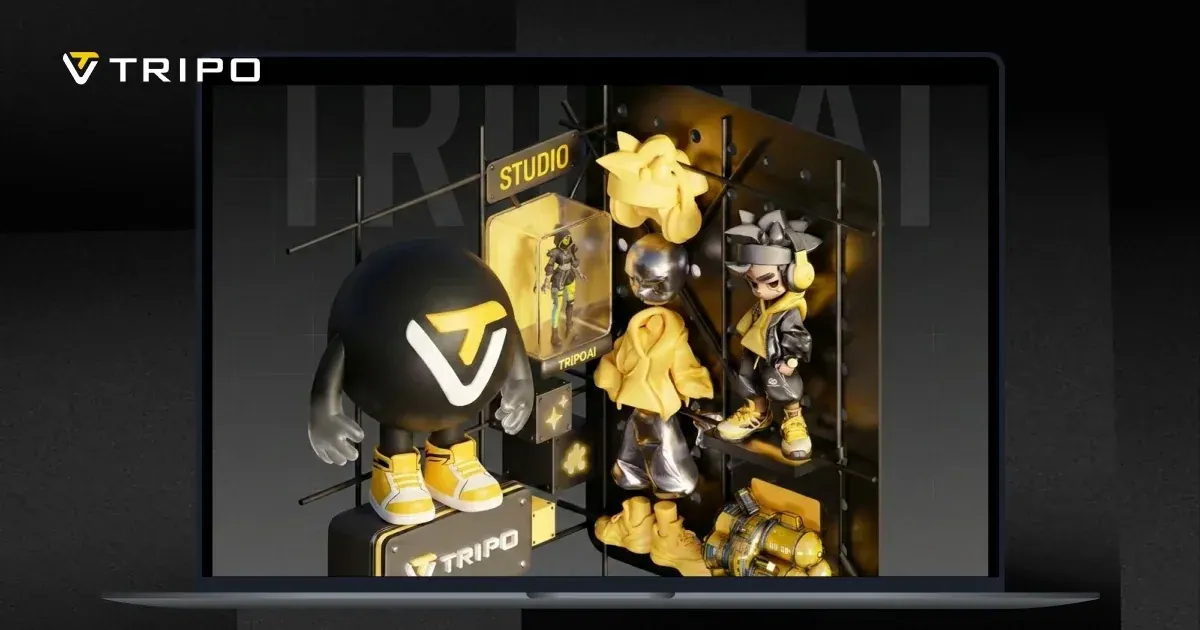
What does Tripo AI 3D model Generator do?
Tripo AI is a free online AI 3D model generator that converts your text prompts or uploaded images (photos, sketches, or concept art) into 3D models instantly. Choose sculpted detail or production-ready geometry to match your workflow, then download results for rendering, VFX, 3D printing, and game/real-time pipelines.
For creators who need clean, engine-friendly assets, Tripo AI can generate native quad meshes with artist-quality edge flow and no retopology required. It supports different output styles, including high-fidelity models up to 2M polygons for rendering, VFX, and e-commerce visuals, and optimized game-ready meshes via Smart Mesh in a lower polygon range.
If you’re working toward 3D printing, Tripo AI can produce print-ready models from images or concepts. Smart segmentation automatically splits larger models into parts sized for your print bed, and you can export slicer-ready meshes.
You can also take models into character and animation workflows: Tripo AI supports auto-rigging with production-ready skeletons, plus texture generation. Generate PBR texture sets (albedo, normal, metallic, roughness) up to 8K for realistic output, or simpler base-color textures for stylized looks. Tripo AI is available to start for free with 200 credits per month, allowing up to 13 free model generations from text prompts or images; those credits also apply to editing, rigging, and animation.
How do I create a 3D model with Tripo AI—text or images?
You can generate from a text prompt (Text to 3D) or upload an image like a photo, sketch, or concept art (Image to 3D). Both options produce 3D models you can download.
What kind of mesh do I get for game and animation workflows?
You can get native quad meshes with artist-quality edge flow that are intended to be engine-ready and usable without retopology. Smart Mesh also targets performance-optimized topology for games and VR/AR/XR.
Can Tripo AI generate models that are ready for 3D printing?
Yes. You can export print-ready meshes for slicing, including STL output, and larger models can be auto-split to fit your print bed via smart segmentation.
Which file formats can I export from Tripo AI?
For 3D/game workflows, exports include GLB, FBX, OBJ, and USD. For printing, you can export slicer-ready formats such as STL (and additional slicer-ready options are supported).
Does Tripo AI generate textures, and how detailed are they?
Yes. It can generate full PBR texture sets (albedo, normal, metallic, roughness) up to 8K for realistic rendering, or base-color textures for stylized looks.
How much can I do for free with Tripo AI?
You get 200 free credits per month, which allow up to 13 free model generations from text prompts or images. Those credits also apply to editing, rigging, and animation.
Is this your tool?
Claim Tripo AI 3D model Generator to manage this listing, or upgrade to Pro for featured-first placement and a newsletter feature.