
MeshyAI
Verified
AI3DContentGeneration
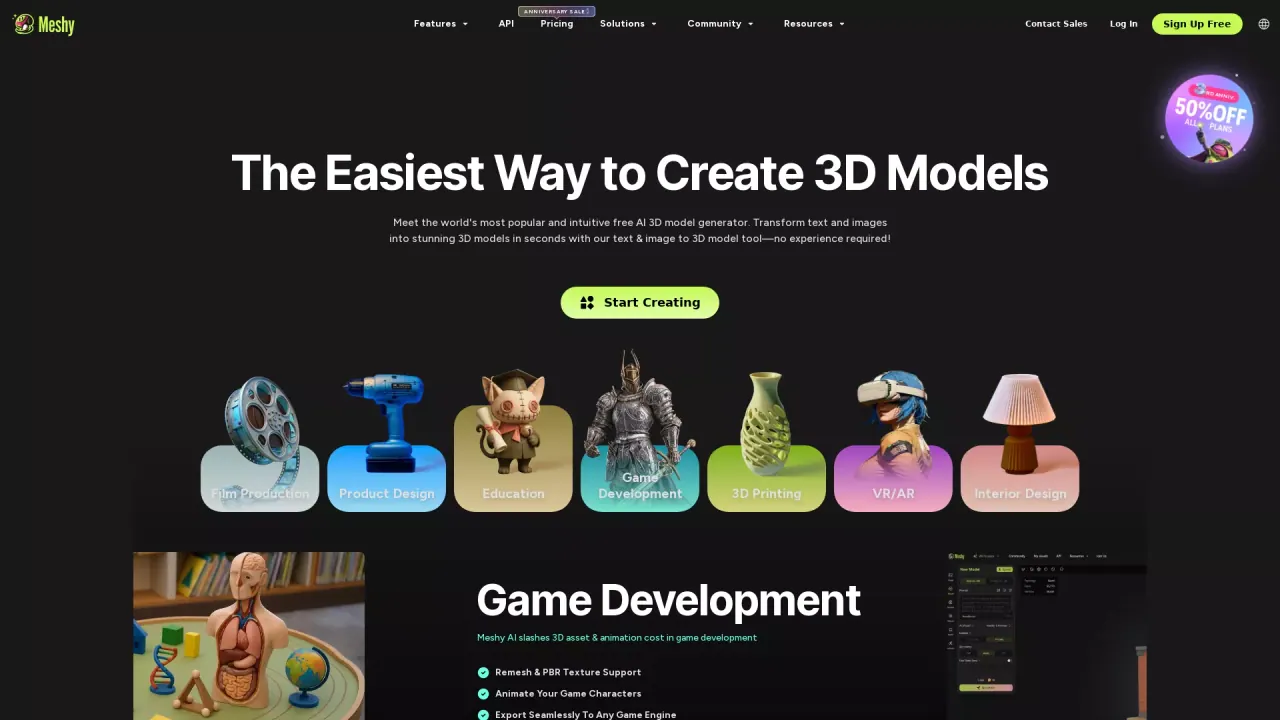
MeshyAI turns text prompts or images into textured, export-ready 3D models made to be watertight, printable, and game-ready.
Promoted
 Sidrune AI85% off. Stable Claude API for agent developers. Pay as you go. Invoices & refunds available.
 Pixmax.aiPixmax.ai is an all-in-one AI workspace for videos, visual stories, and marketing content.
 AI Checker PlusAI detector that highlights which passages AI wrote. Free check, no sign-up. Plagiarism too.
 RewindType any X/Twitter handle. Get their year back as a narrated video story. Then ask it anything.
 KurodyneSell the tools from your AI side projects. Listing is free.
 SEOify - Improve your SEO & rankingsBuild links to rank in Google. Improve your DR with links you can start building now.Advertise here330,000+ people visit Dang.ai every month.
What does MeshyAI do?
MeshyAI helps you generate fully textured 3D assets from a text description or an uploaded image (photo, sketch, or concept art), with a workflow built to minimize manual 3D work. Start by creating a preview mesh quickly, then refine into a production-ready model you can export and use downstream.
For 3D printing, Meshy focuses on printability. Exports are designed to be watertight and manifold, and a built-in printability check scans every export and auto-repairs edge cases so you can slice with fewer manual cleanup steps. If your model is too complex for a single print, Auto Split breaks it into watertight parts pre-arranged on the build plate. For multi-color printing, Meshy maps texture details to the right filament with clean color boundaries.
For games and real-time use, Meshy supports texturing and generation workflows that fit common pipelines. You can generate 3D content from image references and create PBR texture sets (albedo, normal, metallic, roughness) without shader setup, with an HD Texture option for crisp 4K detail. Low Poly mode can also help you control topology and produce cleaner real-time assets. Exports support common formats such as STL, OBJ, and 3MF for printing.
Meshy also offers AI agent workflows via an MCP server that can be added to MCP clients with a single command. Meshy is a good fit for game developers, creators, concept artists, 3D printing enthusiasts, and anyone building an AI-assisted asset pipeline.
Free plan and licensing: the free plan includes 200 credits per month with no credit card required for Text to 3D, Image to 3D, and AI Texturing. Free plan models are licensed under CC BY 4.0 for commercial use with attribution required; Pro assets are privately licensed with no attribution required.
What inputs can I use to create a 3D model in MeshyAI?
You can generate 3D models from text prompts (Text to 3D) or from uploaded images like photos, sketches, and concept art (Image to 3D).
Are MeshyAI exports good for 3D printing?
Yes. MeshyAI generates watertight, manifold models intended for printing, and each export runs a printability check that auto-repairs edge cases before you slice.
Can MeshyAI help with multi-color and complex prints?
Yes. Multi-color printing maps textures to the right filament with clean boundaries, and Auto Split can break large models into watertight parts arranged for printing.
What export file formats are available?
MeshyAI exports in 3MF, STL, and OBJ so you can send models directly to slicers and other tools.
Does MeshyAI generate PBR textures automatically?
Yes. You can generate a full PBR texture set (albedo, normal, metallic, roughness) with no shader setup, and you can enable HD Texture for crisp 4K detail.
What’s included in the MeshyAI Free plan, and how does licensing work?
The Free plan includes 200 credits per month with no credit card required for Text to 3D, Image to 3D, and AI Texturing. Free plan models are CC BY 4.0 for commercial use with attribution required; Pro assets are privately licensed and don’t require attribution.
This listing is claimed
Own MeshyAI? Sign in with the email used to claim it to manage this listing, or upgrade to Pro for featured-first placement and a newsletter feature.