
pdftoword.ai
Verified
AI Assistant Tools
pdftoword.ai is an online toolkit of 24 free PDF tools for converting, editing, securing, and optimizing files—no installs or account needed.
Promoted
 Sidrune AI85% off. Stable Claude API for agent developers. Pay as you go. Invoices & refunds available.
 Pixmax.aiPixmax.ai is an all-in-one AI workspace for videos, visual stories, and marketing content.
 AI Checker PlusAI detector that highlights which passages AI wrote. Free check, no sign-up. Plagiarism too.
 RewindType any X/Twitter handle. Get their year back as a narrated video story. Then ask it anything.
 KurodyneSell the tools from your AI side projects. Listing is free.
 SEOify - Improve your SEO & rankingsBuild links to rank in Google. Improve your DR with links you can start building now.Advertise here270,000+ people visit Dang.ai every month.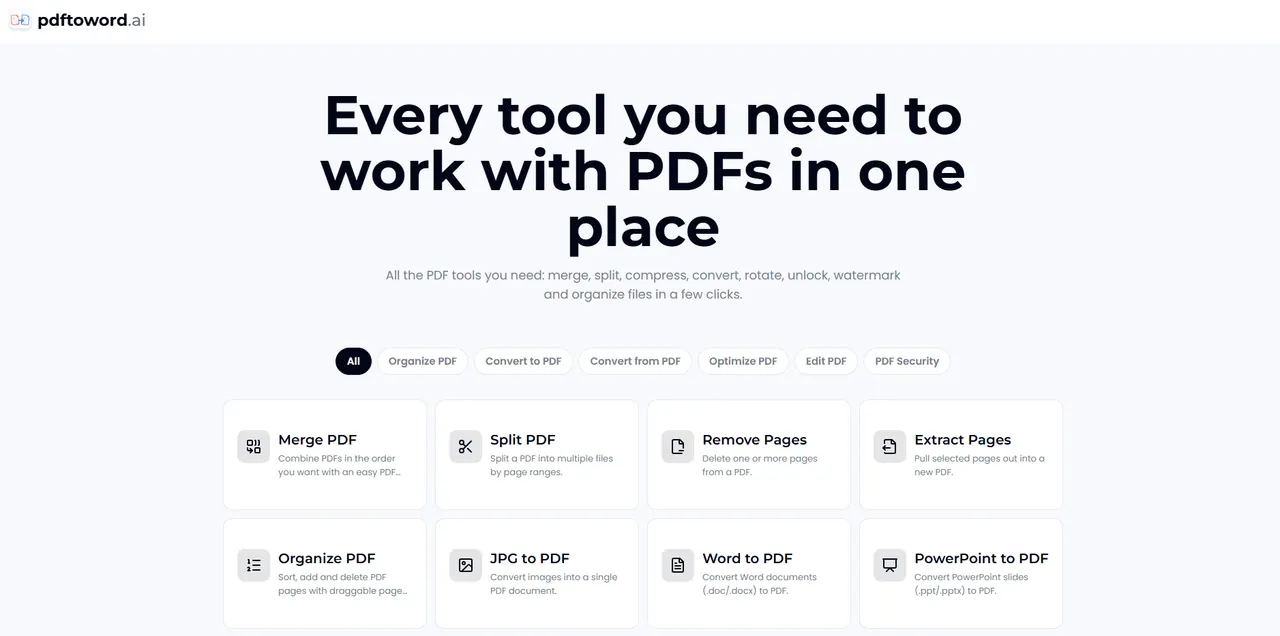
What does pdftoword.ai do?
pdftoword.ai is an all-in-one online PDF toolkit with 24 free tools for converting, editing, optimizing, and securing your documents. Upload a file, choose the job you need (like PDF to Word, merge, split, compress, OCR, rotate, or watermark), and download the result.
Use conversion tools to switch between formats such as PDF ↔ Word, PDF ↔ Excel, PDF ↔ JPG, and more, including converting images or web pages (by URL) into PDF. For document editing and organization, you can merge PDFs, split by page ranges, remove or extract pages, reorder and manage pages, rotate and crop, and add page numbers.
Need optimization or security? Compress PDFs to reduce file size, OCR scanned documents to add searchable text, repair damaged PDFs, and convert to the archival PDF/A standard. You can also protect PDFs by password (AES-256) or unlock PDFs you own.
What can I do with pdftoword.ai?
You can convert files to and from PDF, merge and split documents, compress and repair PDFs, run OCR on scans, edit and organize pages, and protect PDFs with a password or unlock PDFs you own.
Are the PDF tools really free?
Yes—pdftoword.ai offers 24 free PDF tools in one place for everyday PDF tasks, with no software installation required.
Do I need to install anything or create an account?
No. You can upload your file to the tool and download the result without installing software or creating an account.
How do I start a PDF task?
Pick the tool you need, upload your PDF (drag and drop or browse), then download the converted/processed file once it finishes.
Can I handle both conversion and editing with the same toolkit?
Yes. You can use conversion tools like PDF to Word alongside editing tools such as merge, split, rotate, crop, remove pages, and reorder pages—all within the same toolkit.
What PDF security options are available?
You can encrypt a PDF with a password (AES-256) to protect it, or unlock a password-protected PDF you own.
This listing is claimed
Own pdftoword.ai? Sign in with the email used to claim it to manage this listing, or upgrade to Pro for featured-first placement and a newsletter feature.