Markitdown Online
AI Data Processing & Analytic Tools
Markitdown Online converts DOCX, PDF, PPTX and more into AI-friendly Markdown you can preview, download, and reuse.
- Pricing
- Free
- Category
- Data
- Listed
- Jun 26, 2026
- Updated
- Jun 27, 2026
Promoted
 Sidrune AI85% off. Stable Claude API for agent developers. Pay as you go. Invoices & refunds available.
 Pixmax.aiPixmax.ai is an all-in-one AI workspace for videos, visual stories, and marketing content.
 RewindType any X/Twitter handle. Get their year back as a narrated video story. Then ask it anything.
 KurodyneSell the tools from your AI side projects. Listing is free.
 SEOify - Improve your SEO & rankingsBuild links to rank in Google. Improve your DR with links you can start building now.Advertise here270,000+ people visit Dang.ai every month.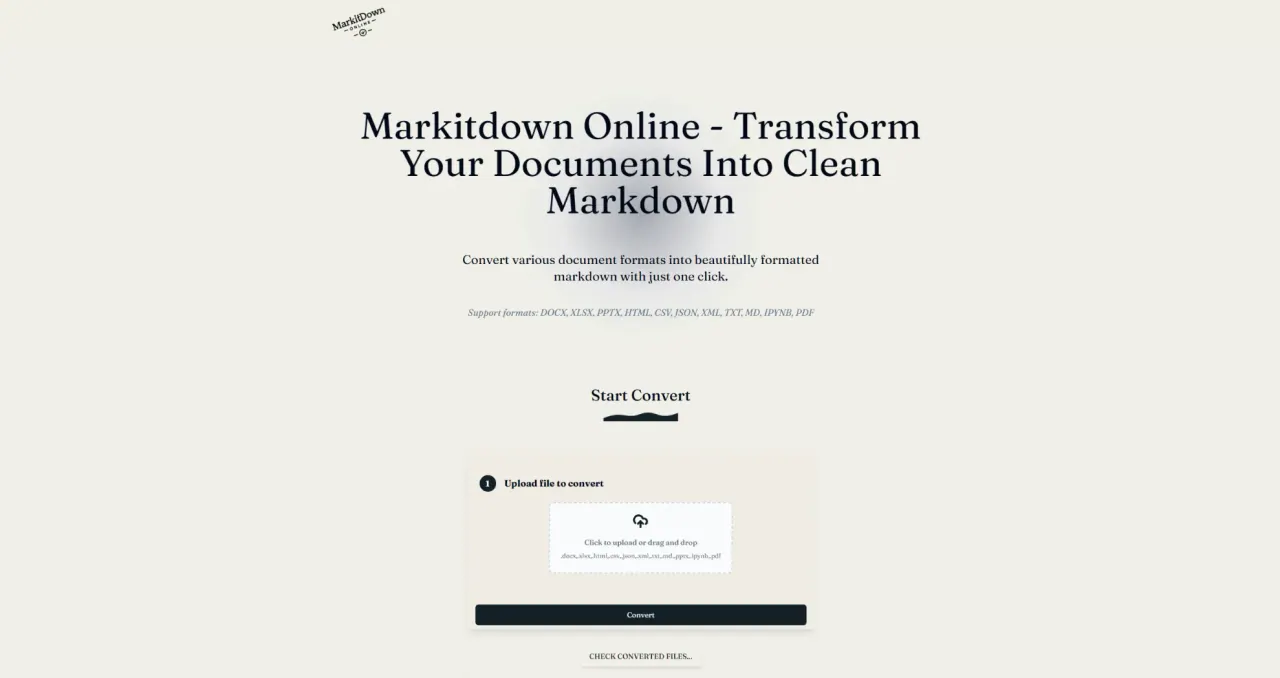
What does Markitdown Online do?
Markitdown Online turns documents, spreadsheets, slides, web pages, and notes into structured Markdown—making content easier to read, search, edit, and reuse in AI and documentation workflows.
Upload a supported file, convert to Markdown, review the preview, then download the resulting .md for use in docs, knowledge bases, prompt libraries, or agent context. The workflow is designed to preserve useful document signals like headings, lists, tables, and readable sections.
Supported inputs include DOCX, XLSX, PPTX, PDF (text-based only), HTML, CSV, JSON, XML, TXT, MD, and IPYNB. Review converted output—especially for complex formatting—to ensure it’s ready for your next workflow.
What file types can Markitdown Online convert to Markdown?
It supports DOCX, XLSX, PPTX, PDF, HTML, CSV, JSON, XML, TXT, MD, and IPYNB.
Is PDF-to-Markdown supported for scanned or image-only PDFs?
Only text-based PDFs are supported. Scanned or image-only PDFs (non-OCR) can’t be recognized.
How do I convert a file to Markdown?
Upload a supported file (drag-and-drop or select/upload), run Convert, review the Markdown preview, and then download the Markdown output.
Where can I use the converted Markdown?
Use it in documentation pages, README files, knowledge bases, prompt libraries, and agent workflow inputs where plain-text structure is easier to work with.
Will the conversion preserve structure like headings and tables?
The converter extracts main text and keeps useful structure such as headings, lists, and tables when present in the source.
Do I need an account to convert files?
You can start conversion from the site interface. If you want to continue past any limits shown in the conversion flow, you may need to sign in to upgrade.
This listing is claimed
Own Markitdown Online? Sign in with the email used to claim it to manage this listing, or upgrade to Pro for featured-first placement and a newsletter feature.