
ChatGPT Everywhere
No longer active
Linkedin AI Comment Generator
Unleash AI-powered comments on LinkedIn with LinkedGPT - the ultimate Linkedin AI Comment Generator.
ChatGPT Everywhere is no longer available
- Category
- Chatbot
- Listed
- Aug 4, 2023
- Shut down
- May 13, 2026
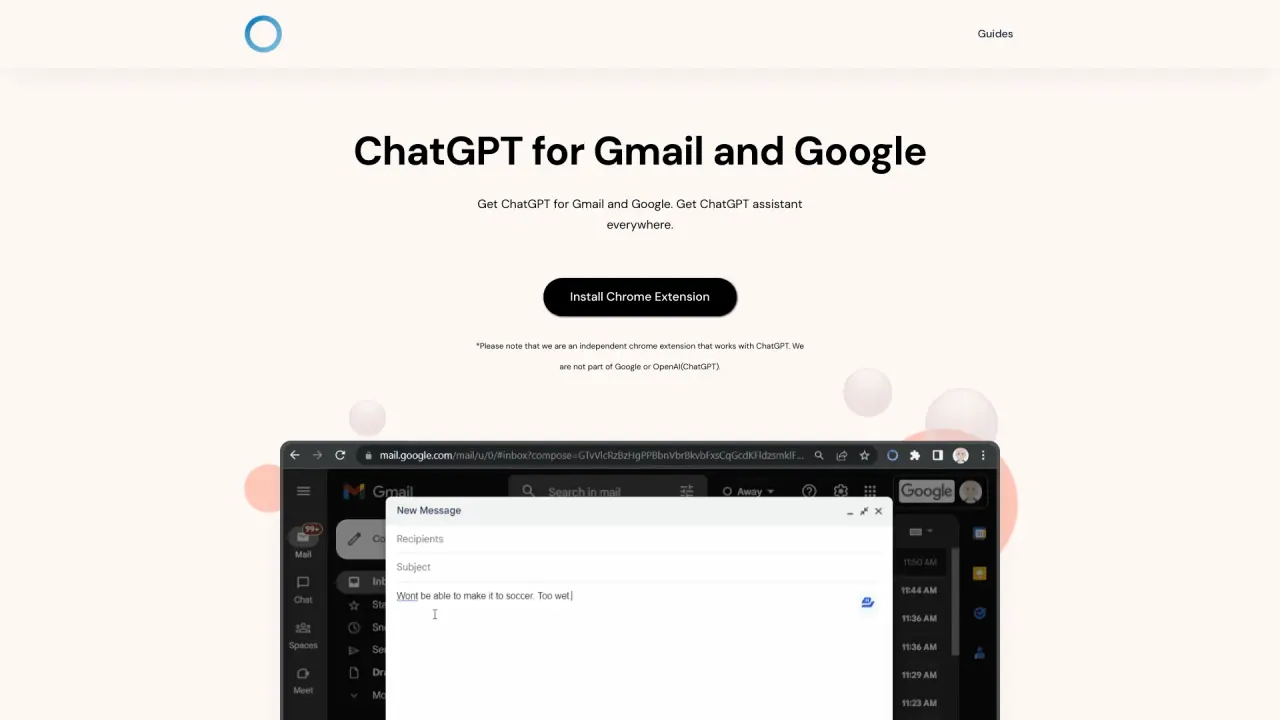
What does ChatGPT Everywhere do?
How do I install the ChatGPT Everywhere Chrome extension?
To install the ChatGPT Everywhere Chrome extension, follow these steps:
- Download the extension from the Chrome Web Store.
- Click "Add to Chrome" and confirm the installation.
- Once installed, you can either go to Google or click on the extension icon located at the top right of your browser.
- You can now type your question and see the results powered by ChatGPT.
Can I use ChatGPT Everywhere on any website?
Yes, you can use ChatGPT Everywhere on any website. The extension features a sidebar that you can access with just one click of the extension button. This allows you to experience the full potential of ChatGPT's language model, no matter which webpage you are on. It works seamlessly with Google search queries and other text-based interactions across the web.
Is ChatGPT Everywhere free to use?
The ChatGPT Everywhere Chrome extension itself is free to download and use. However, to access the full capabilities of ChatGPT, you will need to provide your own API key from OpenAI, which may come with associated costs depending on the usage and the plan you choose.
Is ChatGPT Everywhere affiliated with OpenAI or Google?
ChatGPT Everywhere is an independent Chrome extension that works with ChatGPT. It is not affiliated with OpenAI or Google, even though it enhances functionality on platforms like Gmail and Google.
What features does ChatGPT Everywhere offer?
ChatGPT Everywhere provides seamless access to ChatGPT's extensive database for limitless answers, integrates with Google search for efficient query responses, and features a sidebar accessible from any webpage for leveraging its full potential.