
Img2Img
AI Image Style Transfer
Create new images from your photo by choosing a style or describing changes, then download and keep iterating on saved versions.
- Pricing
- Freemium
- Category
- AI Detector
- Listed
- Jan 29, 2026
- Updated
- Nov 4, 2026
Promoted
 AI Checker PlusAI detector that highlights which passages AI wrote. Free check, no sign-up. Plagiarism too.
 RewindType any X/Twitter handle. Get their year back as a narrated video story. Then ask it anything.
 KurodyneSell the tools from your AI side projects. Listing is free.
 Sidrune AI85% off. Stable Claude API for agent developers. Pay as you go. Invoices & refunds available.
 Pixmax.aiPixmax.ai is an all-in-one AI workspace for videos, visual stories, and marketing content.
 SEOify - Improve your SEO & rankingsBuild links to rank in Google. Improve your DR with links you can start building now.Advertise here330,000+ people visit Dang.ai every month.
What does Img2Img do?
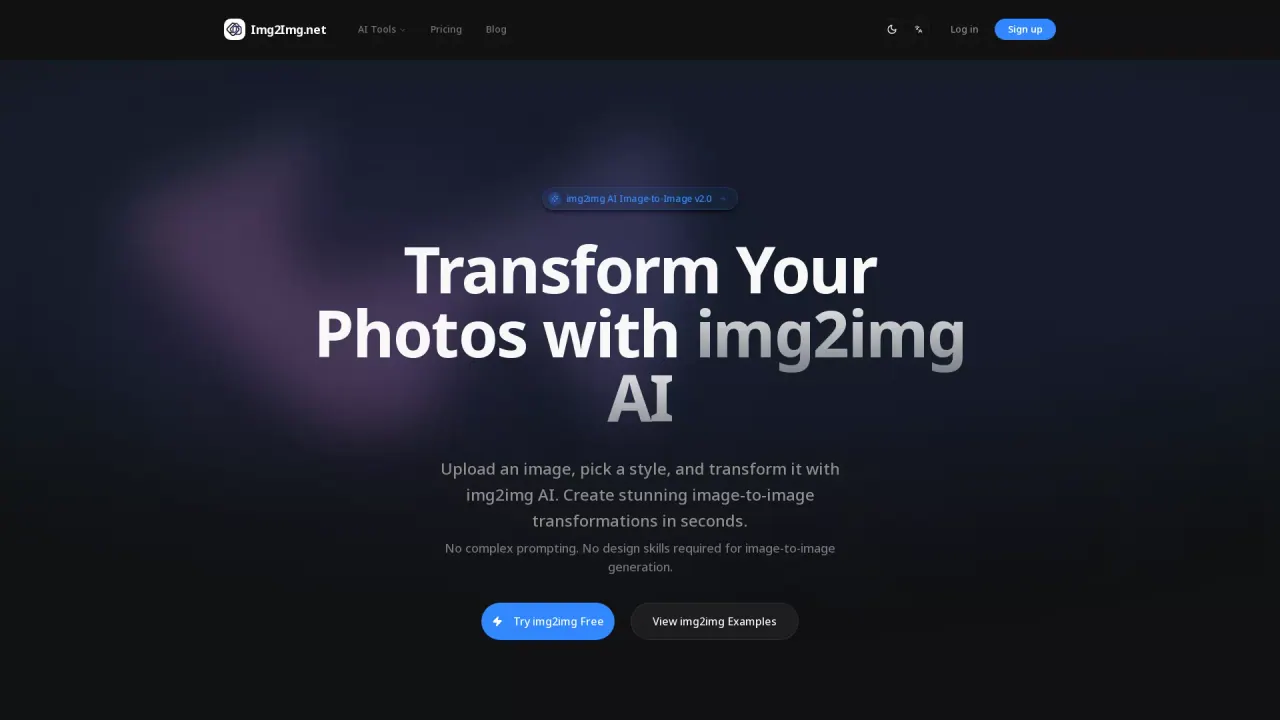
Image2Img is an image-to-image AI that transforms a photo into a new look while keeping what matters—such as the person, pose, and composition. Instead of starting from a blank canvas, you begin with your own image and guide the result with either ready-made “looks” or plain-language edits (like changing style, lighting, hair, or restoring damaged prints).
You can use Image2Img in a simple, phone-friendly flow: upload (or paste/drop) a photo in supported formats, select an optional look, then describe what you want to change. The tool lets you download clean, full-size results and continue refining without starting over—each version you generate is kept so you can jump back to earlier iterations.
Popular uses include turning selfies into anime or 90s film styles, previewing multiple hairstyle ideas on the same person, recreating a scene as a paper collage or travel pin, and restoring old photos by repairing scratches, fading, and adding natural color. If you’re aiming for quick creative variations without needing to write prompts, the curated looks help you get started fast.
Pricing is available as a FREE plan: you get 1 free image generation per day, no sign-up needed, and free results are deleted automatically after 2 days (or 30 days if you save them). Downloads have no watermark and are clean and full-size.
Is Image2Img free to use?
Yes—Image2Img offers 1 free image generation per day with no sign-up required. The free count resets at 00:00 UTC.
Do I need an account to generate images?
No sign-up is needed for the free daily generation. You only need to log in if you want to save your work.
What kinds of edits can I ask for?
You can use a ready-made look (like Anime, 90s film, Doodle in real life, or Old photo restoration) or describe changes in plain words—such as style, hairstyles, lighting, or repairing damage.
What photo formats and file sizes are supported?
You can upload JPG, PNG, WebP, or HEIC files up to 20 MB. You can also drop, paste, or take a photo.
Can I keep editing after I download a result?
Yes. Every version is saved so you can jump back and build on the prior result while refining your edits. Clean, full-size downloads are available for each generated version.
What happens to my uploaded photos and generated results?
Results are deleted automatically after 2 days, or after 30 days if you save them.
This listing is claimed
Own Img2Img? Sign in with the email used to claim it to manage this listing, or upgrade to Pro for featured-first placement and a newsletter feature.