HTML to URL
AI Code Writers & Generator Tools
HTML to URL turns pasted HTML into a live, hosted link in seconds so you can preview and share without deployment.
- Pricing
- Free
- Category
- Code
- Listed
- Jun 7, 2026
- Updated
- Jun 7, 2026
Promoted
 Sidrune AI85% off. Stable Claude API for agent developers. Pay as you go. Invoices & refunds available.
 Pixmax.aiPixmax.ai is an all-in-one AI workspace for videos, visual stories, and marketing content.
 RewindType any X/Twitter handle. Get their year back as a narrated video story. Then ask it anything.
 KurodyneSell the tools from your AI side projects. Listing is free.
 SEOify - Improve your SEO & rankingsBuild links to rank in Google. Improve your DR with links you can start building now.Advertise here270,000+ people visit Dang.ai every month.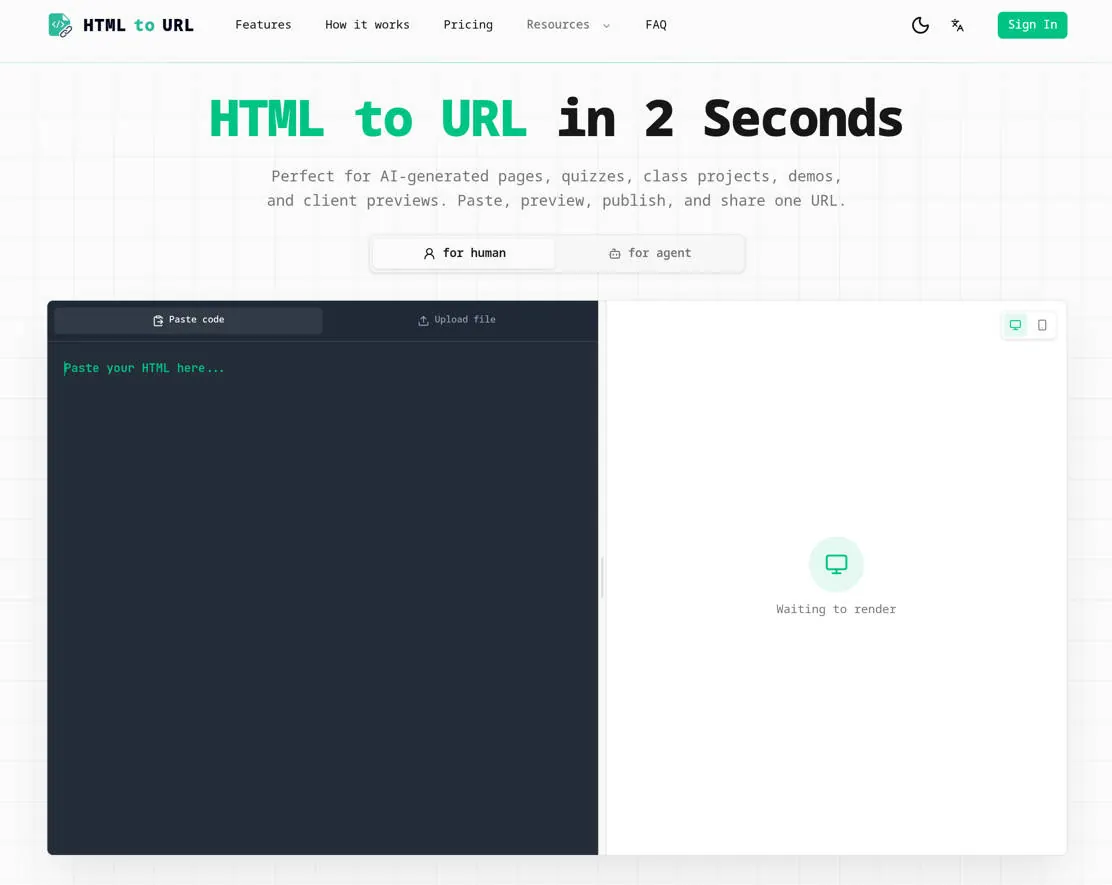
What does HTML to URL do?
HTML to URL is a quick way to convert raw HTML—snippets or full documents—into a browser-ready hosted link. Paste your HTML or upload a .html/.htm file, preview it in the browser, and then publish a single URL you can send anywhere.
It’s designed for fast sharing when a full deployment is more effort than the page deserves. Use it for AI-generated pages, quizzes, class projects, demos, and client previews where stakeholders need to open the result directly.
Generated pages are served with noindex headers to help keep the main site’s SEO cleaner, and you don’t need an account to generate and share links. This makes it especially handy for rapid prototyping and review cycles.
What is an HTML to URL converter?
An HTML to URL converter turns raw HTML code into a link that opens in any browser. Instead of sending files or deployment instructions, you share one hosted URL.
How do I convert HTML to a URL?
Paste your HTML or upload a .html/.htm file, preview the rendered page in your browser, publish it, then copy and share the generated URL.
Do I need Vercel, Netlify, or my own server to use it?
No—HTML to URL is built for publishing a single HTML page as a hosted link without setting up a separate hosting workflow.
Can I host AI-generated HTML online?
Yes. It’s made to turn HTML generated by AI coding tools into a shareable link other people can open in their browser.
Will the generated pages be indexed by Google?
Generated pages are delivered with noindex headers, which helps avoid indexing those user-generated pages.
Can JavaScript and CSS work in the hosted HTML?
Yes—HTML to URL supports embedded CSS and JavaScript inside your HTML so the page can render correctly when shared via the hosted link.
This listing is claimed
Own HTML to URL? Sign in with the email used to claim it to manage this listing, or upgrade to Pro for featured-first placement and a newsletter feature.