
lovevoice ai
Verified
Free AI Voice Generator
Lovevoice AI turns your text into natural-sounding MP3 voiceovers with nearly 300 voices across 70+ languages.
Promoted
 RewindType any X/Twitter handle. Get their year back as a narrated video story. Then ask it anything.
 KurodyneSell the tools from your AI side projects. Listing is free.
 Sidrune AI85% off. Stable Claude API for agent developers. Pay as you go. Invoices & refunds available.
 Pixmax.aiPixmax.ai is an all-in-one AI workspace for videos, visual stories, and marketing content.
 SEOify - Improve your SEO & rankingsBuild links to rank in Google. Improve your DR with links you can start building now.Advertise here270,000+ people visit Dang.ai every month.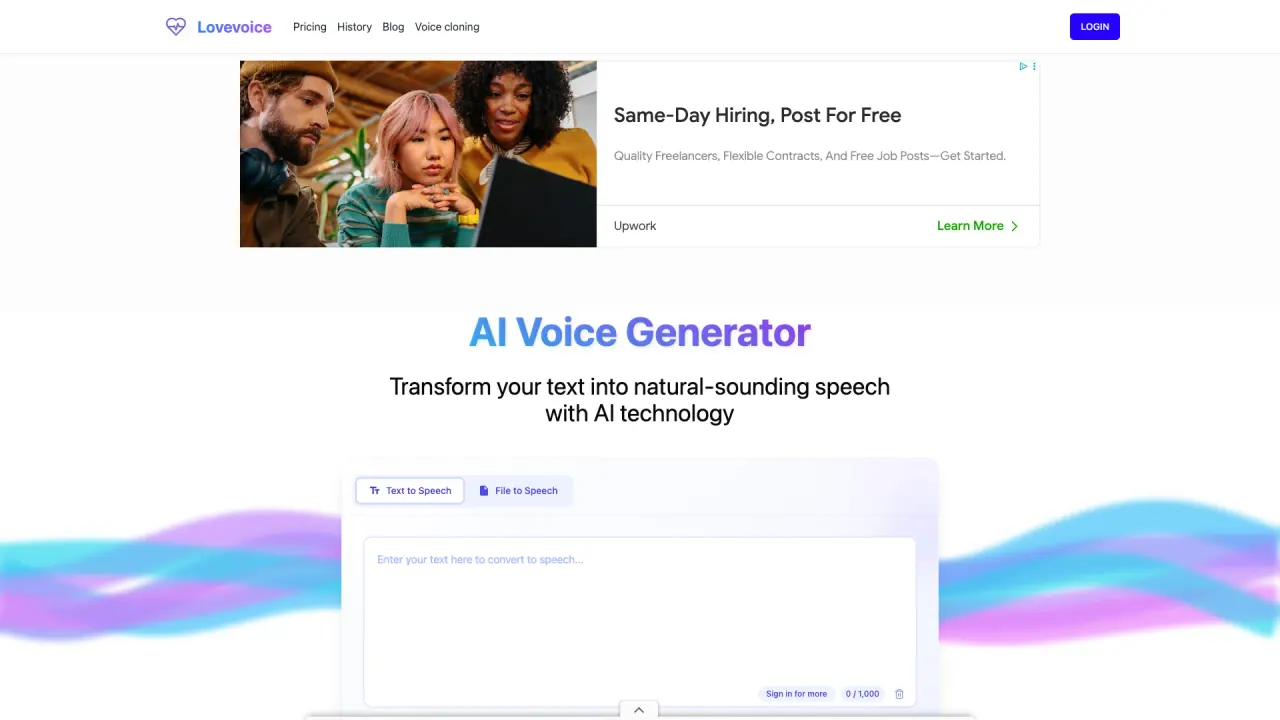
What does lovevoice ai do?
Lovevoice AI Voice Generator is an AI text-to-speech (TTS) tool that converts written text into natural-sounding speech. It helps you create professional voiceovers quickly for videos, podcasts, audiobooks, presentations, and marketing content—without needing a recording studio.
Choose from nearly 300 realistic AI voices spanning 70+ languages. You can customize how your narration sounds by adjusting speed, volume, and pitch, then generate an audio track in seconds. Lovevoice also supports inserting pauses by placing periods in your text, giving you control over pacing and emphasis.
For larger projects, Lovevoice supports long text inputs (over 20,000 characters per conversion) and lets you export your generated audio as MP3. There’s also a File Transcription feature that supports multiple formats including PDF, TXT, DOC, and more.
Lovevoice offers a free AI voice generator option to try the workflow, and pricing details are available on its Pricing page. If you need usage guidance for commercial work, commercial usage rights may depend on the subscription plan—check the terms of service for specifics. For help, reach out at support@lovevoice.ai.
What does Lovevoice AI do?
Lovevoice AI converts text into natural-sounding speech using AI voice synthesis. You can use it to create voiceovers for content like videos, podcasts, audiobooks, presentations, and marketing.
How many voices and languages are available?
You can choose from nearly 300 AI voices across 70+ languages, including a wide range of English, Spanish, Chinese, Arabic, and more localized variants.
Can I control how the voice sounds?
Yes. You can adjust speed, volume, and pitch, and you can choose different voices and languages to match your narration style.
How do pauses work in the generated speech?
Add pauses by inserting a period (.) wherever you want a pause. Each period pauses the voice for one second, even mid-sentence, so you can control rhythm.
What is the maximum length of text per conversion?
Lovevoice supports long text inputs, including over 20,000 characters per conversion.
Can I download the output audio, and in what format?
Yes. The generated audio can be downloaded as MP3.
This listing is claimed
Own lovevoice ai? Sign in with the email used to claim it to manage this listing, or upgrade to Pro for featured-first placement and a newsletter feature.