
Clean Voice
AI Voice Generator List
Clean Voice removes background noise from audio and video in minutes, so podcasts, interviews, courses, and social clips sound clearer.
- Pricing
- Free
- Category
- Voice
- Listed
- Aug 29, 2026
- Updated
- Oct 16, 2026
Promoted
 RewindType any X/Twitter handle. Get their year back as a narrated video story. Then ask it anything.
 KurodyneSell the tools from your AI side projects. Listing is free.
 Sidrune AI85% off. Stable Claude API for agent developers. Pay as you go. Invoices & refunds available.
 Pixmax.aiPixmax.ai is an all-in-one AI workspace for videos, visual stories, and marketing content.
 SEOify - Improve your SEO & rankingsBuild links to rank in Google. Improve your DR with links you can start building now.Advertise here270,000+ people visit Dang.ai every month.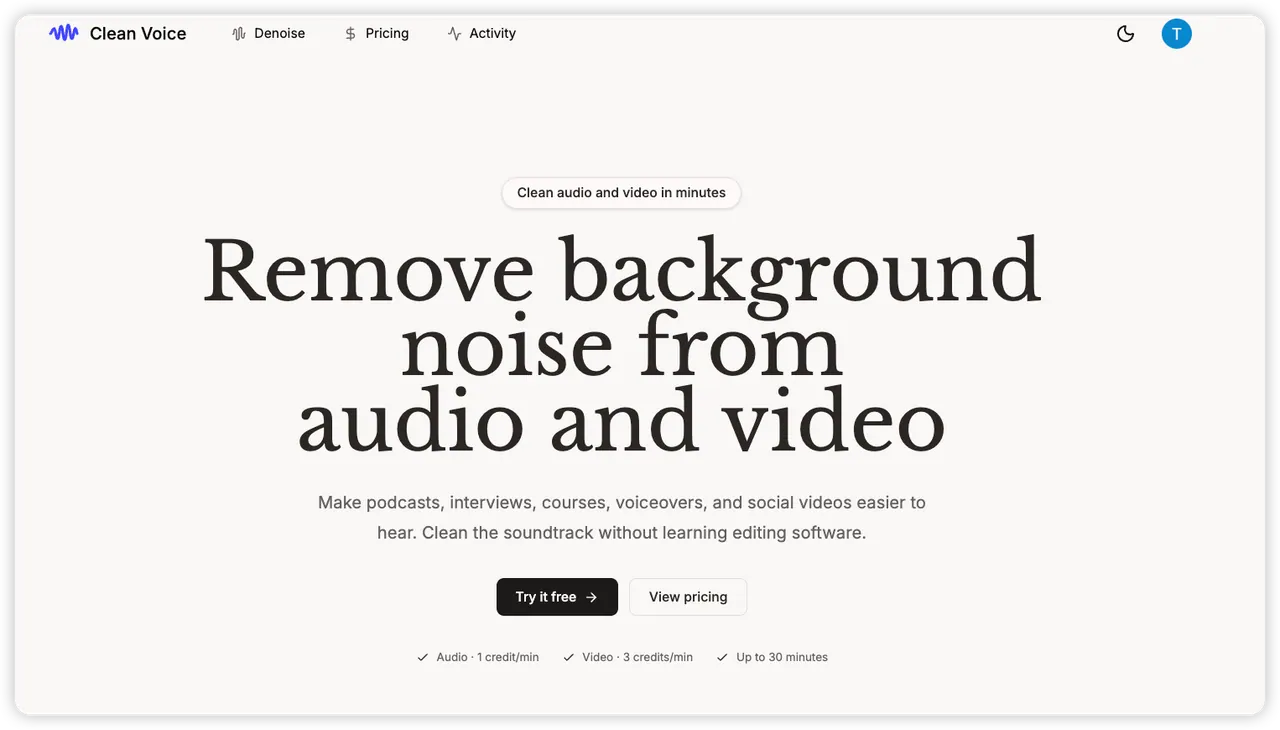
What does Clean Voice do?
Clean Voice is a denoising tool that removes background noise from audio and video, helping you make real recordings easier to hear—without learning editing software. Whether you’re working with a podcast episode, an interview, an online course, a voiceover, a video call, or a social media clip, Clean Voice focuses on the moments where room tone, location noise, or other distractions get in the way.
The workflow is simple: start with your audio or video file, then switch between the original soundtrack and the cleaned version to hear the improvement in context. You can preview with demo playback without uploading, and you can view the denoising for both audio and video. The result is designed to be “ready-to-share” for everyday creators who want clearer sound without re-recording.
Credits power the processing. You get 10 free credits to start, with no credit card needed. Pricing uses a credit cost per minute: Audio costs 1 credit per minute and Video costs 3 credits per minute. Failed tasks cost nothing, and credits are deducted only after a valid output is ready.
File handling is built around control: your file stays in your browser until you sign in and start a task. Original files and results appear only in your account’s Activity history, and processing/downloads use expiring signed links rather than permanent public URLs.
Which types of projects is Clean Voice best for?
It’s designed for podcasts, interviews, online courses, voiceovers, video calls, and social videos where background noise makes speech harder to follow.
How do I see the denoise results?
You play the same recording and switch between the original and the cleaned soundtrack so you can hear the improvement in context.
How does pricing work?
You start with 10 free credits. Audio is 1 credit per minute and video is 3 credits per minute, and credits are deducted only after a valid output is ready.
Do failed tasks use credits?
No. Failed tasks cost nothing, so you only pay (in credits) for successful results.
Do I need to upload files to try it?
No for preview: demo playback needs no upload and requires no credit card. For your own files, uploading begins only after you sign in and start the task.
How are my files kept and accessed after processing?
Original files and results appear only in your account’s Activity history, and downloads/processing use expiring signed links instead of permanent public URLs.
This listing is claimed
Own Clean Voice? Sign in with the email used to claim it to manage this listing, or upgrade to Pro for featured-first placement and a newsletter feature.