
BillExtractor
AI Assistant Tools
BillExtractor uses AI OCR to extract structured invoice and bill data from emails, PDFs, and images, then export it as JSON or Excel.
- Pricing
- Free
- Category
- Assistant
- Listed
- Jul 20, 2026
- Updated
- Jul 21, 2026
Promoted
 RewindType any X/Twitter handle. Get their year back as a narrated video story. Then ask it anything.
 KurodyneSell the tools from your AI side projects. Listing is free.
 Sidrune AI85% off. Stable Claude API for agent developers. Pay as you go. Invoices & refunds available.
 Pixmax.aiPixmax.ai is an all-in-one AI workspace for videos, visual stories, and marketing content.
 SEOify - Improve your SEO & rankingsBuild links to rank in Google. Improve your DR with links you can start building now.Advertise here270,000+ people visit Dang.ai every month.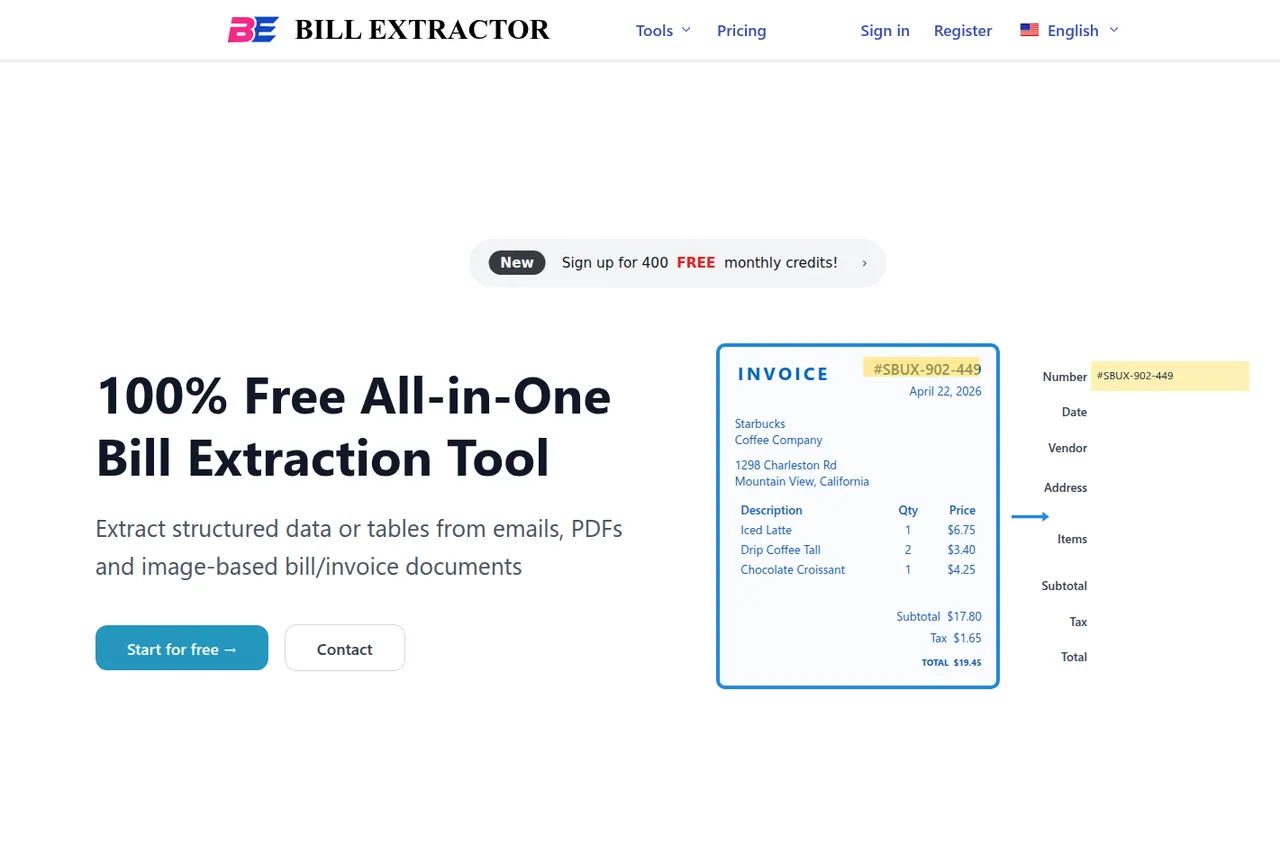
What does BillExtractor do?
BillExtractor is an all-in-one bill and invoice extraction tool that turns emails, PDFs, and image-based receipts into structured, usable data. Upload your documents or forward emails to your private inbox, and the AI parses key fields automatically—even when layouts vary.
Choose to use a pre-built schema or define your own to match the fields you care about. Extracted results are consolidated in one place so you can review what was captured and then download individually or in bulk as Excel or JSON.
For workflows that need data in other tools, you can also auto-sync directly to Google Sheets or other online tools. BillExtractor supports a wide range of bill types (utility bills, credit card statements, hotel folios, restaurant receipts, medical bills, phone statements, and more), along with common PDF and image formats.
What document types can BillExtractor extract from?
You can extract structured data from emails, PDFs, and image-based bills/invoices (including formats like JPG and PNG). Upload files directly or forward your emails to your dedicated inbox.
How does BillExtractor handle different invoice or receipt layouts?
The AI adapts to varying bill, invoice, and receipt layouts automatically to pull out the fields you need without requiring a uniform template.
What does “credits” mean, and how are they used?
Credits are consumed based on page count: 1 page = 1 credit. For example, a 5-page PDF uses 5 credits.
Can BillExtractor perform OCR?
Yes. OCR is built in and enabled by default, converting text from images and scanned PDFs into editable, searchable data.
Can it process handwritten text?
Yes, as long as handwriting is clear and legible. For critical data, printed documents typically produce more reliable results.
What formats can I export the extracted results in?
You can download extracted data as Excel or JSON, either individually or in bulk.
This listing is claimed
Own BillExtractor? Sign in with the email used to claim it to manage this listing, or upgrade to Pro for featured-first placement and a newsletter feature.