
SummarifyApp
AI Youtube Video Summarizer
Revolutionize YouTube consuming with SummarifyApp, the AI Youtube Video Summarizer.
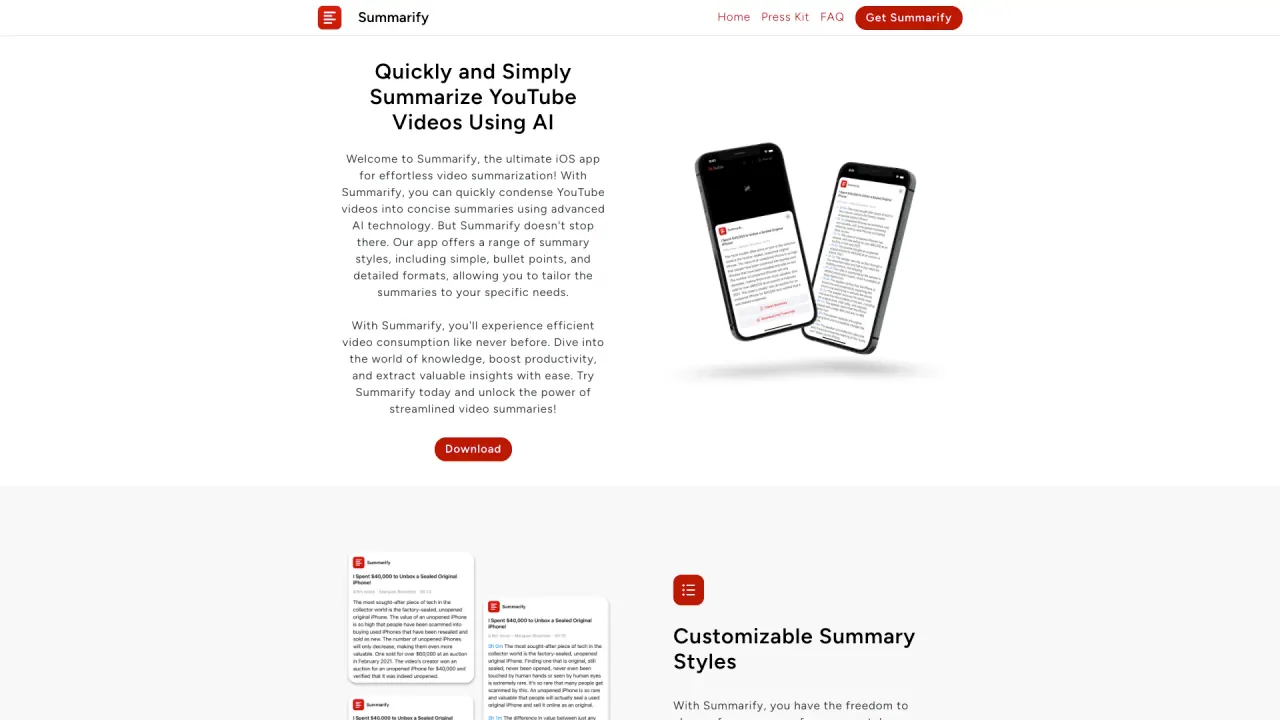
What does SummarifyApp do?
How can I use Summarify to summarize YouTube videos without leaving the YouTube app?
Use Summarify's share extension inside the YouTube app. When you share a video with Summarify, you receive an instant summary without switching apps.
What summary styles does Summarify offer?
Choose from simple, bullet-point, or detailed summaries. Each summary can include timestamps linked to the corresponding moments in the video for easy navigation.
What are Chapter Summaries and Custom Selections?
Chapter Summaries provide concise takes on the main points covered in each chapter of a video. Custom Selections let you pick specific parts of a video to create tailored summaries based on your preferences.
Can I search for YouTube videos within Summarify and view transcripts?
Yes. The Video Searching feature lets you search for YouTube videos and discover key moments. You can play videos or view transcripts to quickly find the information you need.
What devices and platforms does Summarify support?
Summarify works natively on iPhone, iPad, and Mac. It also offers a Chrome extension so you can access summaries on Windows, Linux, and Chromebooks—wherever Chrome runs.
Can I access my summaries on multiple devices?
Yes. Your summaries are accessible across Apple devices and via the Chrome extension on other platforms, keeping your content available wherever you are.
How do I export or share my summaries?
You can export summaries in PDF, Markdown (MD), or plain text (TXT) formats. You can also share summaries through standard sharing options.
What formats can I download transcripts in?
Transcripts can be downloaded in PDF, TXT, XML, or other compatible formats.
What is the Time Savings Tracker?
The Time Savings Tracker shows how many minutes and hours you’ve saved by summarizing videos instead of watching them in full, and it provides suggestions on how to use your newfound free time.
What powers Summarify's AI?
Summarify is powered by ChatGPT and OpenAI to generate high-quality, coherent video summaries.
How do I get started with Summarify?
- Visit the Summarify website at summarify.me. 2) Choose the content type (text, web URL, blog URL, YouTube URL, PDF, or audio). 3) Input or upload your content. 4) Click “Summarize” to generate your summary. 5) View the summary. 6) Sign in (optional) to save history. 7) Upgrade (optional) for more features and priority support.
How much does Summarify cost?
Summarify offers several pricing plans:
- Basic Plan: $39 per year (discounted to $31/year with a coupon) — up to 5 summaries/month; PDFs up to 5 pages; YouTube videos up to 10 minutes; audio up to 10 minutes.
- Standard Plan: $99 per year (discounted to $79/year with a coupon) — up to 100 summaries/month; PDFs up to 20 pages; YouTube videos up to 30 minutes; audio up to 30 minutes.
- Pro Plan: $149 per year (discounted to $119/year with a coupon) — up to 500 summaries/month; PDFs up to 50 pages; YouTube videos up to 60 minutes; audio up to 60 minutes; a free trial is available.
Is there a free version or trial available?
Yes. The app is available for free in the App Store and Mac App Store, and paid plans include a free trial to test the service.
Do I need an account to save my summaries?
Signing in is optional, but creating an account lets you save your summary history.
Is this your tool?
Claim SummarifyApp to manage this listing, or upgrade to Pro for featured-first placement and a newsletter feature.