
SummYT
AI Youtube Summarizer
Transform video consumption with AI YouTube Summarizer, the ultimate tool for instant video summaries.
- Pricing
- Free trial
- Category
- Summary
- Listed
- Aug 4, 2023
- Updated
- May 25, 2026
Promoted
 Sidrune AI85% off. Stable Claude API for agent developers. Pay as you go. Invoices & refunds available.
 Pixmax.aiPixmax.ai is an all-in-one AI workspace for videos, visual stories, and marketing content.
 SEOify - Improve your SEO & rankingsBuild links to rank in Google. Improve your DR with links you can start building now.Advertise here270,000+ people visit Dang.ai every month.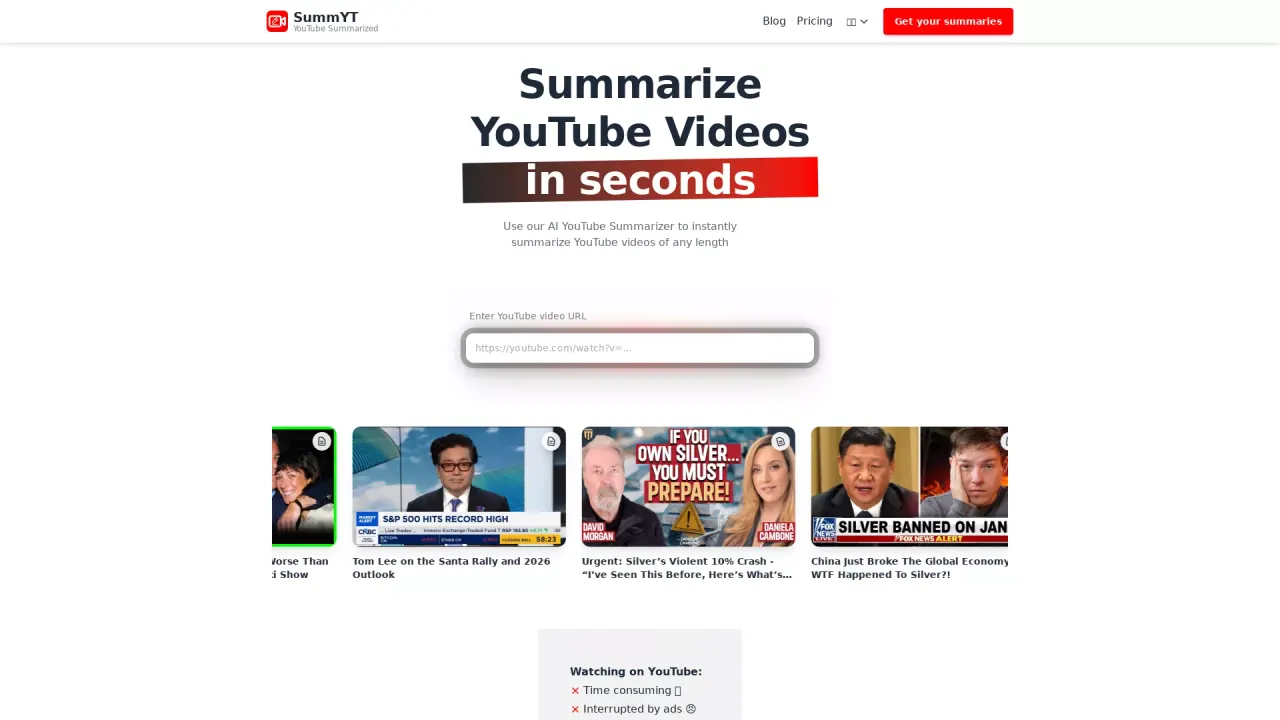
What does SummYT do?
What kind of YouTube videos can SummYT summarize?
SummYT works well for lectures, tutorials, interviews, explainers, and other longer YouTube videos.
Can I use SummYT without leaving YouTube?
Yes. SummYT offers a browser extension for Chrome and Edge, so you can summarize, read the transcript, and open chat while watching on YouTube.
Can I save my summaries for later?
Yes. SummYT saves your videos, summaries, transcripts, and chats in your personal library.
Do I get a transcript and can I chat with the video?
Yes. Along with the summary, you can open the transcript and use chat with the video.
What is included in your library for saved videos?
Your library keeps each saved video with its summary, transcript, and chat, so you can return later and switch between summary, transcript, and chat for any saved item.
What makes SummYT different from other summarizers?
SummYT is not just a one-time summarizer. It also provides a transcript, chat, a browser extension, and a personal library of saved videos.
How do I get SummYT and start using it?
Install the SummYT browser extension for Chrome or Edge to summarize while you browse YouTube, then sign in to access your library.
Can I browse public summaries?
Yes. You can open the public summaries feed to browse published video pages with summaries and transcripts.
Is this your tool?
Claim SummYT to manage this listing, or upgrade to Pro for featured-first placement and a newsletter feature.