
Smodin
AI Writing Assistant Platform
Transform your writing with Smodin, the powerful AI writing assistant platform.
Promoted
 KurodyneSell the tools from your AI side projects. Listing is free.
 Sidrune AI85% off. Stable Claude API for agent developers. Pay as you go. Invoices & refunds available.
 Pixmax.aiPixmax.ai is an all-in-one AI workspace for videos, visual stories, and marketing content.
 RewindType any X/Twitter handle. Get their year back as a narrated video story. Then ask it anything.
 SEOify - Improve your SEO & rankingsBuild links to rank in Google. Improve your DR with links you can start building now.Advertise here270,000+ people visit Dang.ai every month.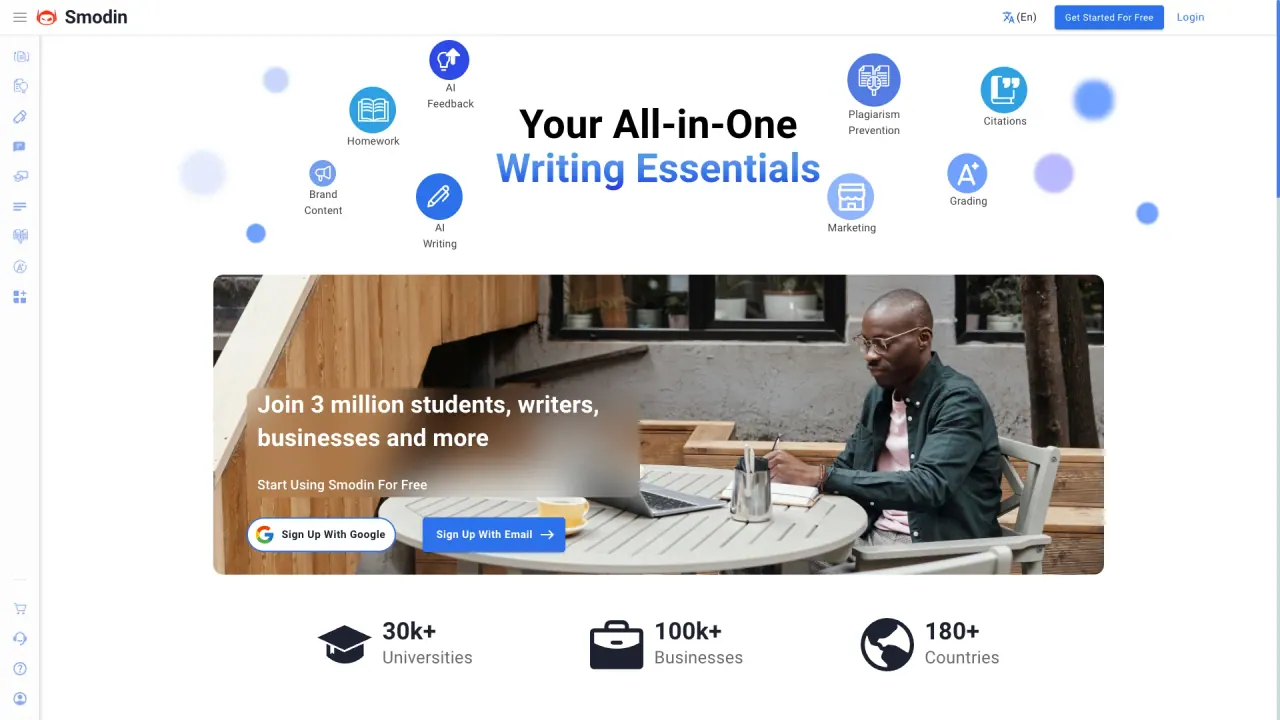
What does Smodin do?
What is Smodin?
Smodin is a global writing assistant that provides AI-powered tools to help you write, rewrite, detect AI content, check for plagiarism, summarize, and more. It serves students, writers, and professionals worldwide and supports multiple languages.
What tools does Smodin offer?
- AI Detector: Check if your writing contains AI, even at sentence level.
- AI Detection Remover: Find AI-derived text in your writing and remove it with one click.
- AI Paragraph Rewriter: Paraphrase paragraphs to improve readability, flow, grammar, and sentence structure.
- Plagiarism Checker: Scan your content against billions of resources to ensure originality.
- AI Humanizer: Make AI writing sound more human.
- Undetectable AI: Make AI-generated text harder to detect.
- AI Writer (Smodin Author): AI-assisted writing.
- Text Summarizer: Create concise summaries of longer texts.
- Homework Solver: AI-powered help for homework tasks.
- Chrome Extension: Access Smodin from your browser with a convenient extension.
How does Smodin help ensure originality?
Smodin offers a Plagiarism Checker that scans your content against billions of resources to help ensure originality. It also includes AI detection and removal tools to identify and remove AI-generated text from your drafts.
Can Smodin improve the quality and structure of my writing?
Yes. The AI Paragraph Rewriter polishes rough drafts and improves grammar, clarity, and paragraph structure. The AI Writer and Text Summarizer also assist with content creation and concise summarization.
Is there a free option or free trial?
Yes. The AI Detector is free for a limited time, and the site promotes starting with free access to certain tools.
Does Smodin support multiple languages?
Yes. Smodin is described as globally accessible and capable of providing answers in any language, indicating multilingual support.
Who can benefit from Smodin’s AI tools?
- Students: save time, improve writing, identify and remove AI content, and manage plagiarism.
- Writers: enhance content quality and efficiency with an all-in-one writing assistant.
- Professionals: ease workloads and keep content fresh and credible.
How secure is my data when I upload documents to Smodin?
Smodin provides a Privacy Policy detailing how your data is handled. For specifics on data security and privacy practices, see the Privacy Policy.
What is Smodin’s data privacy policy?
Smodin maintains a data privacy policy describing how your information is collected, used, and protected. Details are available on the site’s Privacy Policy page.
How can I reach Smodin’s support team?
You can contact support@smodin.io or call +1 (855) 766-3460 for assistance.
What file types can I upload to Smodin?
The site lists this as a frequently asked question but does not specify the allowed file types in the available content. For exact file-type support, consult the site documentation or contact support.
Does Smodin offer a Chrome extension?
Yes. Smodin provides a Chrome Extension for quick access from your browser.
Is Smodin available worldwide?
Yes. Smodin is marketed as a global writing assistant accessible regardless of region.
How can I get started with Smodin?
To begin, sign up or start using Smodin. The site promotes a “Get Started” / “Sign Up” flow and free access to some tools.
Is this your tool?
Claim Smodin to manage this listing, or upgrade to Pro for featured-first placement and a newsletter feature.