
Videohighlight
AI Video Summarization
Efficiently summarize and take notes from videos with Video Highlight's AI Video Summarization tool.
Promoted
 Sidrune AI85% off. Stable Claude API for agent developers. Pay as you go. Invoices & refunds available.
 Pixmax.aiPixmax.ai is an all-in-one AI workspace for videos, visual stories, and marketing content.
 RewindType any X/Twitter handle. Get their year back as a narrated video story. Then ask it anything.
 KurodyneSell the tools from your AI side projects. Listing is free.
 SEOify - Improve your SEO & rankingsBuild links to rank in Google. Improve your DR with links you can start building now.Advertise here270,000+ people visit Dang.ai every month.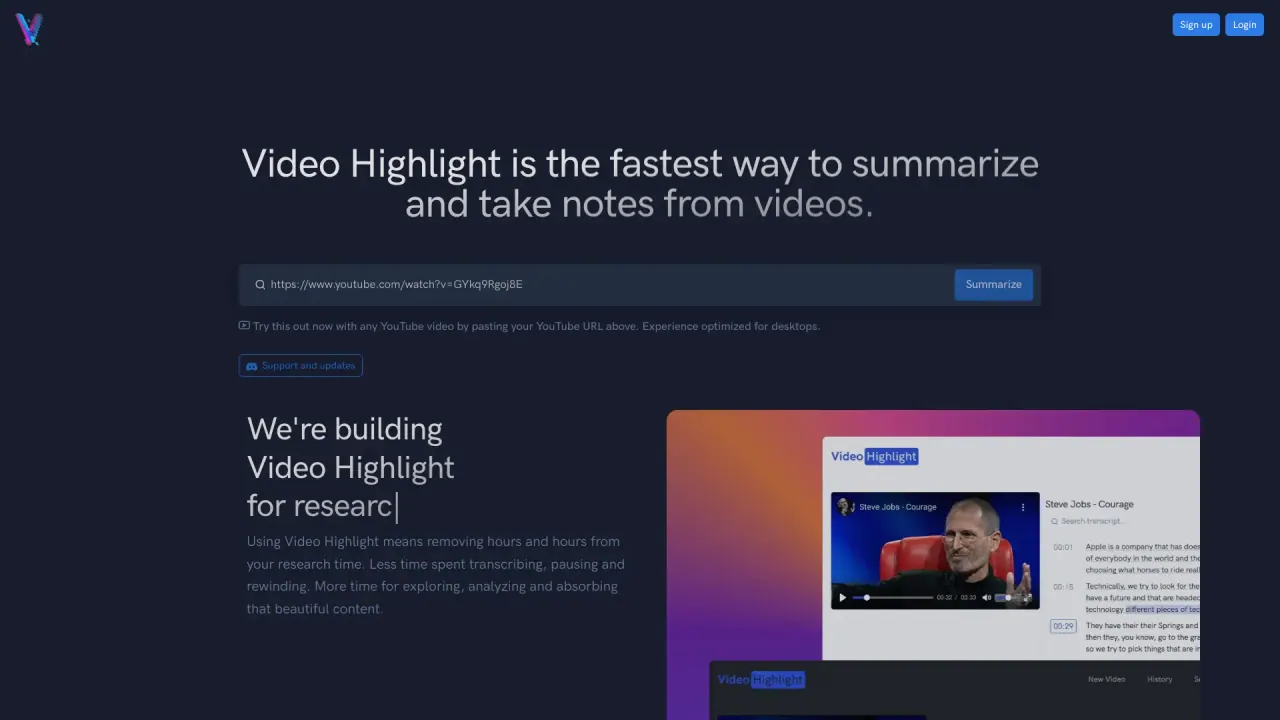
What does Videohighlight do?
What features does VideoHighlight offer for efficient video analysis?
VideoHighlight provides a comprehensive set of tools to streamline video analysis, including:
- AI-powered summaries and key points with timestamps
- Accurate, searchable transcripts in 37+ languages
- Smart Search to locate topics or keywords within summaries and transcripts
- Chat with Video for interactive Q&A with timestamped answers
- Highlights and notes to bookmark sections and annotate content
- Playlists to organize videos and the ability to import YouTube playlists and channels
- Export and copy options to Notion, Readwise, or as Word, Markdown, or CSV
- Cross-Video Search to search across your entire video collection
- Video Alerts to stay notified about relevant videos
- Teams for sharing playlists, highlights, and notes with teammates
- Private Videos for uploading your own files (e.g., MP4, MOV, MKV, AVI) to get AI summaries and transcripts
- Audio & Meetings uploads (MP3, WAV, M4A, WhatsApp voice messages) with transcripts
Can I use VideoHighlight for multilingual video content?
Yes. VideoHighlight delivers transcripts in 37+ languages and provides multilingual summaries. It also enables Smart Search across summaries and transcripts to help you access global insights.
How can VideoHighlight improve my workflow with videos?
VideoHighlight helps you move faster by:
- Jumping directly to key moments via time-stamped summaries
- Enabling precise answers with Chat with Video
- Providing multilingual transcripts to break language barriers
- Letting you highlight, annotate, and organize content like a document
- Offering easy export to Notion, Readwise, or common text formats for seamless note-taking
What file types can I upload to VideoHighlight?
- Private Videos: MP4, MOV, MKV, AVI
- Audio & Meetings: MP3, WAV, M4A, WhatsApp voice messages
Can I search across my entire video collection?
Yes. VideoHighlight includes Cross-Video Search, which lets you search across your entire video collection at once for quick access to relevant moments.
How do I export summaries and highlights?
You can export and copy your work to:
- Notion and Readwise
- Word, Markdown, or CSV formats
How can I organize and access YouTube content in VideoHighlight?
You can organize videos with Playlists and import YouTube playlists and channels for quick access and streamlined workflow.
What is Chat with Video and how does it work?
Chat with Video lets you ask questions about the video and receive precise answers with timestamps, helping you navigate to the exact moments that matter.
What is a Private Video?
Private Videos let you upload your own video files (such as MP4, MOV, MKV, AVI) to VideoHighlight to receive AI-generated summaries and transcripts. This is separate from public video content and is intended for your own uploads.
What is Video Alerts?
Video Alerts are a notification feature that works like Google Alerts for videos, helping you stay updated on new or relevant video content.
Can I collaborate with others in VideoHighlight?
Yes. Teams lets you share playlists, highlights, and notes with your team to support collaborative workflows.
Is this your tool?
Claim Videohighlight to manage this listing, or upgrade to Pro for featured-first placement and a newsletter feature.