
Video2Docs
Verified
AI Workflow Documentation
Turn screen recordings into clean, structured documentation with auto screenshots and a built-in Markdown editor.
- Pricing
- Free trial
- Category
- TTS
- Listed
- Feb 23, 2026
- Updated
- Oct 21, 2026
Promoted
 Sidrune AI85% off. Stable Claude API for agent developers. Pay as you go. Invoices & refunds available.
 Pixmax.aiPixmax.ai is an all-in-one AI workspace for videos, visual stories, and marketing content.
 RewindType any X/Twitter handle. Get their year back as a narrated video story. Then ask it anything.
 KurodyneSell the tools from your AI side projects. Listing is free.
 SEOify - Improve your SEO & rankingsBuild links to rank in Google. Improve your DR with links you can start building now.Advertise here270,000+ people visit Dang.ai every month.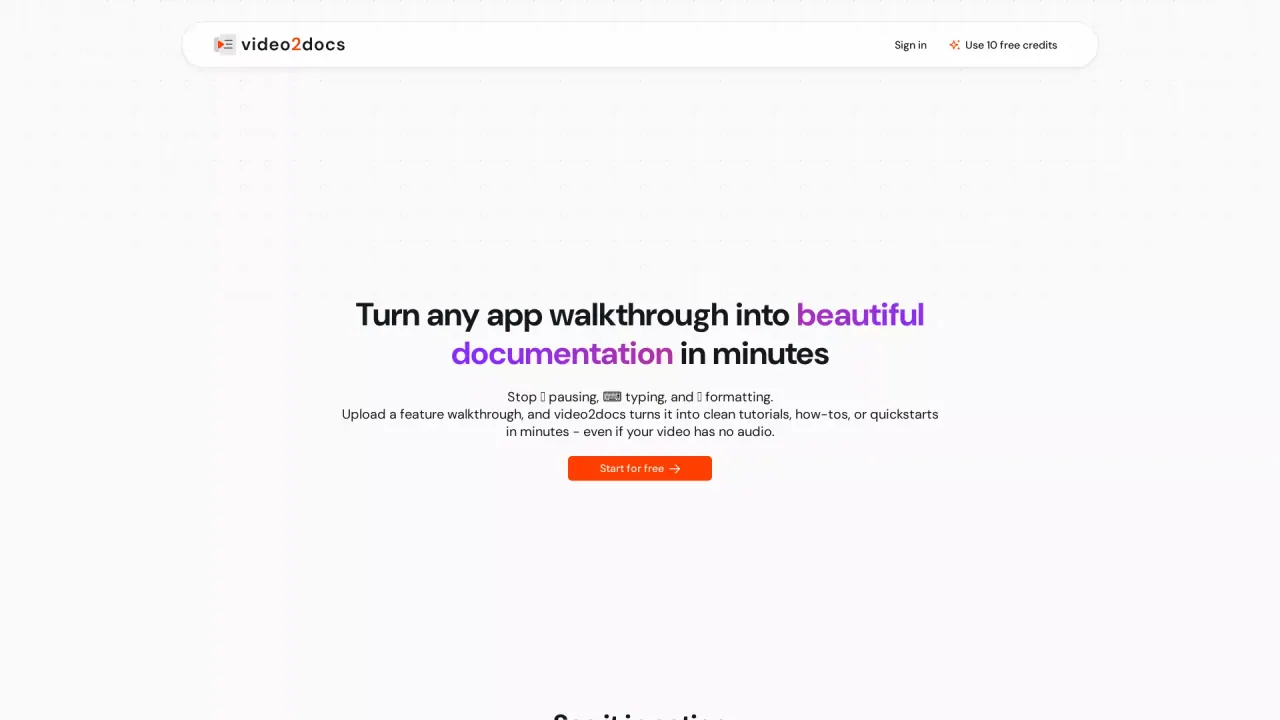
What does Video2Docs do?
Video2docs turns your product walkthroughs, tutorials, and internal workflows into production-ready documentation. Record directly in the browser or upload an existing screen recording—no mic and no narration required. The system analyzes your video visuals, detects UI actions and screen changes, and extracts the right screenshots automatically so you can generate docs faster.
Once generated, you get a clean, structured Markdown document with step-by-step formatting and a screenshot panel. You can edit and polish the content in the live editor, reorder screenshots, and preview inline before you share or export. Docs can also be translated into 35 languages, making it easier to publish onboarding materials and help content for global users.
Video2docs is designed for product, engineering, and customer-success teams that need consistent documentation across launches, release notes, SOPs/runbooks, and support flows. It’s also built for solo creators who want a pay-as-you-go approach for quick guides and tutorials.
Pricing includes a free start: you can begin with 10 free credits and no credit card required. Solo users use credit packs (from $7 for 10 credits). For teams, there’s a Team early access plan at $79/month (limited-time launch offer) with 100 credits/month included, plus shared credits, roles, mandatory MFA, and per-member usage analytics. Credits never expire.
How do I create documentation with video2docs?
Record your workflow in the browser or upload an existing screen recording. video2docs analyzes the visuals, generates a clean Markdown document with structured steps and automatically extracted screenshots, and then you can edit in the built-in Markdown editor.
Does video2docs require audio narration or a script?
No. video2docs works without narration, focusing on what’s happening on screen and automatically detecting UI actions and screen transitions.
What does the output look like?
You receive a structured Markdown document with step-by-step content and a screenshot panel. You can reorder screenshots and use inline previews to polish the doc before sharing or exporting.
How do credits work, and what do I get when I start free?
You can start free with 10 credits and no credit card required. Credits never expire, and you can use credit packs for additional generation.
What are the Solo and Team pricing options?
Solo users pay as they go with credit packs starting from $7 for 10 credits. Teams use a subscription: Team early access is $79/month (limited-time launch offer) and includes 100 credits/month plus shared credit pooling and team roles.
Can I share docs without exporting them?
Yes. You can publish any doc as a hosted page and share a link; readers don’t need an account, and you can keep it unlisted or indexed as needed.
This listing is claimed
Own Video2Docs? Sign in with the email used to claim it to manage this listing, or upgrade to Pro for featured-first placement and a newsletter feature.