
Transcrisper
AI Transcription Tool
Transcrisper transcribes audio and video for free in your browser, with zero server uploads and AI processing on your device.
Promoted
 RewindType any X/Twitter handle. Get their year back as a narrated video story. Then ask it anything.
 KurodyneSell the tools from your AI side projects. Listing is free.
 Sidrune AI85% off. Stable Claude API for agent developers. Pay as you go. Invoices & refunds available.
 Pixmax.aiPixmax.ai is an all-in-one AI workspace for videos, visual stories, and marketing content.
 SEOify - Improve your SEO & rankingsBuild links to rank in Google. Improve your DR with links you can start building now.Advertise here270,000+ people visit Dang.ai every month.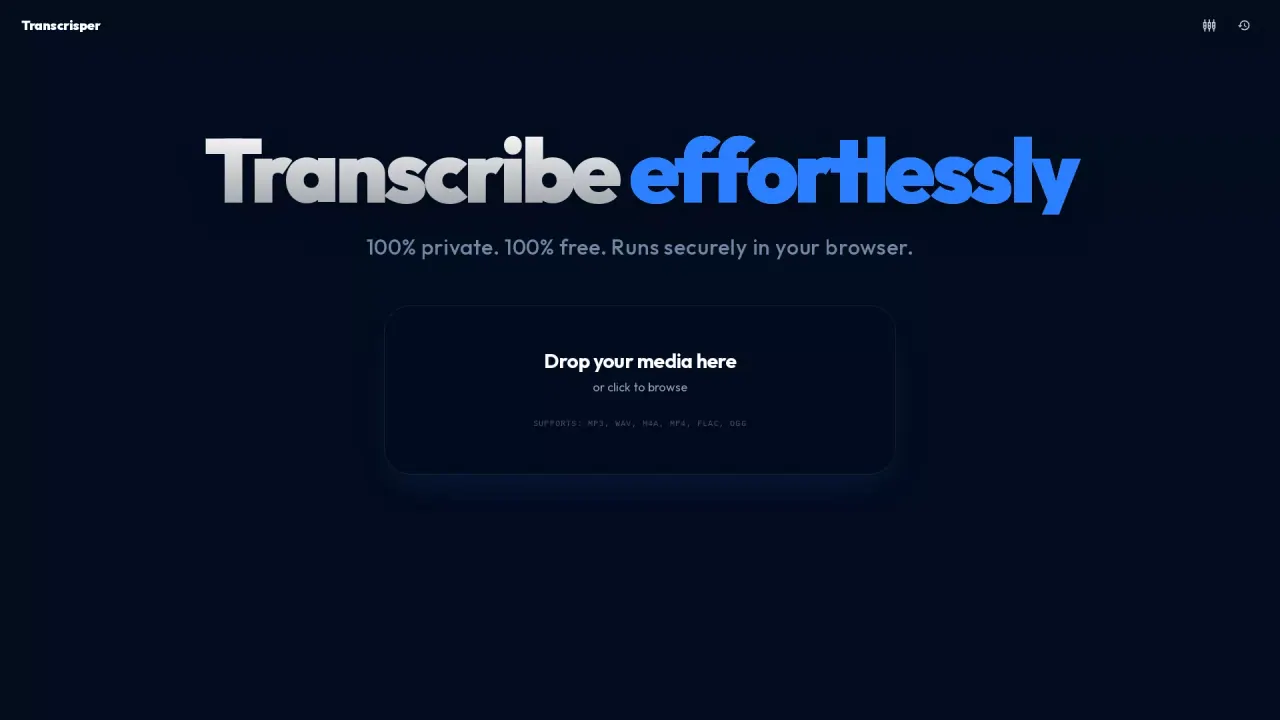
What does Transcrisper do?
Transcrisper is a free, privacy-first transcription tool that runs entirely inside your browser. Drop an audio or video file into the app and let it generate transcriptions without uploading your media anywhere else—so sensitive interviews, internal meetings, and personal memos stay on your device.
The core workflow is local-first: all AI processing happens within your browser tab, with no server uploads and no network requests for the transcription step. Supported file formats include common media types like MP4, M4A, MOV, MKV, WEBM, WAV, OGG, FLAC, and MP3.
For transcription quality, Transcrisper uses NVIDIA Parakeet TDT-v3 as its ASR (Automatic Speech Recognition) engine. For multi-speaker audio, it also applies NVIDIA Sortformer v2.1 to diarize speakers, clustering segments and handling overlapping speech.
Transcrisper is a strong fit for journalists, healthcare professionals, students, and researchers—especially when privacy requirements make cloud transcription undesirable. It’s designed to deliver cloud-level precision while keeping your data offline and under your control.
Does Transcrisper upload my audio or video to a server?
No—Transcrisper performs AI processing inside your browser tab, with zero server uploads and no external data transfer for transcription.
Which file formats are supported?
You can transcribe MP4, M4A, MOV, MKV, WEBM, WAV, OGG, FLAC, MP3, and other common media formats listed in the app.
How does Transcrisper handle multiple speakers in a recording?
It uses a speaker diarization engine (Sortformer v2.1) to group audio segments into distinct speaker clusters, including cases with overlapping speech.
What AI models power the transcription?
Transcrisper uses NVIDIA Parakeet TDT-v3 for automatic speech recognition and NVIDIA Sortformer v2.1 for diarization.
Is Transcrisper free to use?
Yes. Transcrisper is offered as a 100% free tool with privacy-focused browser-based processing.
Who is Transcrisper best for?
It’s designed for journalists, healthcare professionals, students, researchers, and anyone who wants accurate transcription without sending sensitive audio to third-party cloud servers.
This listing is claimed
Own Transcrisper? Sign in with the email used to claim it to manage this listing, or upgrade to Pro for featured-first placement and a newsletter feature.