
KeyTakes
AI Text Summarization Tool
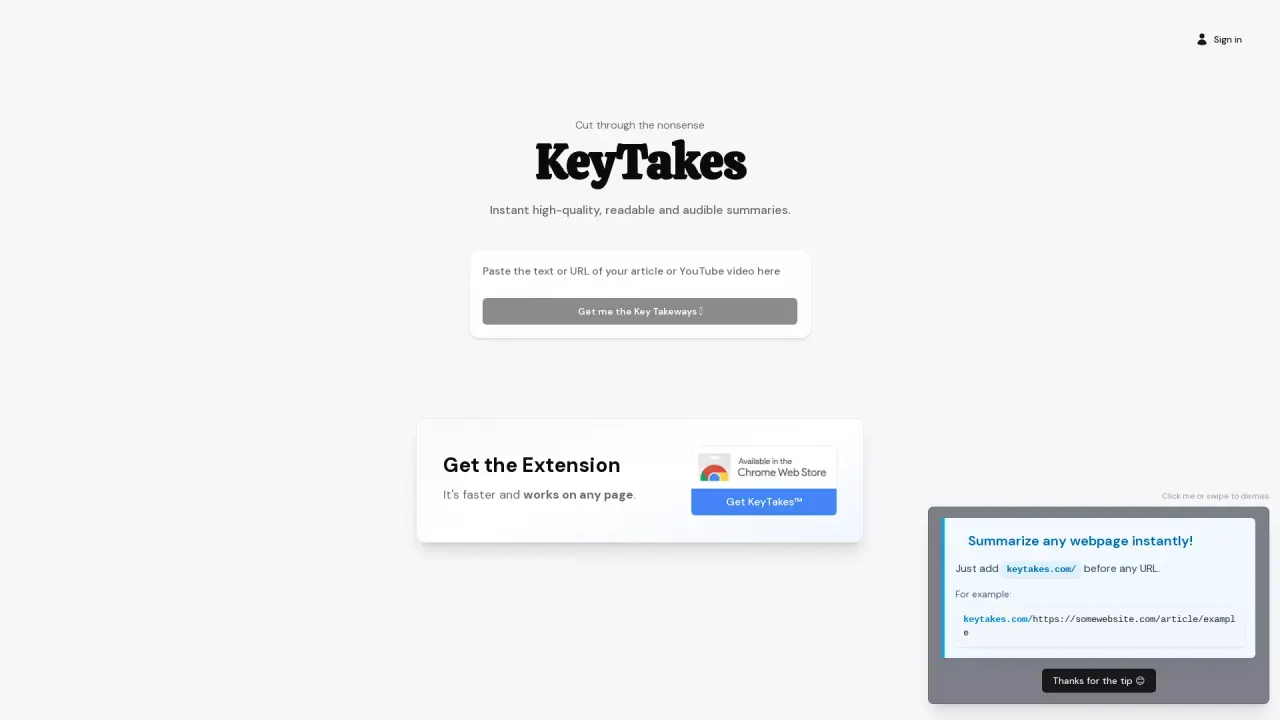
KeyTakes delivers instant, high-quality readable and audible summaries for any webpage or YouTube video.
Promoted
 Sidrune AI85% off. Stable Claude API for agent developers. Pay as you go. Invoices & refunds available.
 Pixmax.aiPixmax.ai is an all-in-one AI workspace for videos, visual stories, and marketing content.
 AI Checker PlusAI detector that highlights which passages AI wrote. Free check, no sign-up. Plagiarism too.
 RewindType any X/Twitter handle. Get their year back as a narrated video story. Then ask it anything.
 KurodyneSell the tools from your AI side projects. Listing is free.
 SEOify - Improve your SEO & rankingsBuild links to rank in Google. Improve your DR with links you can start building now.Advertise here270,000+ people visit Dang.ai every month.
What does KeyTakes do?
KeyTakes helps you cut through information overload by generating instant summaries you can quickly understand. It produces both readable key takeaways and an audible (audio) version, so you can consume content in the way that fits your workflow.
You can use KeyTakes to summarize content from any webpage, and it also works for YouTube videos. Whether you’re skimming an article or trying to capture the main ideas from a video, KeyTakes focuses on the essentials so you don’t have to read or watch everything end-to-end.
Access is simple: install the browser extension for fast summaries directly on pages. You can also summarize by adding keytakes.com/ before any URL (for example, keytakes.com/https://somewebsite.com/article/example). This makes it easy to get key takeaways from links you already have.
KeyTakes is a good fit for students, researchers, professionals, and anyone who wants faster understanding without sacrificing clarity—especially when you need both text and audio summaries. Learn more via the About and Extension Guide sections, and use the Contact page for support.
What does KeyTakes summarize?
KeyTakes creates summaries for any webpage and for YouTube videos, helping you grasp the key points quickly.
What summary formats are available?
Summaries are available as readable text and as an audible (audio) version.
How can I use KeyTakes on a webpage without the extension?
Add keytakes.com/ before the URL you want to summarize. For example: keytakes.com/https://somewebsite.com/article/example.
Does KeyTakes work on YouTube videos?
Yes—KeyTakes provides high-quality summaries for YouTube videos along with the readable and audible formats.
How do I get KeyTakes in my browser?
Install the KeyTakes browser extension to access fast summaries directly on pages as you browse.
Where can I find help or support?
Use the Contact page for support, and check the Extension Guide for usage details.
This listing is claimed
Own KeyTakes? Sign in with the email used to claim it to manage this listing, or upgrade to Pro for featured-first placement and a newsletter feature.