
BabyAGI
No longer active
AI Task Management Tool Using Openai And Pinecone Apis
Revolutionize task management with BabyAGI, the AI tool powered by OpenAI and Pinecone APIs.
BabyAGI is no longer available
- Listed
- Apr 4, 2026
What does BabyAGI do?
What is BabyAGI and what is it for?
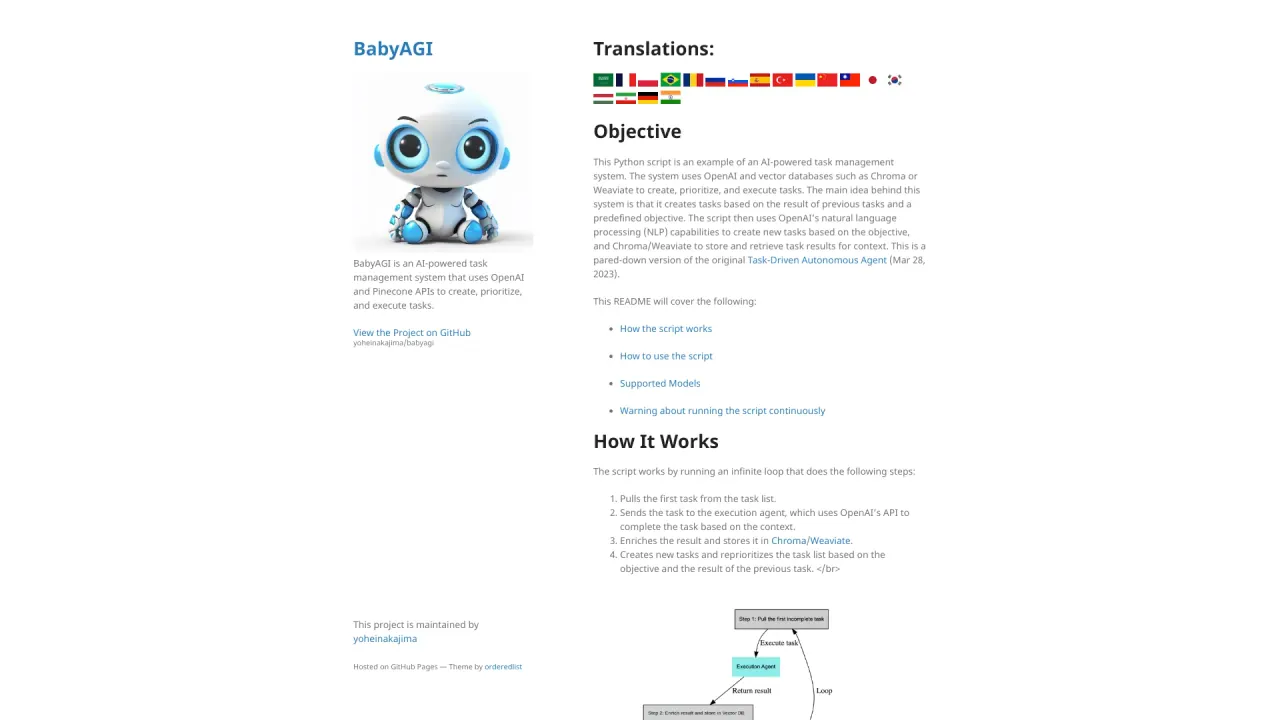
BabyAGI is an experimental framework for a self-building autonomous agent. It introduces a function framework (functionz) for storing, managing, and executing functions from a database, with a graph-based structure, authentication secrets, automatic loading, and comprehensive logging. It includes a dashboard for managing functions, running updates, and viewing logs. This project is not meant for production use and is, by design, exploratory. The original BabyAGI from March 2023 introduced task planning; that project was archived and moved to the babyagi\_archive repository in a September 2024 snapshot.
How do I install and run BabyAGI?
- Install: pip install babyagi
- Run the dashboard:
- import babyagi
- if **name** == "**main**":
app = babyagi.create\_app('/dashboard') app.run(host='0.0.0.0', port=8080)
- Then open http://localhost:8080/dashboard in your browser.
- Optional: you can run BabyAGI inside a Docker container.
How do I access and use the dashboard?
- After starting your app, navigate to http://localhost:8080/dashboard to access the BabyAGI dashboard.
- The dashboard lets you manage functions, visualize dependencies, manage secret keys, view logs, and configure triggers.
How do I register and manage functions?
- You can register a function in code, for example:
- @babyagi.register\_function()
def world(): return "world"
- @babyagi.register\_function(dependencies=["world"])
def hello\_world(): x = world(); return f"Hello {x}!"
- Functions can be executed directly in code or via the dashboard after registration.
- Functions can also be organized and loaded from packs for easier management.
What is function metadata and how do I use it?
- Functions can be registered with metadata to enhance capabilities and manage relationships. Metadata fields include:
- imports: list of external libraries the function depends on
- dependencies: list of other functions this function depends on
- key\_dependencies: list of secret keys required by the function
- metadata["description"]: a description of what the function does
- Example usage shows how to include imports, dependencies, key\_dependencies, and a description.
What are function packs and how do I load them?
- Function packs are groups of related functions. BabyAGI ships with built-in packs located at babyagi/functionz/packs.
- You can load packs or custom function packs with:
- babyagi.load_functions("path/to/your/custom_functions.py")
- This approach helps organize functions and their relationships.
What are the pre-loaded function packs?
- Default Functions (packs/default\_functions.py): covers function execution (Run/add/update/retrieve), key management, triggers, and logs retrieval.
- AI Functions (packs/ai\_generator.py): auto-generates descriptions and embeddings for functions, and helps find or select similar functions.
- These packs demonstrate core capabilities and relationships between functions.
How do I store and manage secret keys (key dependencies)?
- You can store secret keys in code with:
- babyagi.add_key_wrapper('openai_api_key', 'your_openai_api\_key')
- Secret keys can also be managed securely via the dashboard.
What is the Execution Environment and Logging?
- BabyAGI automatically loads essential function packs and manages their dependencies.
- It logs all activities, including:
- Execution tracking (function name, inputs, outputs, timing)
- Error logging (detailed error messages)
- Dependency management (which functions/libraries were loaded)
- Trigger logging (which functions were triggered by others)
- A comprehensive history of function executions for analysis
What are triggers and how do they work?
- Triggers allow certain functions to automatically execute in response to events or conditions (e.g., when a function is added or updated).
- They enable automated workflows but should be managed carefully to avoid recursive executions or conflicts between dependent functions.
How do I run a self-building agent?
BabyAGI includes two experimental self-building agents:
- process_user_input (in the code_writing_functions pack)
- Determines whether to reuse an existing function or generate new ones.
- If new functions are needed, it breaks them into smaller reusable components and combines them into a final function.
- Example workflow:
- load your keys and packs
- babyagi.process_user_input("Grab today's score from ESPN and email it to test@test.com")
- self_build (in the self_build pack)
- Takes a user description and generates a set of distinct tasks the user might ask an AI assistant to perform.
- Each task is processed by process_user_input, creating new functions if needed.
- Example workflow:
- load keys and packs
- babyagi.self\_build("A sales person at an enterprise SaaS company.", 3)
Note: These features are experimental and may require refinement. They are provided to illustrate capabilities and may not function as intended out of the box.
How do I configure environment variables and settings (OpenAI keys, model, etc.)?
- OpenAI API keys must be configured (e.g., through environment variables or a secure method).
- You configure the database table name and other customizable variables as described in the setup.
- You can specify the model to use via the LLM\_MODEL variable or command line arguments.
- For Llama integration, you need to install llama-cpp and have the Llama model weights; the repository includes guidance for setup.
What models are supported?
- BabyAGI supports all OpenAI models, and Llama models via llama.cpp.
- The default model is gpt-3.5-turbo.
- You can specify a different model using the LLM\_MODEL variable or command line arguments.
- For Llama integration, install the llama-cpp package and provide the weights as described in the repository.
Is there a difference between this BabyAGI and the original?
- The original BabyAGI (March 2023) introduced task planning and was later archived/moved to babyagi\_archive in a September 2024 snapshot.
- The current BabyAGI is an experimental framework focused on a self-building autonomous agent with a functionz-based orchestration, dashboards, and function packs. It is not presented as production-ready software.
Where can I find resources or contribute?
- You can refer to the repository for setup, packs, and examples.
- An introductory X/Twitter thread is mentioned as a simple overview.
- The project includes draft and experimental features (e.g., code_writing_functions and self\_build packs) and a Contributing note describing the development process.
Are there warnings or cautions about using BabyAGI?
- Yes. The draft features and experimental concepts are not guaranteed to function as intended and may require significant improvements. Use with caution.
What is the license for BabyAGI?
- BabyAGI is released under the MIT License. See the LICENSE file for details.