
OnUML
AI-powered UML diagram generator tool.
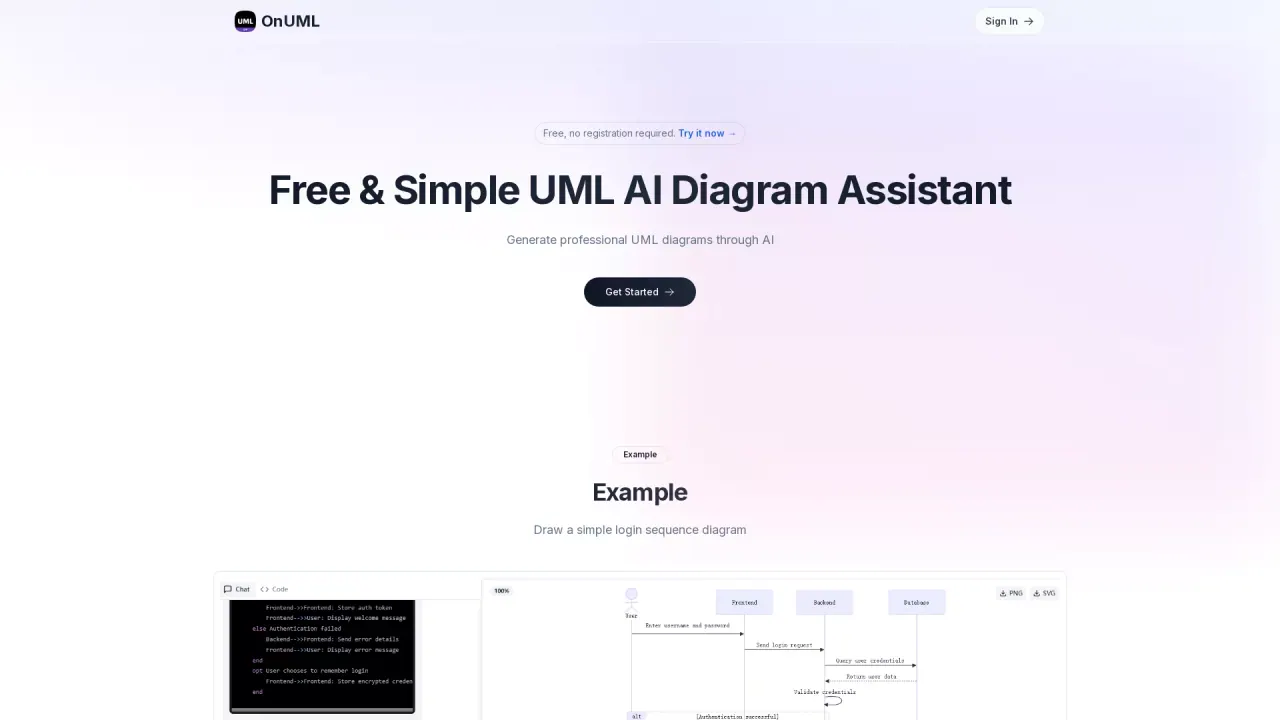
AI-powered UML diagram generator. Describe your needs via chat and get instant mermaid code with live preview.
What does OnUML do?
Is OnUML free to use, and do I need to sign in?
OnUML is free to use and does not require registration; you can try it right away.
How can I create UML diagrams using OnUML?
Describe your system design or requirements in plain English using the natural language input. The AI-powered analysis generates optimized UML code, turning your ideas into professional diagrams. You can also use the Mermaid Editor to edit the code directly and see live previews of the changes.
What are the main features of the OnUML tool?
- AI Smart Chat: Describe requirements in natural language to generate UML diagrams instantly
- Smart Suggestions: Design recommendations for better UML creation
- Multi-diagram Support: Generate various UML diagrams with intelligent type recommendations
- Real-time Rendering: WYSIWYG editing with instant updates
- Diagram Export: Export to PNG, SVG and other formats
- Code Editor: Minimalist editor with smart code hints
How does OnUML work?
Three simple steps:
- Natural Language Input: Describe your system design in plain English
- AI-Powered Analysis: The AI analyzes your requirements and generates optimized UML code
- Professional Diagram: Get a clean, professional diagram ready for documentation
What types of UML diagrams are supported?
OnUML leverages Mermaid to render diagrams, supporting flowcharts, sequence diagrams, class diagrams, state diagrams, and many more.
What formats can I export diagrams to?
You can export diagrams to PNG, SVG and other formats for easy sharing.
What is Mermaid and how does OnUML use it?
Mermaid is a JavaScript-based diagramming tool that uses Markdown-inspired text to define diagrams. OnUML uses Mermaid as its core engine to generate diagrams and enhances it with AI assistance for easier creation.
Can I edit Mermaid code directly in OnUML?
Yes. OnUML provides a Mermaid Editor and a minimalist code editor with smart hints, allowing you to edit the Mermaid code and see live previews.
How can I save or share my diagrams?
Export your diagrams to PNG, SVG and other formats for easy sharing and integration into documentation.
How can I contact support?
Email support@onuml.com for help.
Is this your tool?
Claim OnUML to manage this listing, or upgrade to Pro for featured-first placement and a newsletter feature.