
ThePasswordApp
No longer active
Password Management Tool
Update your old and compromised passwords automatically using AI agents
ThePasswordApp is no longer available
What does ThePasswordApp do?
What is the main use case for The Password App?
Bulk password changes after a data breach. When you discover dozens of your passwords are compromised, The Password App automates the tedious process of logging into each site, navigating to settings, and changing passwords one by one. You select which accounts to update, the AI browser agent handles the clicking.
Who is the target audience of thepassword.app?
Anyone with too many passwords to change manually. This includes breach victims who need to update compromised accounts fast, security-conscious users doing routine password hygiene, and IT professionals managing credential rotations. Works alongside your existing password manager—not a replacement.
What model of AI does The Password App use?
Gemini 2.5 Flash via OpenRouter for browser automation decisions. The AI interprets each website's unique password change interface and navigates it like a human would. All processing happens locally on your Mac—passwords never leave your machine or get sent to any AI service.
How can ThePasswordApp improve your password security?
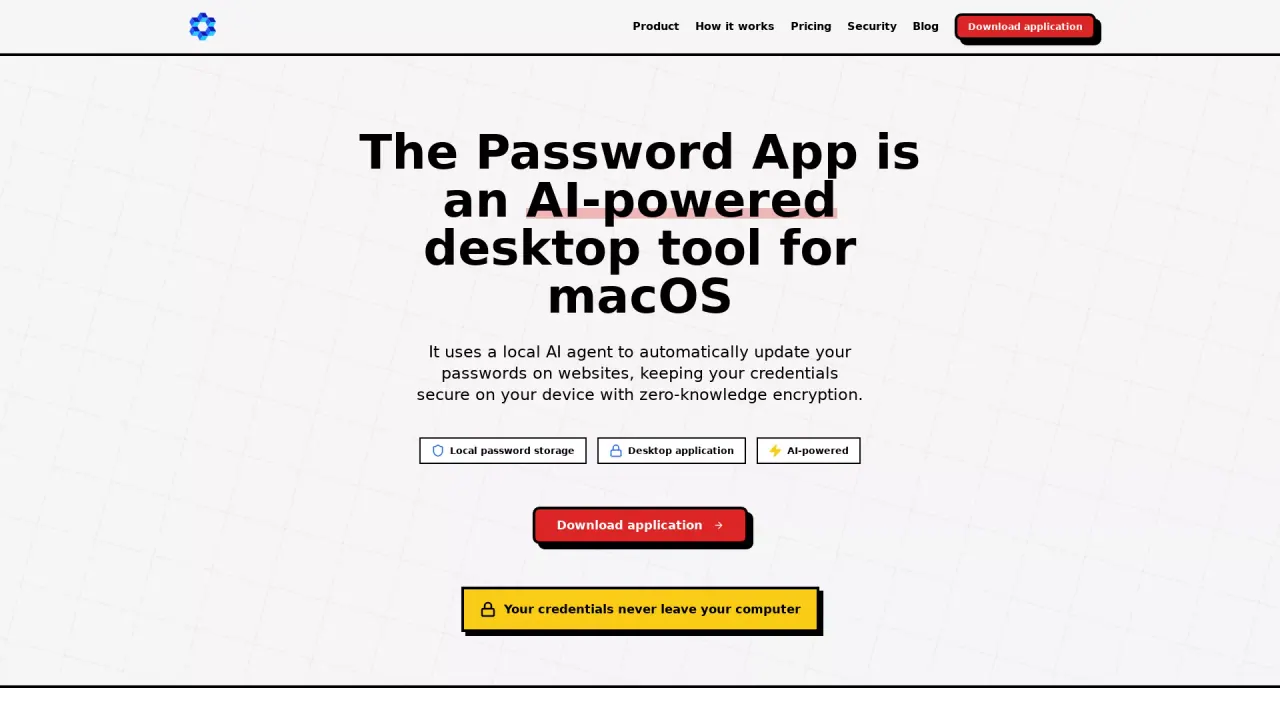
ThePasswordApp utilizes AI-powered technology to automatically update your passwords, eliminating the need for manual password management. It securely stores passwords locally on your macOS device, ensuring that your credentials never leave your computer and remain private. By using ThePasswordApp, you reduce the risk of password-related breaches and improve your overall online security without spending countless hours managing passwords manually.
Is my data secure with ThePasswordApp, and how is it protected?
Yes, your data is secure with ThePasswordApp. The tool stores passwords locally on your macOS device, ensuring there is no cloud storage or data transmission involved. ThePasswordApp uses a hybrid security model where the AI only sees screen elements and never accesses your actual passwords. All password updates are handled locally, and memory wiping ensures that passwords remain in RAM only during specific rotation tasks. Additionally, the AI acts as a navigator, identifying password change fields without accessing your credentials.
What are the pricing options for ThePasswordApp?
ThePasswordApp offers three pricing options to suit different user needs. The Free plan allows for 5 password updates per month on one device and includes AI-powered automation with 100% local storage. The Monthly plan is priced at $2.99 per month, offering unlimited password updates, autofill capabilities, priority email support, and the same local storage benefits. For users seeking cost savings, the Annual plan is available at $27.99 per year, offering the same features as the Monthly plan but with a 22% discount. New users can use the code NEWUSER at checkout to enjoy the first 3 months of any plan for free.