
BibGenie
AI Research Assistant
BibGenie is an AI research agent that works inside Zotero to search, analyze, synthesize, and save traceable notes.
Promoted
 Sidrune AI85% off. Stable Claude API for agent developers. Pay as you go. Invoices & refunds available.
 Pixmax.aiPixmax.ai is an all-in-one AI workspace for videos, visual stories, and marketing content.
 SEOify - Improve your SEO & rankingsBuild links to rank in Google. Improve your DR with links you can start building now.Advertise here270,000+ people visit Dang.ai every month.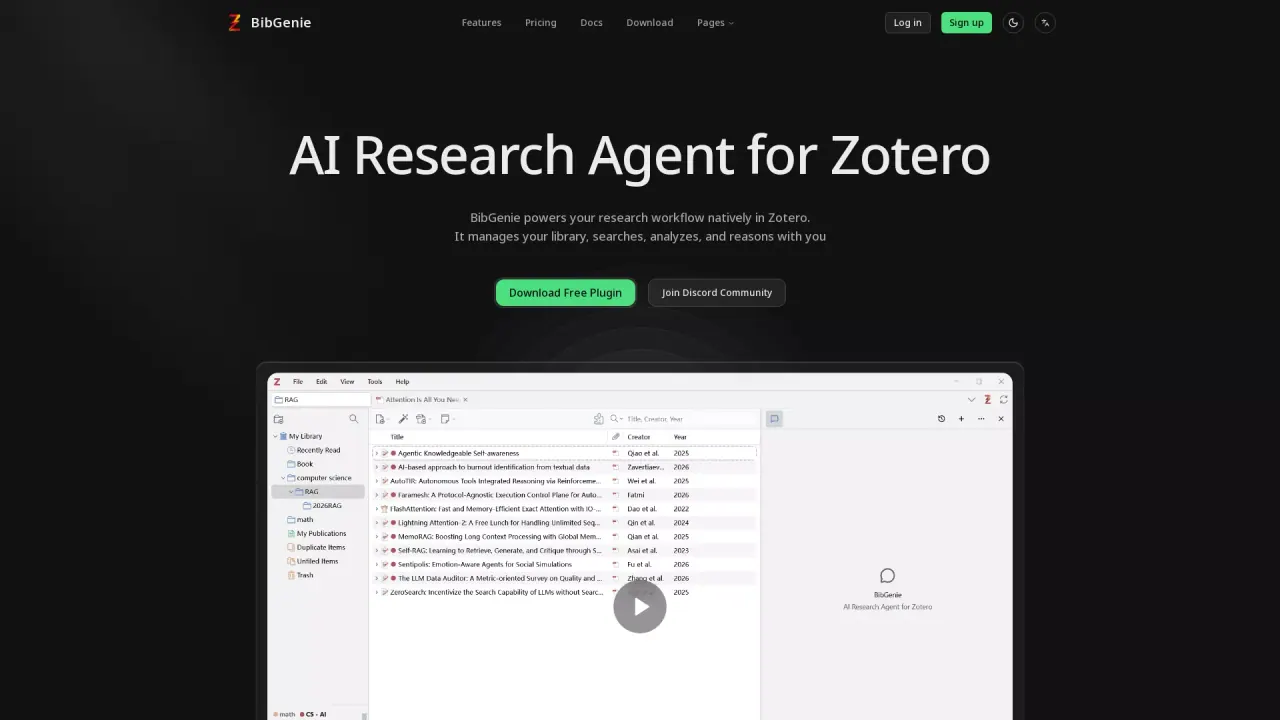
What does BibGenie do?
BibGenie is an AI research agent built to run natively in Zotero. It can manage your library context, help you search and synthesize research, and reason through questions using materials from your Zotero workspace.
You can add research context directly from Zotero using @ to search items, attachments, notes, tags, collections, and more. BibGenie can work with a range of Zotero content including PDFs, snapshots, notes, selected text, current pages, images, and screenshots. Answers can include automatic citations that point back to your local sources (like PDFs, notes, snapshots, or web pages) and to OpenAlex results.
BibGenie can also discover and read beyond your library: it supports OpenAlex academic search for scholarly discovery, and Pro web search/web extract for public web pages when enabled. It also helps keep your Zotero library organized by letting you preview-first plan batch actions for tags, collections, metadata cleanup, and item movement, and then save useful outputs back as Zotero notes.
What can I add to a BibGenie chat from my Zotero library?
You can add Zotero items and context such as PDFs, snapshots, notes, tags, collections, selected text, current pages, images, and screenshots. Use @ to search and attach the exact material you want the agent to work with.
Can BibGenie search my Zotero library for papers?
Yes. BibGenie supports library keyword search and semantic search and can also search by fields like title, author, year, DOI, journal, conference, tags, and collections.
Does BibGenie use OpenAlex and web search?
OpenAlex academic search is available on Pro and Max plans, enabling discovery of papers, authors, venues, citation networks, and research trends. Web Search/Web Extract for public pages is also available on Pro and Max to support reading external public web content with source-tracing citations.
Will BibGenie’s answers include citations back to my sources?
Yes. Responses can include automatic, traceable citations that point back to your PDFs, notes, snapshots, web pages, and OpenAlex results (when used).
Can I save results back into Zotero?
Yes. You can save useful responses as Zotero notes, including structured content like headings, lists, formulas, code blocks, tables, links, and citations.
How do advanced model setups work with BibGenie?
You can use recommended official models, connect providers via BYOK/custom model setups, or run compatible local runtimes such as Ollama and LM Studio through your configured provider. Custom model requests flow directly from the Zotero plugin to the provider you configure.
This listing is claimed
Own BibGenie? Sign in with the email used to claim it to manage this listing, or upgrade to Pro for featured-first placement and a newsletter feature.