
One Panel
AI Manga Reader
OnePanel is a spoiler-safe manga reader that shows one panel per screen in the artist’s order, letting you read the chapter at the intended pace.
Promoted
 Pixmax.aiPixmax.ai is an all-in-one AI workspace for videos, visual stories, and marketing content.
 Sidrune AI85% off. Stable Claude API for agent developers. Pay as you go. Invoices & refunds available.
 SEOify - Improve your SEO & rankingsBuild links to rank in Google. Improve your DR with links you can start building now.Advertise here270,000+ people visit Dang.ai every month.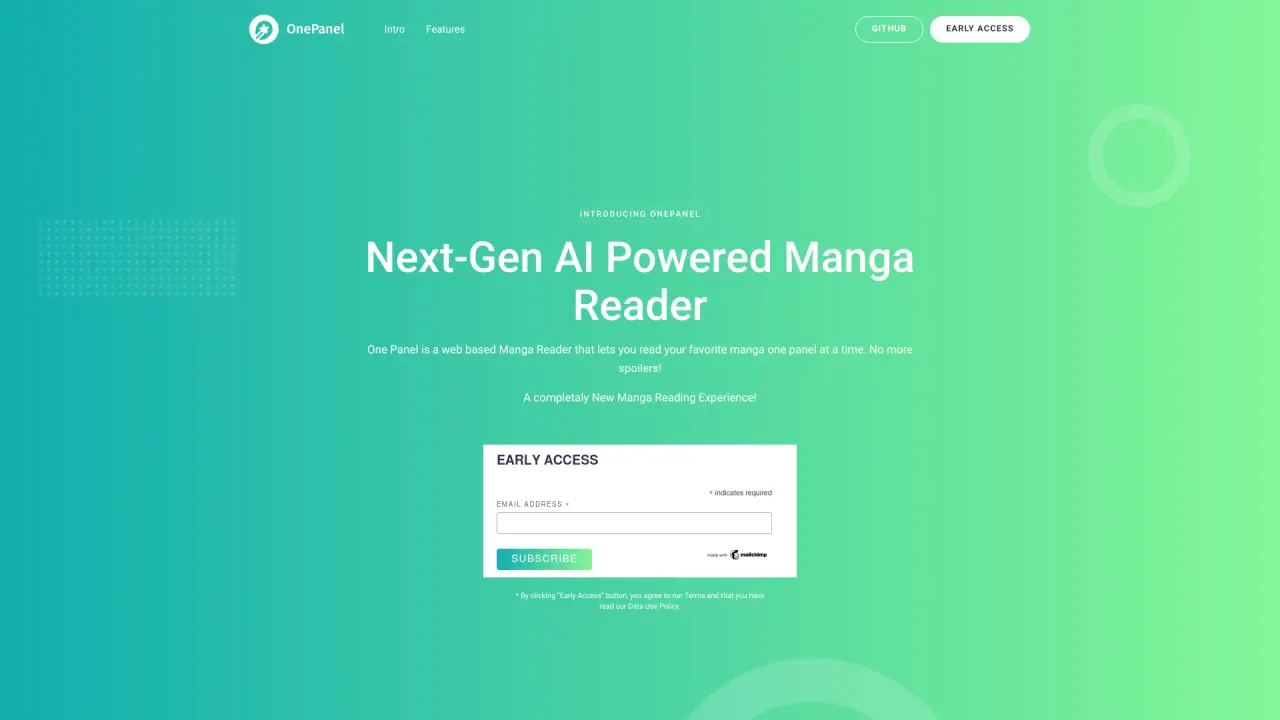
What does One Panel do?
OnePanel is a spoiler-safe manga reader that returns a manga chapter to its original timing by showing one panel per screen, in the order it was drawn. Instead of viewing an entire page at once (where reveals and beginnings are visible simultaneously), it detects panels on the page and lets your focus move panel by panel.
The flow is simple: paste a chapter link you already use (including OP Chapters and TCB links) or upload files if you have an account. OnePanel cuts each page into panels using a left-to-right, top-to-bottom reading order that matches how the artist laid out the page. As you read, only the current panel is on screen—using arrow keys on desktop or taps on phone.
OnePanel includes two reading modes. Standard is free and covers chapters drawn on a normal grid, detecting panels and getting you reading immediately. Pro is €4.99 per month (cancel any time) and is designed for complex pages like splash spreads, diagonal cuts, panels inside other panels, with GPT-5.6 Layout for those layouts. Pro also lets you upload your own CBZ, CBR, or PDF files.
Best for manga readers who want to avoid spoilers and follow the suspense beat-by-beat, and for creators who want a panel-by-panel viewing experience for their audience.
Do I need an account to read a manga link?
No. You can read without an account by pasting a supported chapter link. An account is only needed if you want to upload your own files or subscribe to Pro.
Which chapter sources are supported?
OP Chapters and TCB One Piece Chapters are supported. If your source is missing, you can request it using the source request form.
How does OnePanel make reading spoiler-safe?
It shows one panel per screen in the order the artist drew it, so you only see the next beat as you move forward. This prevents seeing page-wide reveals and beginnings at the same time.
What file types can I upload (and when)?
Pro supports uploading CBZ, CBR, or PDF files. Uploads require an account, and uploaded files are deleted after analysis.
Does OnePanel keep my uploaded chapter files?
No. Uploaded files are deleted after analysis. Only the panel layout is kept so you can keep your place without storing the art.
What’s the difference between Standard and Pro?
Standard is free for chapters drawn on a normal grid and detects panels to start reading immediately. Pro (€4.99/month, cancel anytime) handles complex pages more accurately using GPT-5.6 Layout and also enables uploading your own CBZ/CBR/PDF.
Is this your tool?
Claim One Panel to manage this listing, or upgrade to Pro for featured-first placement and a newsletter feature.