
HN Resume To Jobs
AI Job Matching Tool
Seamlessly find tailored job opportunities with our AI job matching tool
Promoted
 Sidrune AI85% off. Stable Claude API for agent developers. Pay as you go. Invoices & refunds available.
 Pixmax.aiPixmax.ai is an all-in-one AI workspace for videos, visual stories, and marketing content.
 SEOify - Improve your SEO & rankingsBuild links to rank in Google. Improve your DR with links you can start building now.Advertise here270,000+ people visit Dang.ai every month.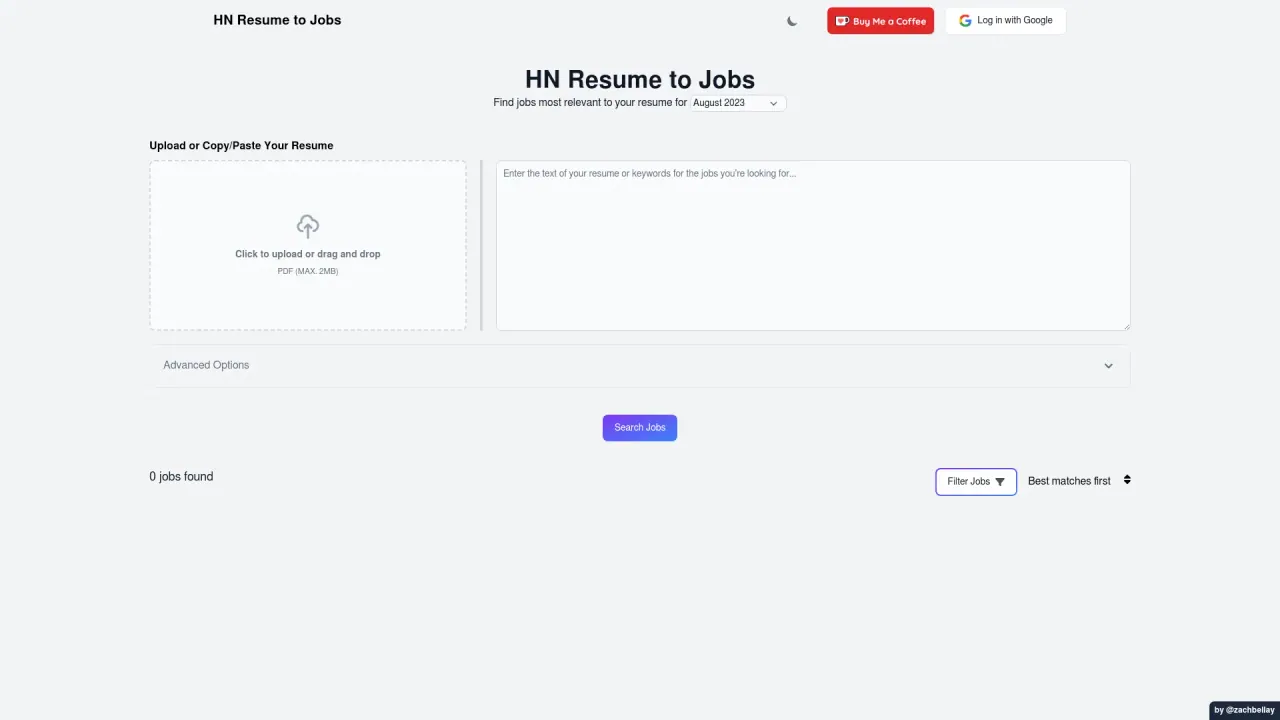
What does HN Resume To Jobs do?
How can I upload my resume to HN Resume to Jobs?
To upload your resume, click the "Upload or Copy/Paste Your Resume" option on the platform. You can either upload a PDF file (up to 2MB) or drag and drop your resume into the designated area. You can also paste your resume text directly.
What input methods does HN Resume to Jobs support for resumes?
You can upload a PDF resume (up to 2MB) or copy/paste your resume text directly into the site.
What search options are available on HN Resume to Jobs once I upload my resume?
After you upload, the tool searches for jobs that best match your skills and experience. The results are shown with "Best matches first" as the default sort, and there are options to provide feedback and refine your search.
Is there a way to provide feedback on the job matches found by HN Resume to Jobs?
Yes. After your search, use the "Give Feedback" option to share your thoughts about the relevance and quality of the job matches. This helps improve the service.
How does HN Resume to Jobs work?
HN Resume to Jobs operates in a few simple steps:
- Resume Upload: Upload your resume or paste the text directly.
- AI Analysis: The AI analyzes the resume to extract key skills, experiences, and other pertinent information.
- Job Matching: Using the extracted information, the AI searches the most recent "Who's Hiring" posts on Hacker News.
- Results Display: The platform presents a curated list of job openings that align with your qualifications.
- Application: You can click on any job posting to view additional details and apply directly if you find a position of interest.
How do I sign in to HN Resume to Jobs?
You can log in with Google.
Where can I read the Privacy Policy?
The Privacy Policy is accessible via the Privacy Policy link in the site's footer.
Is this your tool?
Claim HN Resume To Jobs to manage this listing, or upgrade to Pro for featured-first placement and a newsletter feature.