
Reroom AI
AI Interior Design Render Tool
Revolutionary AI Interior Design Render Tool: Effortlessly customize and create realistic spaces.
- Pricing
- Free trial
- Category
- Assistant
- Listed
- Aug 4, 2023
- Updated
- May 25, 2026
What does Reroom AI do?
How does ReRoom AI work for interior design projects?
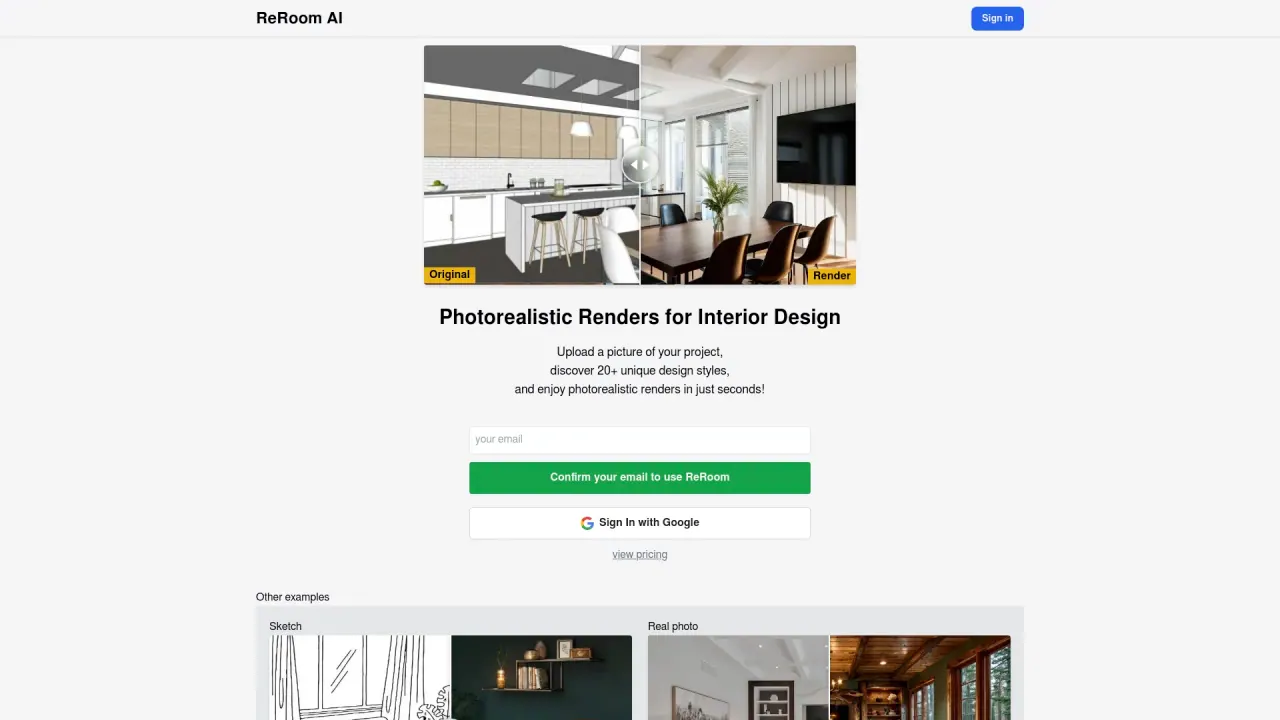
ReRoom AI lets you visualize your interior design ideas quickly: upload a photo of your space, choose from over 20 design styles, and receive a photorealistic render in seconds. The tool uses artificial intelligence to generate realistic interior visuals, making it suitable for designers, homeowners, or anyone looking to conceptualize changes to indoor spaces.
What is Edit Mode and what can I do with it?
Edit Mode lets you precisely select any area within a space and modify the design by adding or removing elements such as decorations, furniture, and other objects. This enables detailed customization to fit your specific design preferences and bring your ideas to life.
Is ReRoom AI suitable for professional use by interior designers?
Yes. ReRoom AI is well-suited for professional use, offering quick photorealistic renders, more than 20 design styles, and enhanced customization. Pro Plans provide advanced features and business-focused support to aid design presentations, decisions, and client communications.
What are the pricing plans and what do they include?
- Free Plan: Up to three renders per day, basic image quality, watermark, renders are publicly visible, commercial use is permitted.
- Monthly Pro Plan: $25 per month. Unlimited renders, higher image quality (twice as good as the free plan), watermark-free, private mode, access to all lighting styles and enhanced rendering options including themes and prompts.
- Yearly Pro Plan: $250 per year. All Monthly Pro benefits plus dedicated support and infrastructure tailored for business use.
Do renders have watermarks or privacy options?
- Free Plan renders include a watermark and are publicly visible.
- Pro Plan renders are watermark-free and can be kept private, with private mode available. The yearly plan also includes dedicated business-focused support.
How many design styles are available?
ReRoom AI offers over 20 design styles to choose from for your renders.
What are the benefits of using ReRoom AI?
- Efficient visualization: quickly generate photorealistic renders from a single space photo.
- Time-saving: speeds up concept exploration and decision-making.
- User-friendly: accessible to both professionals and DIY enthusiasts.
- Immersive AI-driven experience: empowers creative design exploration.
- Broad device compatibility: web-based access from PCs, laptops, and mobile devices.
- Affordable pricing options: from a free tier to feature-rich Pro plans.
Are there any limitations I should know about?
More intricate and detailed designs may require additional time. AI-generated results may have limitations for complex projects.
What devices and platforms does ReRoom AI work on?
As a web-based tool, it works on PCs, laptops, and mobile devices with modern browsers on iOS, macOS, Android, and other major platforms.
Is this your tool?
Claim Reroom AI to manage this listing, or upgrade to Pro for featured-first placement and a newsletter feature.