Latiai
AI ImageVideoVoice Generator
LatiAI is a one-stop platform to generate AI images, videos, and voice with models like Veo, Nano Banana, Flux, and more.
Promoted
 Pixmax.aiPixmax.ai is an all-in-one AI workspace for videos, visual stories, and marketing content.
 AI Checker PlusAI detector that highlights which passages AI wrote. Free check, no sign-up. Plagiarism too.
 RewindType any X/Twitter handle. Get their year back as a narrated video story. Then ask it anything.
 KurodyneSell the tools from your AI side projects. Listing is free.
 Sidrune AI85% off. Stable Claude API for agent developers. Pay as you go. Invoices & refunds available.
 SEOify - Improve your SEO & rankingsBuild links to rank in Google. Improve your DR with links you can start building now.Advertise here270,000+ people visit Dang.ai every month.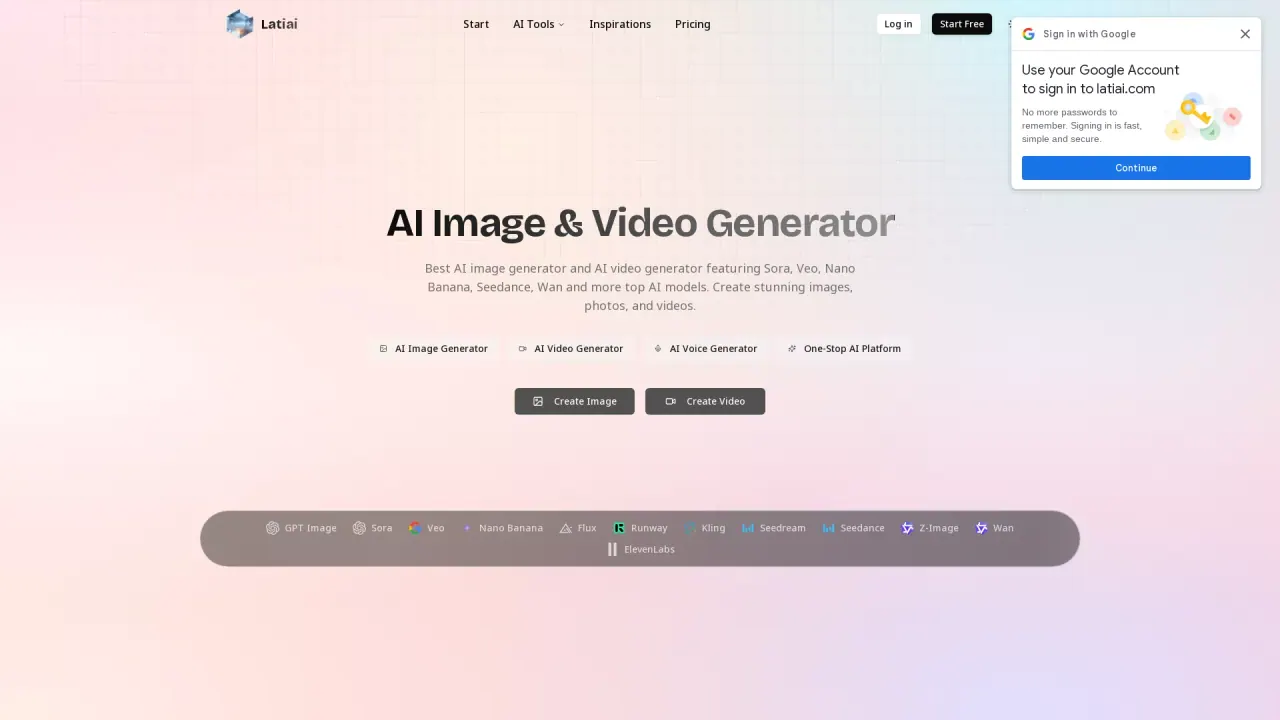
What does Latiai do?
LatiAI helps you turn prompts into AI images, AI videos, and AI voice using a single workflow. Whether you’re ideating visuals, producing marketing creatives, or iterating on a concept quickly, the platform is built to keep generation simple and fast—from text prompts to outputs you can download and reuse.
For images, LatiAI supports both text-to-image and image-to-image. You can refine results using options like reference images and an “AI Enhance” step, and you can choose resolution targets up to 4K depending on the model. Models available for image generation include Nano Banana (with character-consistent results), Flux, GPT Image 1.5 and GPT Image 2.x for strong text rendering, Seedream for up to 4K image generation, and more.
For video, LatiAI offers text-to-video and image-to-video creation powered by models such as Veo (with cinematic quality and AI-generated sound effects), Kling, Wan, and Seedance. Choose from different project needs like speed or quality/motion style to match how you’re producing content.
It’s designed for content creators, marketers, and teams who want an all-in-one tool for producing high-volume visuals and video assets. Plans and pricing details aren’t included in the supplied text, so focus on exploring the models, upload options (JPG/PNG/WebP), and available resolution/aspect settings as you get started.
What can I create with LatiAI?
You can generate AI images, AI videos, and AI voice. Image generation supports text-to-image and image-to-image workflows, while video generation supports text-to-video and image-to-video.
Which AI image models does LatiAI offer?
LatiAI provides access to models including Nano Banana, Flux, GPT Image 1.5/2.x, Seedream (up to 4K), and others like Z-Image and related options listed in the model menu.
How does Nano Banana help with character consistency?
Nano Banana is known for strong character consistency across generations. It’s a good fit when you need the same character look while iterating on scenes, outfits, or styles.
How do I generate videos in LatiAI?
Select a video model (such as Veo, Kling, Wan, or Seedance), enter a prompt for text-to-video, or upload an image for image-to-video. Veo specifically supports cinematic quality with AI-generated sound effects.
What file formats and upload limits are supported for images?
Supported image formats include JPG, PNG, and WebP, with a maximum size of 30 MB per file.
Can I use generated images and videos commercially?
Yes—AI images and AI videos generated with the listed models on a paid subscription can be used commercially for projects like marketing, social media, and products.
This listing is claimed
Own Latiai? Sign in with the email used to claim it to manage this listing, or upgrade to Pro for featured-first placement and a newsletter feature.