
PixelPet
AI Image Generation Tool
Unleash your creativity with PixelPet – the AI Image Generation Tool.
Promoted
 Sidrune AI85% off. Stable Claude API for agent developers. Pay as you go. Invoices & refunds available.
 Pixmax.aiPixmax.ai is an all-in-one AI workspace for videos, visual stories, and marketing content.
 SEOify - Improve your SEO & rankingsBuild links to rank in Google. Improve your DR with links you can start building now.Advertise here270,000+ people visit Dang.ai every month.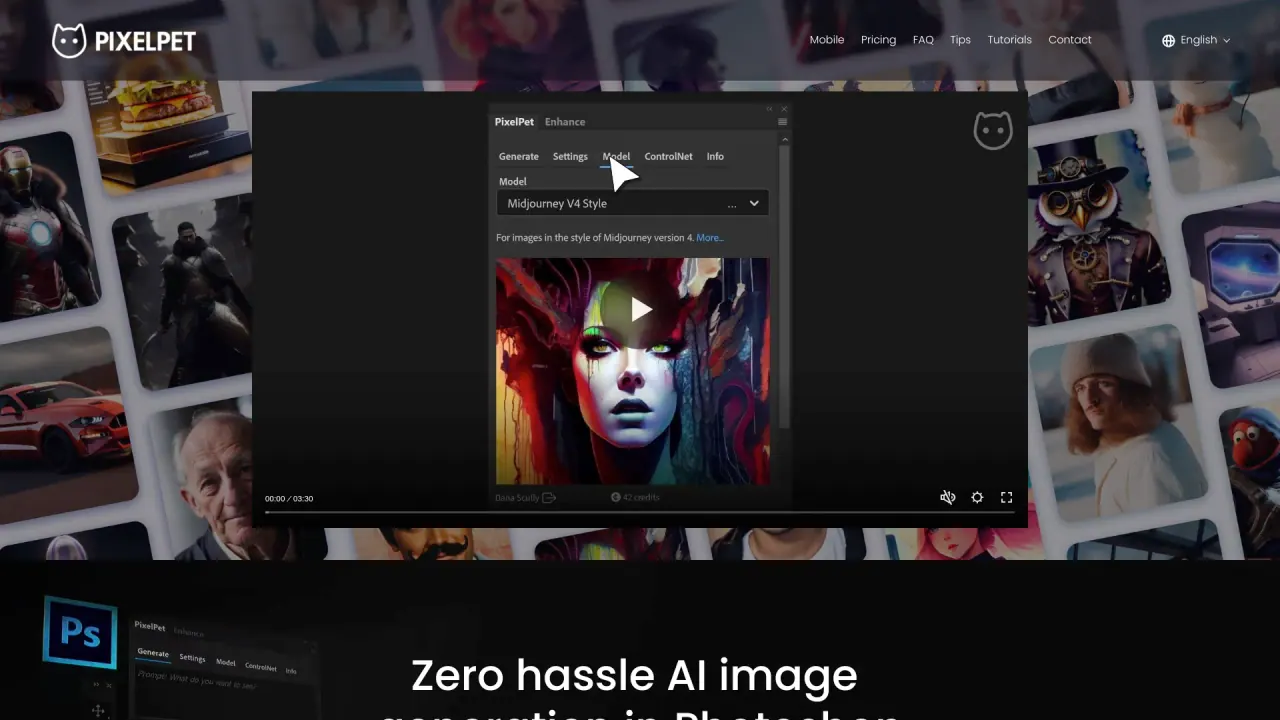
What does PixelPet do?
What is PixelPet?
PixelPet is a free online AI image generation tool that uses Stable Diffusion to create hyper-realistic images. It works through popular messaging apps and offers instant generation at 1344x768 px, with auto language translation and features like Prompt Magic.
How can I use PixelPet for free online image generation?
PixelPet provides a free online platform for generating hyper-realistic images using the latest Stable Diffusion models. You can access it through messaging apps such as Telegram, Discord, and LINE by adding @PixelPetBot (on Telegram) or the corresponding PixelPet presence on these platforms. Images are generated instantly, with no cost at the basic level.
Which platforms can I access PixelPet from?
PixelPet can be used via Telegram (add @PixelPetBot), Discord (PixelPet community and bots), and LINE Messenger (PixelPet on LINE). The service is advertised as mobile-friendly and also mentions a Photoshop integration option.
What languages does PixelPet support for prompts?
PixelPet supports auto translation for all languages, allowing you to enter prompts in any language and have the system understand and generate accordingly.
What is the image resolution of PixelPet outputs?
Images are generated at 1344x768 pixels.
What is Prompt Magic?
Prompt Magic is a feature that automatically boosts your prompts to help achieve better results.
How much does PixelPet cost? Do I get free credits?
PixelPet offers a free tier with 100 credits to start. Generating images uses credits, and additional credits can be purchased at $10 for 1,000 credits. For example, a 2048x2048 image would cost roughly $0.0072.
How does image generation work in PixelPet?
- Access PixelPet via Telegram, Discord, or LINE by adding the PixelPet bot.
- Enter a detailed prompt describing the image you want.
- Optionally use negative prompts to exclude unwanted elements.
- PixelPet uses Stable Diffusion to generate images.
- You can adjust settings such as image strength, how many images to generate, and which model to use.
- Review the results and choose the one that best matches your vision.
What are the limitations of PixelPet?
- Credit system: Some features require credits, which can incur costs if used heavily.
- Queue time: Requests may queue behind others when credits are exhausted or during high demand.
- Resolution limits: The free tier is capped at 1344x768.
- Learning curve: Some users may need time to master prompt tuning.
- Internet dependency: Being a cloud-based service, a stable internet connection is important for best performance.
How can I get early access or updates to PixelPet?
You can click Get Early Access and provide your phone number and country to join the waitlist. You’ll receive a message when access becomes available. Note: Viber is currently in closed beta with a waitlist for early access.
Can PixelPet be used on mobile or with Photoshop?
PixelPet markets itself as "Zero hassle AI image generation for Mobile and Photoshop," and the site navigation includes a Photoshop plugin, indicating there are mobile-friendly options and a Photoshop integration.
Where can I find tips, tutorials, or more information to improve results?
PixelPet provides Tips and Tutorials sections on the site, which contain guidance to help you craft better prompts and achieve improved results.
How do I contact PixelPet for support or more information?
You can use the site's Contact page to reach out for support or more information.
Is this your tool?
Claim PixelPet to manage this listing, or upgrade to Pro for featured-first placement and a newsletter feature.