Illustroke
AI Illustration Generator
Generate AI-powered illustrations from text prompts with Illustroke's platform. Perfect for websites & social.
Promoted
 AI Checker PlusAI detector that highlights which passages AI wrote. Free check, no sign-up. Plagiarism too.
 RewindType any X/Twitter handle. Get their year back as a narrated video story. Then ask it anything.
 KurodyneSell the tools from your AI side projects. Listing is free.
 Sidrune AI85% off. Stable Claude API for agent developers. Pay as you go. Invoices & refunds available.
 Pixmax.aiPixmax.ai is an all-in-one AI workspace for videos, visual stories, and marketing content.
 SEOify - Improve your SEO & rankingsBuild links to rank in Google. Improve your DR with links you can start building now.Advertise here330,000+ people visit Dang.ai every month.
What does Illustroke do?
What is Illustroke?
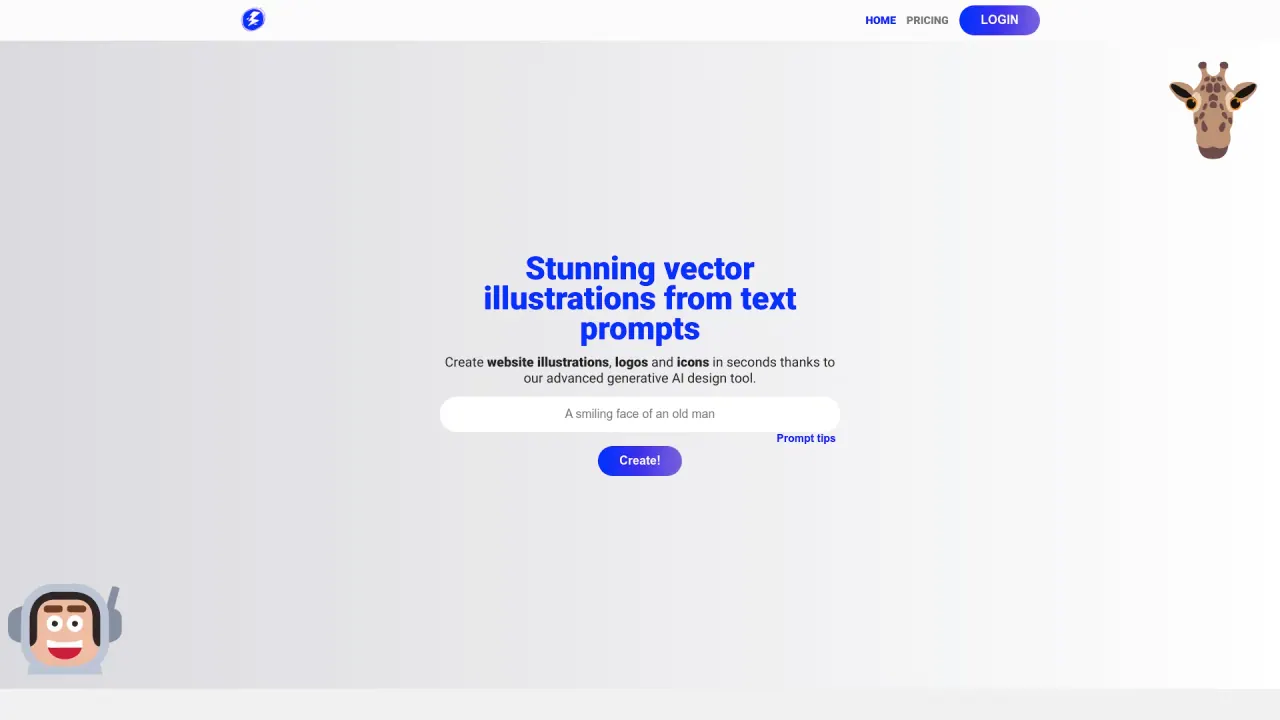
Illustroke is a generative AI design tool that allows you to create beautiful vector illustrations. You type what you want to illustrate and Illustroke will do the rest.
What formats can I export my illustrations in?
Illustroke outputs vector illustrations in SVG format, and you can also download a PNG version if needed.
How many illustrations are generated per prompt?
Two brand-new illustrations are generated per prompt in SVG format. You can also download a PNG version if you prefer.
How many styles are available?
You can choose from more than 40 styles, ranging from flat to isometric.
Can I modify or customize illustrations after generation?
Yes. Vector images can be edited with Illustroke's editor, and you can modify as you like and save to the cloud to reopen your work later.
How do I create an illustration with Illustroke? What are the steps?
- Type anything. 2) Select your style (more than 40 options). 3) Get results — two brand new illustrations in SVG. 4) Modify as you like and save to the cloud to reopen your work later.
What are the advantages of vector illustrations with Illustroke?
Vector illustrations offer scalability without loss of quality, easy color and shape changes, high-quality printing, and the ability to apply animations. SVG files are typically smaller than PNGs (about 50kB vs 500kB on average), making them more efficient for web and print.
How can users customize their illustrations?
Users can customize by selecting from more than 40 styles and editing via the built-in editor. You can save your creations to the cloud and reopen them later for further customization or downloading.
What other AI tools are available in Illustroke?
Illustroke is part of a suite of AI design tools, including the Image to Vector Converter and the AI Image Generator.
Where can I save and access my illustrations?
You can save your vector illustrations to the cloud and reopen your work whenever you want.
How can I contact Illustroke for support?
You can reach us at info@illustroke.com.
Where can I find pricing?
Pricing details are available on the Pricing page of the Illustroke site.
Is this your tool?
Claim Illustroke to manage this listing, or upgrade to Pro for featured-first placement and a newsletter feature.