
EduBrain
Verified
AI Homework Helper and Essay Generator
EduBrain helps with any subject by answering homework via uploads, explaining step-by-step, and supporting essay and tutor-style guidance.
- Pricing
- Freemium
- Category
- Copywriting
- Listed
- May 7, 2026
- Updated
- Oct 22, 2026
Promoted
 Pixmax.aiPixmax.ai is an all-in-one AI workspace for videos, visual stories, and marketing content.
 AI Checker PlusAI detector that highlights which passages AI wrote. Free check, no sign-up. Plagiarism too.
 RewindType any X/Twitter handle. Get their year back as a narrated video story. Then ask it anything.
 KurodyneSell the tools from your AI side projects. Listing is free.
 Sidrune AI85% off. Stable Claude API for agent developers. Pay as you go. Invoices & refunds available.
 SEOify - Improve your SEO & rankingsBuild links to rank in Google. Improve your DR with links you can start building now.Advertise here270,000+ people visit Dang.ai every month.
What does EduBrain do?
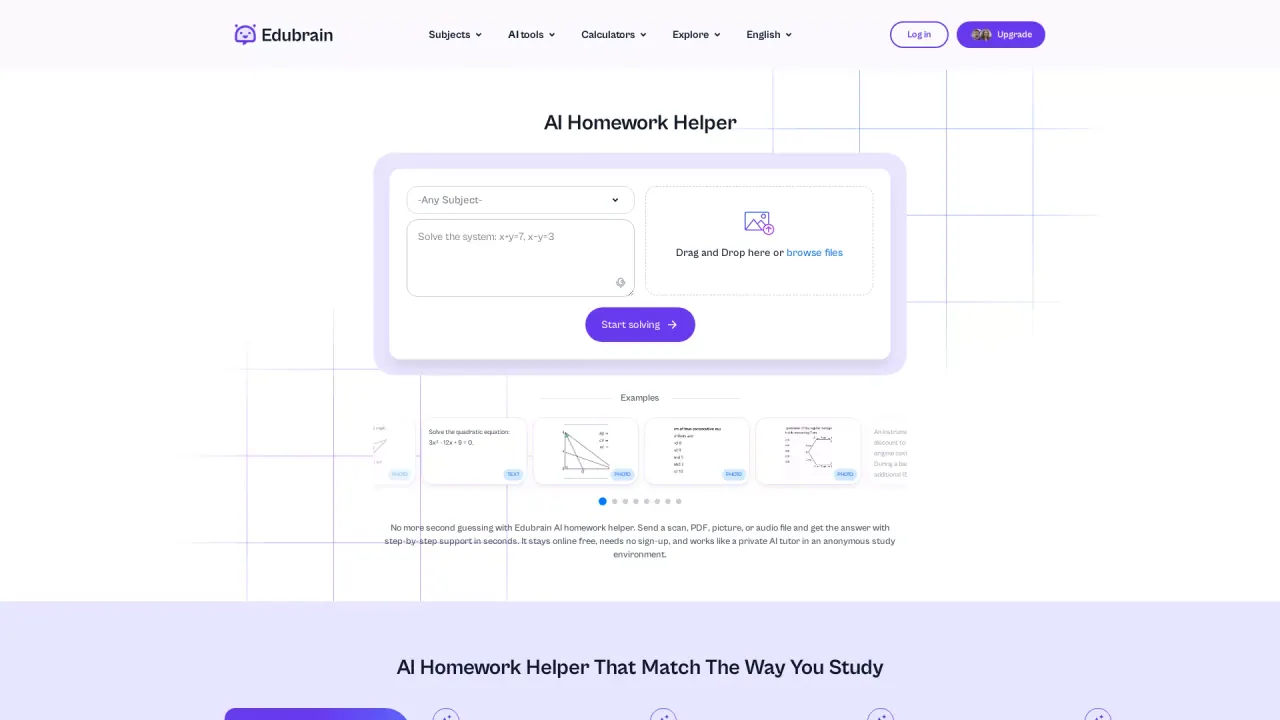
EduBrain is an AI homework helper that acts like a private tutor in an anonymous study environment. You can type a question or upload a scan, photo, PDF, or even audio of your assignment to get an answer with clear, curriculum-style support.
It covers many subjects, with a focus on breaking down difficult concepts into simple next steps. For math and STEM work, EduBrain supports stable, step-by-step reasoning and can display formulas in an easy-to-read format. You can also adjust how you want the output—for example, requesting a quick answer, a full breakdown, or a correction-style response.
Beyond homework solving, EduBrain includes writing support such as an essay-writing tool that helps organize and produce academic essays. During exam preparation or review, you can add more questions to refine explanations and strengthen understanding over time.
Input is flexible: it can process multiple formats (PDFs, images/scans, and audio), so you don’t have to redo your materials before using the tool. For privacy, uploaded files are processed during your session and removed after the task ends.
Plans are available: Free ($0/week) with unlimited use with ads and access to all AI tools, plus Download and Share features. There are paid options as well, including AI-Plus ($3.99/week) with an ad-free experience and additional generators and tools.
What can EduBrain help me with?
EduBrain provides homework help across many subjects, including math and STEM. It can also support writing tasks such as organizing and generating academic essays.
How do I use EduBrain—do I need to type the question?
You can type the question or upload your work. EduBrain accepts scans, photos, PDFs, and audio, then generates an answer with step-by-step support based on your request.
Can EduBrain show detailed step-by-step solutions for math?
Yes. EduBrain can break problems into clear parts, include math formulas in readable form, and provide multi-step logic so you can follow the reasoning.
Can I choose between a quick answer and a full explanation?
Yes. EduBrain lets you select the solution style you want, such as a fast answer or a detailed breakdown with step-by-step explanations.
Is EduBrain free to use?
EduBrain offers a Free plan for $0/week with unlimited use (with ads) and access to all AI tools. You can also download responses and share them.
How does EduBrain handle privacy for my uploaded files?
Your file is used only during processing and is removed after the task ends. The goal is to keep your study session anonymous and avoid storing or tracking your data.
This listing is claimed
Own EduBrain? Sign in with the email used to claim it to manage this listing, or upgrade to Pro for featured-first placement and a newsletter feature.