
DocGPT
AI Document Chatbot Converter
Transform PDF documents into interactive chatbots with DocGPT. Access and store information effortlessly with this AI document chatbot converter.
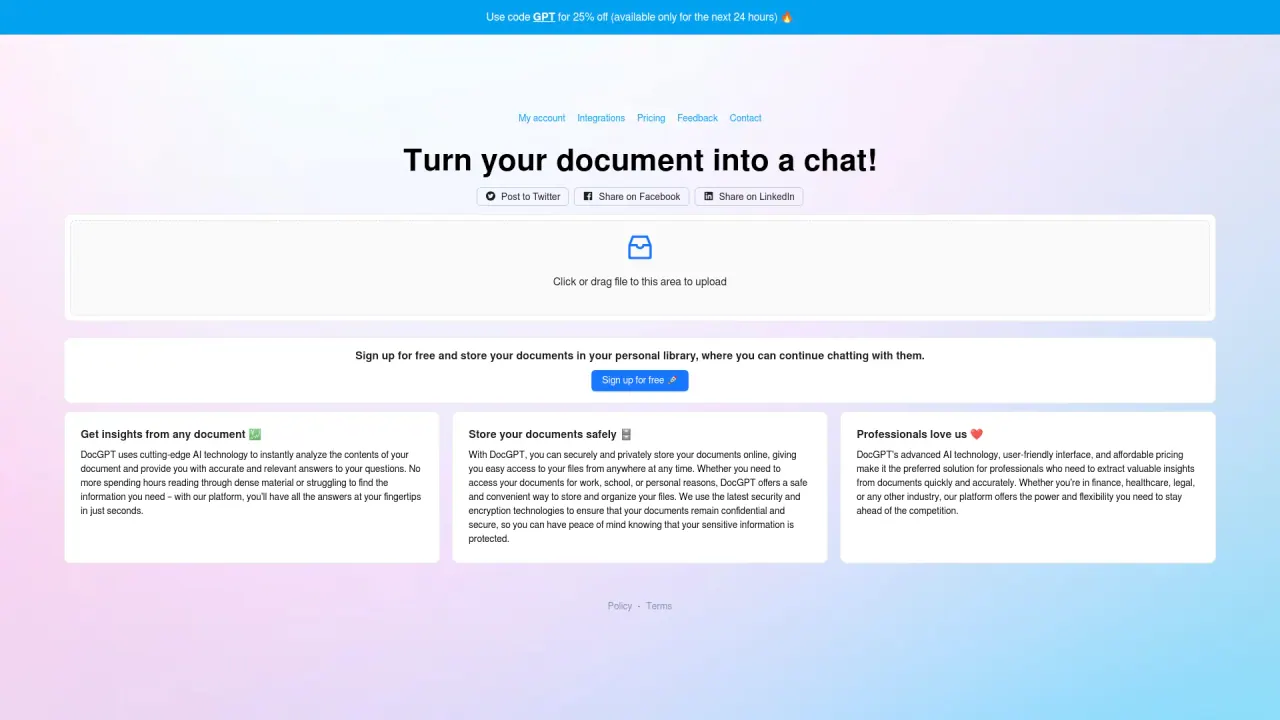
What does DocGPT do?
How does DocGPT enable you to chat with multiple PDFs?
DocGPT enables users to chat with multiple PDFs by allowing them to easily upload their desired files. Once uploaded, the tool employs AI to facilitate dynamic conversations with the documents, providing capabilities such as asking questions, extracting information, and summarizing content. This feature is particularly beneficial for handling complex documents like legal agreements and financial reports.
What steps are involved in starting to use DocGPT for PDF chats?
Getting started with DocGPT involves three simple steps. First, users need to upload the PDF documents they wish to interact with. Once the documents are uploaded, users can ask questions and receive instant answers with AI-powered accuracy. Each response includes sources extracted from the document, ensuring that answers are reliable and based on the uploaded content.
What types of documents can you interact with using DocGPT?
DocGPT is versatile and can handle a wide range of document types. Users can chat with books, scientific papers, financial reports, product user manuals, legal documents, and employee training documents. This flexibility makes DocGPT suitable for diverse use cases across different professional and personal needs.
Do responses include sources from the uploaded documents?
Yes. Every response is backed by sources extracted from the uploaded document.
What are the limits on document size and pages per PDF on the Pro plan?
Pro plan supports documents up to 2,000 pages per PDF and 50 MB per PDF.
What does the Pro plan include and how much does it cost?
Pro plan: $4.99 per month; uses GPT-4 (latest technology); chat with multiple PDF documents; personal PDF chatbot; unlimited PDF documents; unlimited questions; 2,000 pages/PDF; 50 MB/PDF.
Is this your tool?
Claim DocGPT to manage this listing, or upgrade to Pro for featured-first placement and a newsletter feature.