
RecoveryFox AI
AI Data Recovery Software
Recover lost files with the AI-powered Tool
- Pricing
- Free trial
- Category
- Project Management
- Listed
- Sep 6, 2025
- Updated
- May 25, 2026
Promoted
 AI Checker PlusAI detector that highlights which passages AI wrote. Free check, no sign-up. Plagiarism too.
 RewindType any X/Twitter handle. Get their year back as a narrated video story. Then ask it anything.
 KurodyneSell the tools from your AI side projects. Listing is free.
 Sidrune AI85% off. Stable Claude API for agent developers. Pay as you go. Invoices & refunds available.
 Pixmax.aiPixmax.ai is an all-in-one AI workspace for videos, visual stories, and marketing content.
 SEOify - Improve your SEO & rankingsBuild links to rank in Google. Improve your DR with links you can start building now.Advertise here330,000+ people visit Dang.ai every month.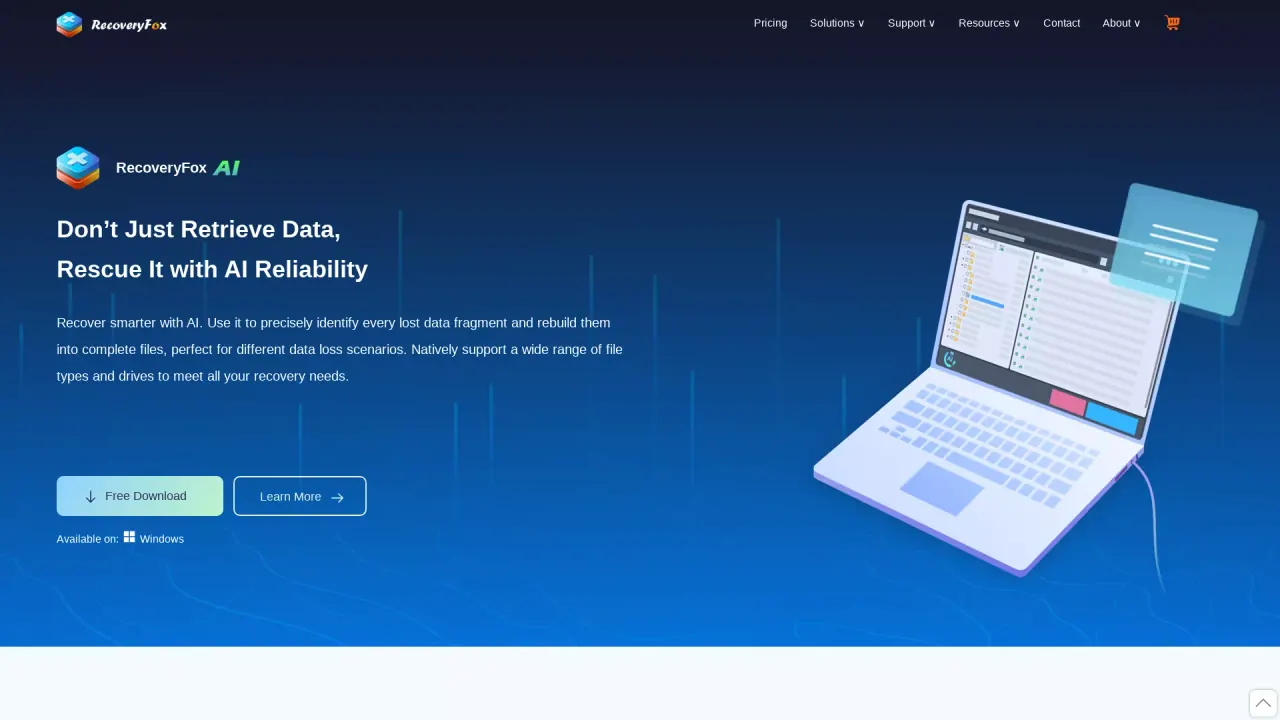
What does RecoveryFox AI do?
Is RecoveryFox AI safe?
Yes. RecoveryFox AI uses a non-destructive, read-only recovery process to avoid data corruption. It does not collect personal data during registration, scanning, or recovery. For safety, download and install RecoveryFox AI, and run it from a different drive; never save recovered files back to the same drive. If a physical drive is failing, power it off immediately and consult a professional if you hear unusual noises.
What file systems and devices does RecoveryFox AI support?
RecoveryFox AI supports major file systems NTFS, exFAT, and FAT32. It can recover data from internal and external drives, including HDDs and SSDs, as well as USB flash drives, SD cards, TF cards, cameras, and more.
What types of files can RecoveryFox AI recover?
RecoveryFox AI can recover documents and archives (e.g., Word, Excel, PowerPoint, PDF, ZIP), photos, videos, audio files, and camera footages, as well as executables, 3D graphics, and database files. It supports universal file type recovery and can restore files with their original names and folder structure.
How does the recovery process work?
STEP 1. Launch RecoveryFox AI and select the location to scan. STEP 2. Start the scan. Begin with a Quick Scan; the AI Scan then runs for deeper results. You can pause or stop at any time. STEP 3. Preview and Recover. Use filters by Type, Date, and Size, or search by filename keywords, then select files to recover.
Can I preview recoverable files before purchasing?
Yes. The unregistered version allows you to scan and preview your data for free, so you can see what’s recoverable before buying.
What precautions should I take to maximize recovery and avoid overwriting?
Stop using the affected device to prevent further data loss. If the drive has physical issues, power it off immediately and consult a professional. Run RecoveryFox AI from a different drive and save recovered files to a different location to avoid overwriting original data.
Does RecoveryFox AI preserve the original folder structure?
Yes. RecoveryFox AI can recover recently deleted files with their original names and folder structure.
What are the system and hardware requirements?
Software Requirements:
- Windows OS: Windows 11/10/8.1/8/7 and Windows Server 2022/2019/2016/2012/2008/2003
- File System: NTFS, exFAT, and FAT32
Hardware Requirements:
- CPU: 1 GHz or faster x86- or x64-bit processor
- RAM: 4 GB minimum (8 GB or higher recommended)
- HDD: 1 GB minimum free space for installation
Where can I download RecoveryFox AI and what platforms are supported?
RecoveryFox AI is available for Windows. It can be downloaded for free as a Windows-based data recovery solution.
Pricing and licensing options
- 1-Week: $49.95
- No automatic renewal
- Unlimited recovery
- 1 PC, 1 license
- Free updates & support
- Lifetime scan and preview access
- 1-Month: $59.95
- No automatic renewal
- 7 days money-back guarantee
- Unlimited recovery
- 1 PC, 1 license
- Free updates & support
- Lifetime scan and preview access
- 1-Year: $69.95 (was $89.95; save 22%)
- No automatic renewal
- 30 days money-back guarantee
- Unlimited recovery
- 1 PC, 1 license
- Free updates & support
- Lifetime scan and preview access
- Lifetime: $99.95 (was $149.95; save 33%)
- One-time payment
- 30 days money-back guarantee
- Unlimited recovery
- 1 PC, 1 license
- Free updates & priority support
- Lifetime scan and preview access
The unregistered version allows scanning and previewing data for free.
This listing is claimed
Own RecoveryFox AI? Sign in with the email used to claim it to manage this listing, or upgrade to Pro for featured-first placement and a newsletter feature.