
SmartScripter
AI Code Generation Tool
AI-powered script generation tool. Instantly convert text to code in multiple programming languages. Unleash productivity today!
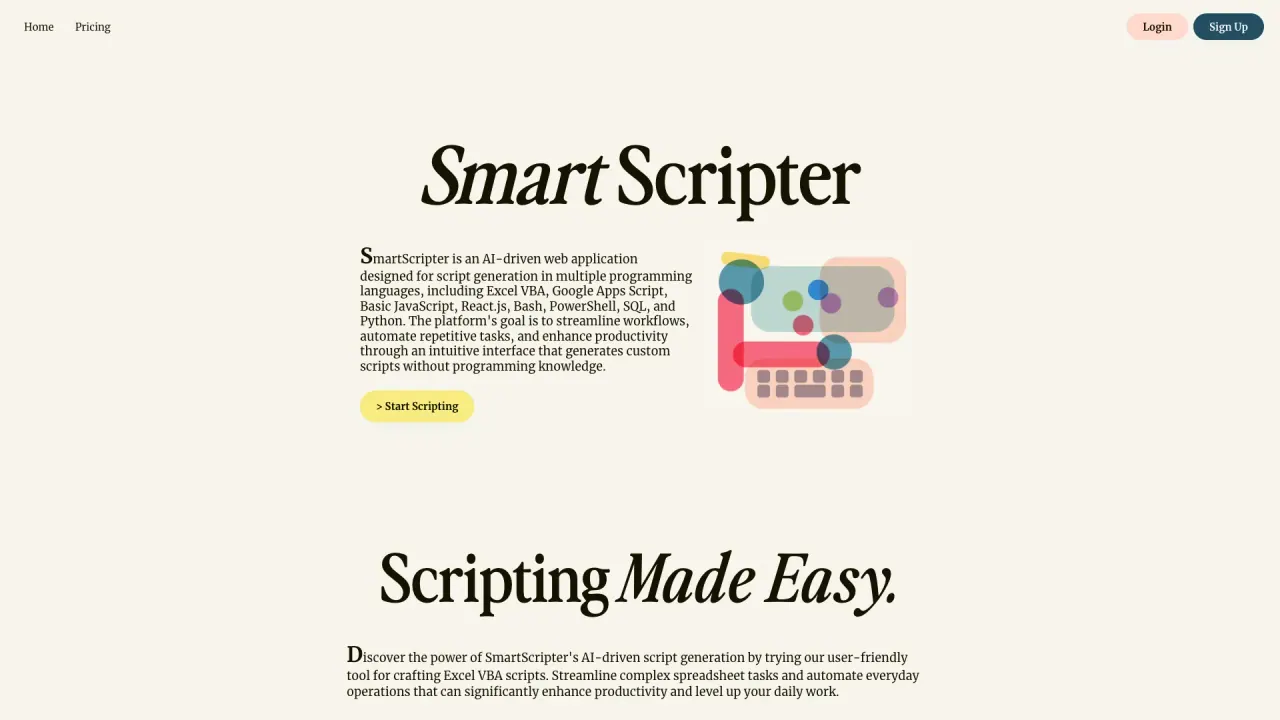
What does SmartScripter do?
How does SmartScripter streamline script generation for non-programmers?
SmartScripter uses an AI-driven interface that lets you describe the task you want (for example, "Count all the cells in column A"). It then generates scripts in multiple languages, including Excel VBA, Google Apps Script, JavaScript, SQL, React.js, Bash, PowerShell, Python, Ruby, C#, Perl, TypeScript, and Go, making scripting accessible even without programming knowledge.
What scripting languages are available on Free and Premium plans?
- Free plan: Excel VBA Script Generator, Google Apps Script Generator, JavaScript Script Generator, SQL Script Generator, React.js Script Generator, Bash Script Generator, PowerShell Script Generator, Python Script Generator, Ruby Script Generator, C# Script Generator, Perl Script Generator, TypeScript Script Generator, Go (Golang) Script Generator.
- Premium plan: React.js Script Generator, Bash Script Generator, PowerShell Script Generator, Python Script Generator, Ruby Script Generator, C# Script Generator, Perl Script Generator, TypeScript Script Generator, Go (Golang) Script Generator, plus access to all future script releases.
Note: Premium explicitly lists the languages shown above and includes all future script releases.
What are the differences between Free and Premium plans?
- Free Plan (Free Forever): 3 free script generations, no credit card required, automatic save of generations, access to a broad set of language generators (Excel VBA, Google Apps Script, JavaScript, SQL, React.js, Bash, PowerShell, Python, Ruby, C#, Perl, TypeScript, Go).
- Premium Plan: $4 per month, ad-free experience, unlimited script generations, automatic saves, access to all future script releases, and access to the Premium language generators (React.js, Bash, PowerShell, Python, Ruby, C#, Perl, TypeScript, Go).
Does SmartScripter automatically save generated scripts?
Yes. The platform offers automatic save of generations on both Free and Premium plans.
Is there a Free Forever plan?
Yes. SmartScripter offers a Free Forever option (Free Account) with 3 free script generations, no credit card required, and automatic saves.
How do I start scripting?
From the Home page, click Start Scripting. Then describe the task you want the VBA script to perform (for example, "Count all the cells in..."), and the AI will generate the script in the available languages.
Which industries benefit the most from using SmartScripter?
SmartScripter serves a wide range of sectors, including finance, marketing, and IT, as well as other fields. It helps professionals automate spreadsheet management, data analysis, administrative tasks, and related workflows to boost productivity.
Is this your tool?
Claim SmartScripter to manage this listing, or upgrade to Pro for featured-first placement and a newsletter feature.