
ReceiptsAI
Verified
AI Bookkeeping Tools
ReceiptsAI automates receipt and invoice data extraction, expense categorization, and reporting for small businesses using email capture and exports.
Promoted


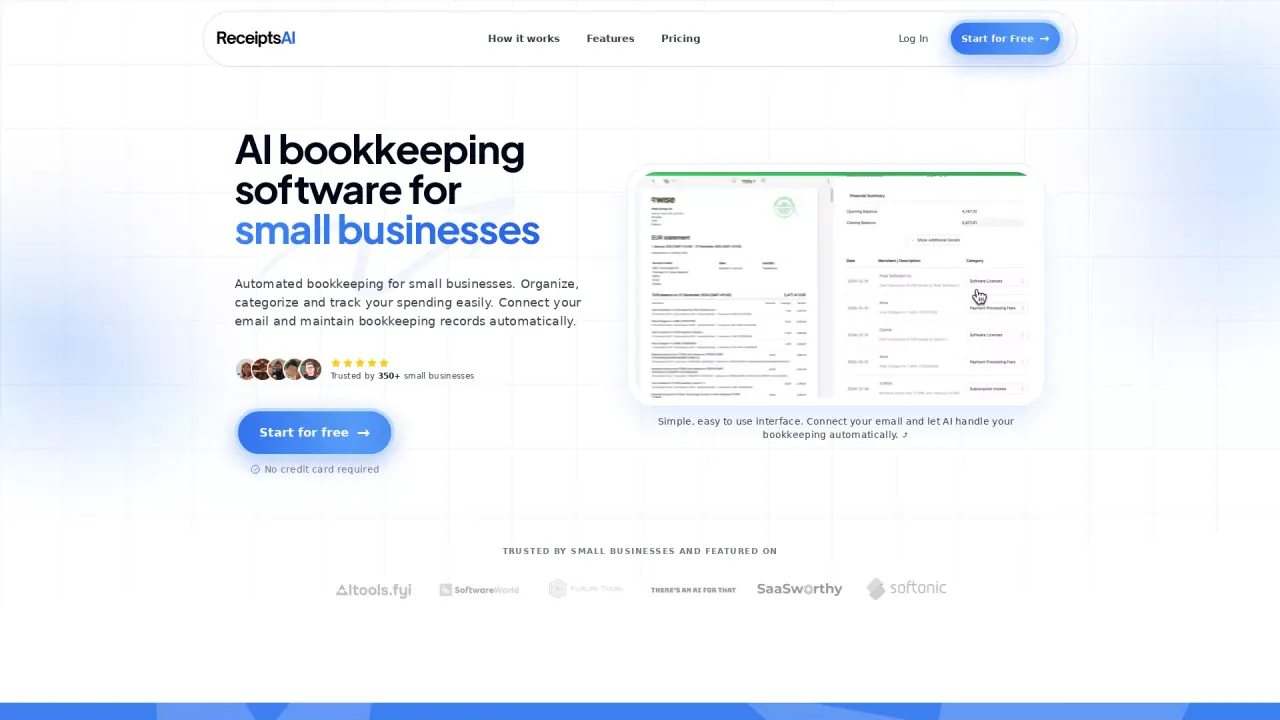
What does ReceiptsAI do?
ReceiptsAI is an AI-powered bookkeeping platform that helps small businesses organize spending automatically. It extracts key fields from receipts, invoices, bank statements, and order confirmations—capturing merchant names, dates, amounts, taxes, and currencies—then turns that data into organized bookkeeping records.
Instead of relying only on manual uploads, ReceiptsAI can connect to your email inbox to capture documents as they arrive from Gmail, Outlook, and other providers. You can also drop in files from any device. Once processed, it auto-categorizes transactions and can generate expense reports that break down totals by month, merchant, category, and tax.
ReceiptsAI supports custom categorization rules and industry category templates, includes privacy-first controls (including redaction of sensitive words/numbers before AI processing), and offers multi-currency support with historical currency conversion. When you’re ready to share your records, you can export clean reports and data to formats like Excel, CSV, or PDF for your accountant.
What types of documents can ReceiptsAI process?
ReceiptsAI processes receipts, invoices, purchase confirmations, and other expense documents, including bank statements. It can work with email-captured documents and uploaded files.
How does ReceiptsAI automatically process email receipts?
Connect your inbox and ReceiptsAI captures matching receipts and invoices from Gmail, Outlook, and other mail providers. Attachments and email text confirmations are handled as they arrive, converting them into bookkeeping data.
Can I customize how expenses are categorized?
Yes. You can create custom bookkeeping categories and rules, and ReceiptsAI applies them consistently to document data and bank transactions. You can also start from 30+ industry-specific category templates and tailor them to your needs.
What export formats are available for sharing data?
You can export clean, formatted data and reports to Excel, CSV, or PDF for your accountant.
Does ReceiptsAI support international purchases?
Yes. It detects multi-currency transactions and converts past transactions to your local currency using historical exchange rates.
Is my data handled with privacy controls?
ReceiptsAI includes privacy-first controls such as redacting sensitive words or numbers (for example names, birthdays, or account details) before AI processing. You can also disconnect connected accounts, and personal emails are ignored and not stored.
This listing is claimed
Own ReceiptsAI? Sign in with the email used to claim it to manage this listing, or upgrade to Pro for featured-first placement and a newsletter feature.