
AvataCraftAI
AI Avatar Video Generator
AvatarCraft turns a single clear photo (or audio) plus your script into a realistic talking or singing avatar video with lip-synced audio.
Promoted
 Pixmax.aiPixmax.ai is an all-in-one AI workspace for videos, visual stories, and marketing content.
 Sidrune AI85% off. Stable Claude API for agent developers. Pay as you go. Invoices & refunds available.
 SEOify - Improve your SEO & rankingsBuild links to rank in Google. Improve your DR with links you can start building now.Advertise here270,000+ people visit Dang.ai every month.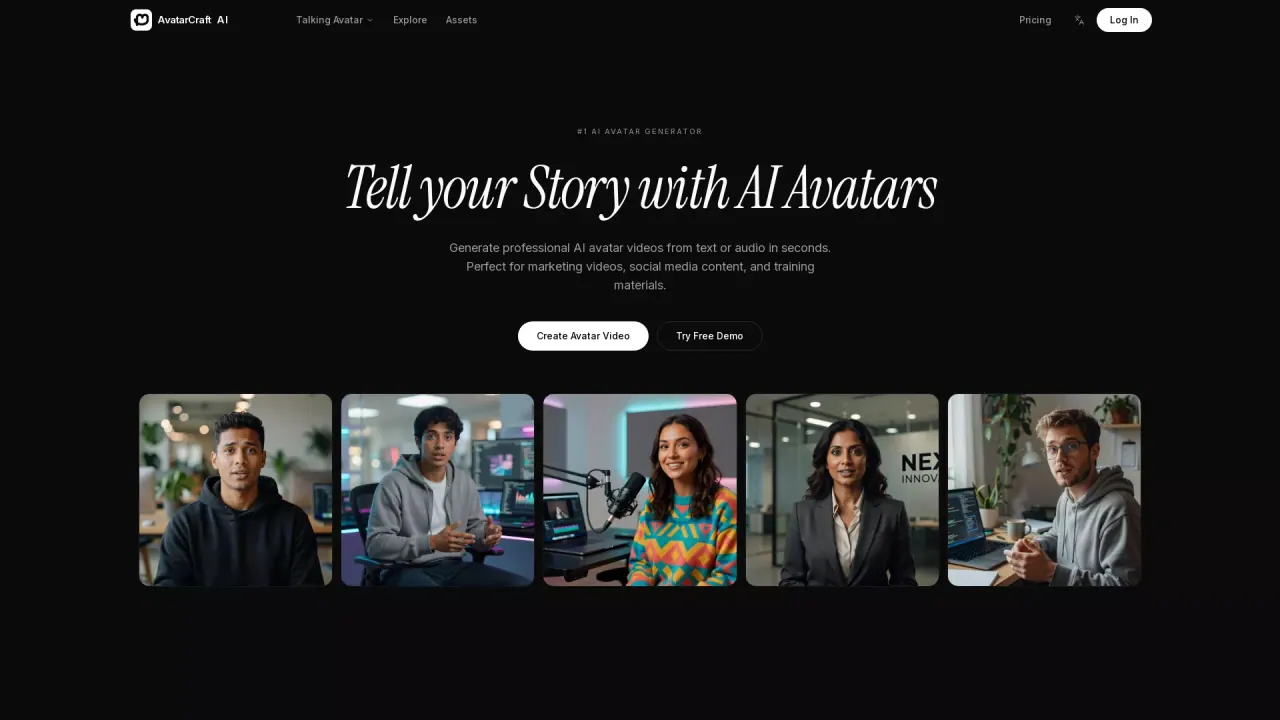
What does AvataCraftAI do?
AvatarCraft AI is an AI talking photo generator that animates the face in one photo so it speaks your script or sings your song, with lips synced to the audio. Upload one clear, front-facing image—then add text and a recording (or a song) to create a professional-looking talking avatar video without a camera or studio.
You can generate from scratch using Text to Avatar, or resync an existing video’s speaker lips to a new audio track. Choose a starting point from preset avatar types or use your own photo (portraits, illustrations, and even pet photos). The platform also supports singing photos, letting your avatar perform along with a song you have created, licensed, or have permission to use.
Voice generation is built in: pick from 330+ AI voices across 20+ languages, generate speech via text to speech, or clone your own voice using the Clone option. AvatarCraft also includes character reference to help keep avatars consistent across multiple videos for cohesive branding.
Pricing and downloads depend on your plan. You can start creating for free and get your first talking photo with 30 free credits. Finished videos can be downloaded in 540p, with 720p available on paid plans.
How do I create a talking avatar video with AvataCraftAI?
Upload one clear photo, add your script, and provide a recording. AvatarCraft lip-syncs the face to the audio to produce a talking avatar video.
Can I make my photo sing, not just talk?
Yes. Upload a suitable photo and add a song so the avatar performs it with lip-synced singing. Use songs you created, licensed, or have permission to use.
What photos work best for realistic results?
Use a clear, front-facing face. Portraits, illustrations, and pet photos are supported as long as the face is clearly visible.
What voice options are available?
Choose from 330+ AI voices in 20+ languages, generate voice from text to speech, or clone your own voice using the Clone tab. You can also upload audio in the language you want.
Can I resync the lips for a video I already have?
Yes. If you already have a video, you can re-sync the speaker’s lips to a new audio track.
Is there a free way to start, and what about commercial use?
You can start for free with 30 free credits. Custom avatars are available on paid plans and support full commercial use.
This listing is claimed
Own AvataCraftAI? Sign in with the email used to claim it to manage this listing, or upgrade to Pro for featured-first placement and a newsletter feature.