
Angry Email Translator
AI Angry Email Translator
Transform angry emails into polite ones with the AI-powered Angry Email Translator.
- Pricing
- Free
- Category
- Scheduling
- Listed
- Aug 4, 2023
- Updated
- May 25, 2026
Promoted
 Sidrune AI85% off. Stable Claude API for agent developers. Pay as you go. Invoices & refunds available.
 Pixmax.aiPixmax.ai is an all-in-one AI workspace for videos, visual stories, and marketing content.
 SEOify - Improve your SEO & rankingsBuild links to rank in Google. Improve your DR with links you can start building now.Advertise here270,000+ people visit Dang.ai every month.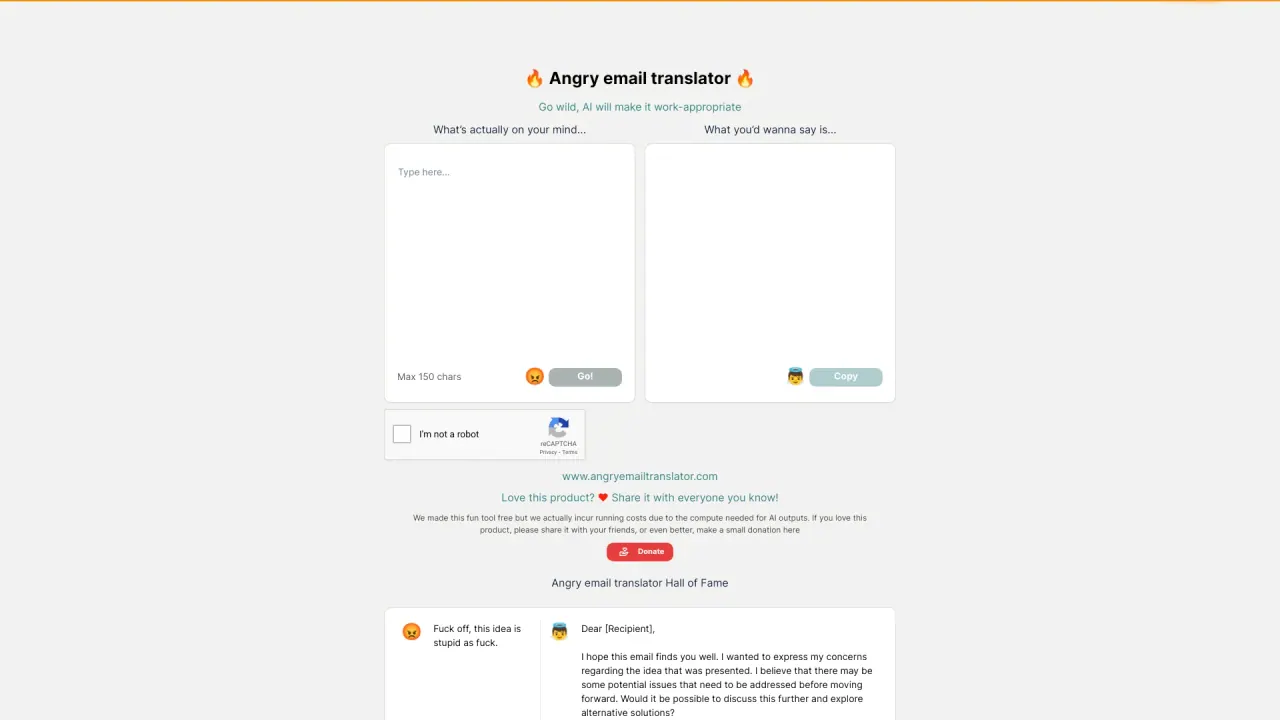
What does Angry Email Translator do?
How do I get started with Angry Email Translator?
Visit angryemailtranslator.com. Type your fiery message (keep it under 150 characters for best results). The AI rewrites it into a civil, professional version. Review the result before sending to ensure it reflects your intent.
How does Angry Email Translator work to refine your emails?
Angry Email Translator transforms emotionally charged or unprofessional drafts into courteous, constructive messages. You paste your heated message (up to 150 characters), and the AI rewrites it into a professional email, helping you avoid impulsive sends.
Can Angry Email Translator help improve workplace communication?
Yes. By converting angry or offensive emails into polite, respectful messages, it helps colleagues and business contacts stay productive, reduces misunderstandings, and supports a positive, professional environment.
Is Angry Email Translator free to use?
Yes—Angry Email Translator is offered as a free tool. However, running the AI incurs costs for the creators. If you enjoy the tool, please consider sharing it with others or making a small donation to support maintenance.
Is this your tool?
Claim Angry Email Translator to manage this listing, or upgrade to Pro for featured-first placement and a newsletter feature.