3DConverter
Verified
3D Modeling AI Tools
Convert and validate common 3D models in your browser, previewing changes and downloading a reopened, compared result.
Promoted
 RewindType any X/Twitter handle. Get their year back as a narrated video story. Then ask it anything.
 KurodyneSell the tools from your AI side projects. Listing is free.
 Sidrune AI85% off. Stable Claude API for agent developers. Pay as you go. Invoices & refunds available.
 Pixmax.aiPixmax.ai is an all-in-one AI workspace for videos, visual stories, and marketing content.
 AI Checker PlusAI detector that highlights which passages AI wrote. Free check, no sign-up. Plagiarism too.
 SEOify - Improve your SEO & rankingsBuild links to rank in Google. Improve your DR with links you can start building now.Advertise here330,000+ people visit Dang.ai every month.
What does 3DConverter do?
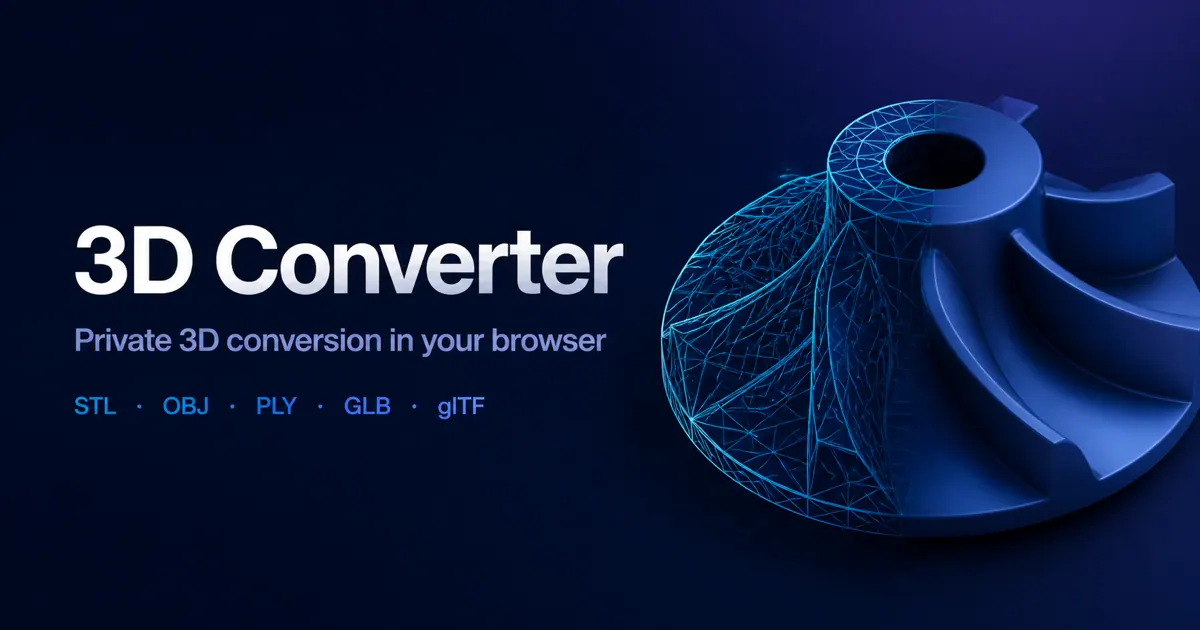
3DConverter is a free online 3D model converter and viewer for common mesh and scene formats. You can open models such as STL, OBJ, GLB, and glTF, preview them in the browser, then convert using an enabled conversion route. Before you download, the tool generates an output and re-parses it to help confirm the result is readable.
A key idea of 3DConverter is “honest format loss.” Different formats can store different kinds of data—like materials, textures, scene structure, and units—so conversion may change what your model can represent. The converter keeps route-specific options and limitations visible, and it provides a before-and-after report so you can see what was preserved and what changed (including mesh statistics and related properties when available).
For formats that are typically distributed as packages (like OBJ with MTL and referenced images, or glTF with BIN and texture dependencies), you can include the complete set of referenced files so dependencies resolve correctly. Selected mesh files are processed locally in your browser, without requiring an account or sending the model to a server.
3DConverter is a practical choice for creators and developers working across modeling, 3D printing, and web delivery—especially when you need a quick, dependable handoff check before exporting.
Do local conversions upload my 3D file?
No—selected mesh files are processed on your device in your browser. This avoids sending your model to a server.
Is 3DConverter free to use?
Yes. It offers free local conversions without sign-up, and you can convert and download results after validation.
What kinds of files can I convert with 3DConverter?
You can convert common 3D formats such as STL, OBJ, GLB, glTF, PLY, and more. Supported formats appear when you choose your source model.
Why might OBJ or glTF require additional files (like MTL, BIN, or textures)?
OBJ and glTF often reference external dependencies for materials and images. Including the referenced files (and keeping their original names) helps preserve materials and texture links.
How does validation work before I download the converted file?
After conversion, the exported file is reopened and checked. This helps reject unreadable outputs or files with no renderable triangles.
Why does a converted model sometimes come out with the wrong scale?
Scale issues usually come from differences in how formats store or interpret units and axes. Use the route settings and before-and-after report (when available) to catch and correct mismatches before downloading.
This listing is claimed
Own 3DConverter? Sign in with the email used to claim it to manage this listing, or upgrade to Pro for featured-first placement and a newsletter feature.