
Zappiq AI
AI Chatbot Tools
Zappiq AI adds an AI chatbot that qualifies visitors, captures contact details mid-chat, and sends qualified leads to your inbox with full conversation context.
- Pricing
- Free
- Category
- Chatbot
- Listed
- Aug 22, 2026
- Updated
- Aug 23, 2026
Promoted
 RewindType any X/Twitter handle. Get their year back as a narrated video story. Then ask it anything.
 KurodyneSell the tools from your AI side projects. Listing is free.
 Sidrune AI85% off. Stable Claude API for agent developers. Pay as you go. Invoices & refunds available.
 Pixmax.aiPixmax.ai is an all-in-one AI workspace for videos, visual stories, and marketing content.
 SEOify - Improve your SEO & rankingsBuild links to rank in Google. Improve your DR with links you can start building now.Advertise here270,000+ people visit Dang.ai every month.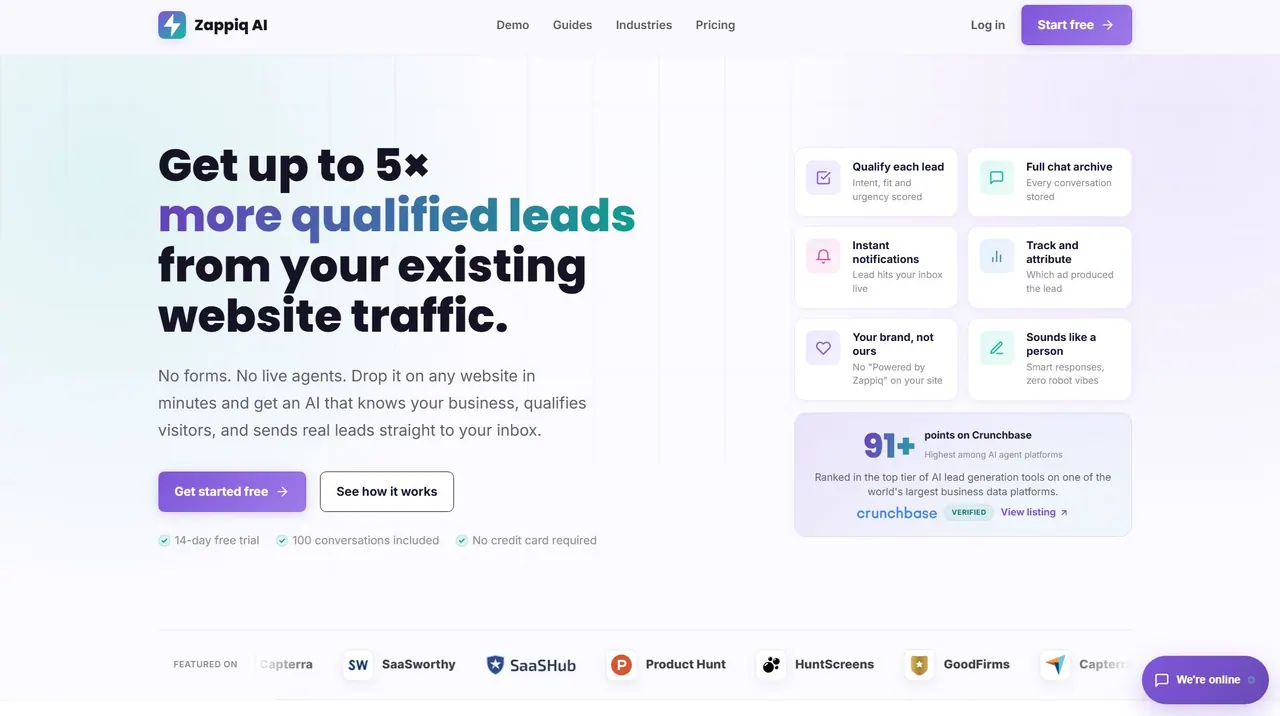
What does Zappiq AI do?
Zappiq AI is a website lead-capture chatbot that helps visitors get answers and guides them through intent, fit, and urgency—without forms or live agents. When a visitor is ready, the chatbot collects the details your team needs and sends a complete lead to your inbox along with the full chat history for fast, context-rich follow-up.
Designed for service businesses and other lead-gen teams, it’s trained on your own business content so responses stay aligned with your services, policies, locations, and common FAQs. That means visitors don’t just get generic answers—they get practical help and a smoother path to contacting you.
With a lightweight embed (single script tag), Zappiq AI can be installed quickly on platforms like WordPress, Wix, Webflow, Squarespace, Shopify, or custom HTML sites. You also get a dashboard to review conversations, captured leads, lead sources, and conversion performance, including support for connecting captured leads back to Google Analytics and Meta Pixel events.
How is Zappiq AI different from using a contact form?
A contact form works best when visitors already know what they want. Zappiq AI chats first, answers approved questions, asks relevant qualification questions, and then captures contact details with conversation context when follow-up makes sense.
What does Zappiq AI capture when a visitor becomes a lead?
Captured leads include the visitor’s name, email, phone number, an enquiry summary, and the full conversation history. This gives your team the context needed to respond immediately.
Does Zappiq AI qualify leads before asking for contact details?
Yes. The chatbot scores intent, fit, and urgency during the conversation, so it captures contact details when the enquiry aligns with your business and timing.
Where do leads go after they’re captured?
Leads are sent to your inbox by email with a conversation summary and chat archive. Pro accounts can also use a custom webhook to route lead data into other workflows.
How quickly can I install Zappiq AI on my website?
Installation is done by adding a provided embed script. The chatbot works with popular website platforms (WordPress, Wix, Shopify, Webflow, Squarespace) and custom sites with a single script tag.
Can Zappiq AI help attribute leads back to paid ads?
Yes. Zappiq AI supports tracking via Google Analytics and Meta Pixel events, helping connect captured leads to the ad campaign/channel that brought the visitor in.
This listing is claimed
Own Zappiq AI? Sign in with the email used to claim it to manage this listing, or upgrade to Pro for featured-first placement and a newsletter feature.