
wisegrid
Verified
Business AI Tools
WiseGrid brings spreadsheet-based project management with AI formulas, Gantt views, dashboards, automations, and easy migrations from Smartsheet or Excel.
Promoted
 Sidrune AI85% off. Stable Claude API for agent developers. Pay as you go. Invoices & refunds available.
 Pixmax.aiPixmax.ai is an all-in-one AI workspace for videos, visual stories, and marketing content.
 AI Checker PlusAI detector that highlights which passages AI wrote. Free check, no sign-up. Plagiarism too.
 RewindType any X/Twitter handle. Get their year back as a narrated video story. Then ask it anything.
 KurodyneSell the tools from your AI side projects. Listing is free.
 SEOify - Improve your SEO & rankingsBuild links to rank in Google. Improve your DR with links you can start building now.Advertise here270,000+ people visit Dang.ai every month.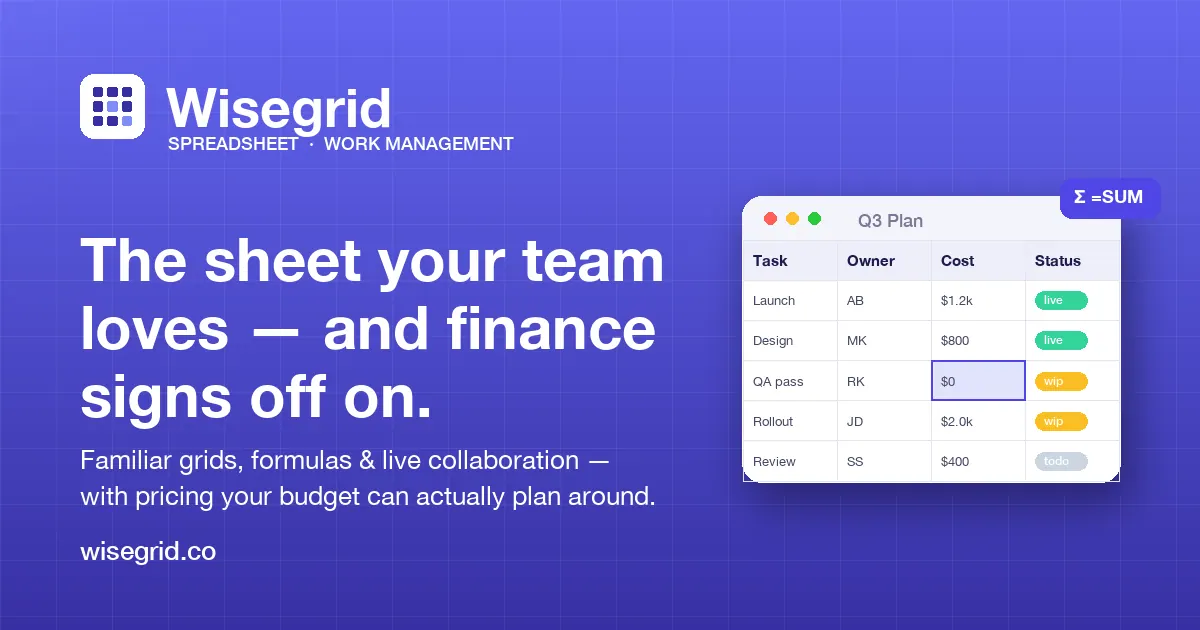
What does wisegrid do?
WiseGrid is a grid-based way to plan and run projects using the spreadsheet format your team already understands. Build tasks, link work across sheets with cross-sheet references, and roll everything into live dashboards with formulas, automations, and AI built directly into cells.
View timelines in Gantt to see dependencies as bars and arrows, then keep plans connected to execution with rich columns for owners, statuses, priorities, budgets, risks, dates, and progress. Shared editing is supported with row-level conflict handling so concurrent edits don’t silently overwrite each other.
Bring existing work over quickly: import Smartsheet workspaces, folders, and sheets via API token discovery, or import any Excel workbook from the File menu. Capacity controls (including early warning meters) help you keep large grids running without unexpectedly hitting limits, and you can start free to explore core features.
What is WiseGrid used for?
WiseGrid helps you manage projects on a spreadsheet grid: planning work, tracking progress, visualizing timelines in Gantt, and consolidating results in dashboards using formulas, cross-sheet references, and automations.
Does WiseGrid support Gantt/timeline views?
Yes. Switch to the Timeline/Gantt view to visualize dependencies as part of the plan.
How does WiseGrid handle multiple people editing the same data?
When two people edit the same row at the same time, WiseGrid detects the overlap at the row level and lets you choose to keep yours, take theirs, or merge cell-by-cell to avoid silent overwrites.
Can I import my current work from Smartsheet or Excel?
Yes. You can import from Smartsheet in one click using an API token for read access, or import any Excel workbook from the File menu.
What are the plan limits around sheet size?
WiseGrid offers up to 1,000,000 cells per sheet, with Pro specifying up to ~40K rows and Business also specifying up to 40K rows; capacity meters warn early (typically around 80%) so you can manage growth.
Is there an AI feature inside the grid?
Yes. AI is built into the cells alongside formulas and cross-sheet references, so you can use spreadsheet-native workflows while adding AI assistance where it fits your planning process.
This listing is claimed
Own wisegrid? Sign in with the email used to claim it to manage this listing, or upgrade to Pro for featured-first placement and a newsletter feature.