
Whisper AI
AI Transcription Software Tools
Whisper AI turns audio, video, live browser recordings, or media URLs into editable, searchable transcripts and captions.
- Pricing
- Free
- Category
- Transcription
- Listed
- Jun 12, 2026
- Updated
- Jun 20, 2026
Promoted
 AI Checker PlusAI detector that highlights which passages AI wrote. Free check, no sign-up. Plagiarism too.
 RewindType any X/Twitter handle. Get their year back as a narrated video story. Then ask it anything.
 KurodyneSell the tools from your AI side projects. Listing is free.
 Sidrune AI85% off. Stable Claude API for agent developers. Pay as you go. Invoices & refunds available.
 Pixmax.aiPixmax.ai is an all-in-one AI workspace for videos, visual stories, and marketing content.
 SEOify - Improve your SEO & rankingsBuild links to rank in Google. Improve your DR with links you can start building now.Advertise here330,000+ people visit Dang.ai every month.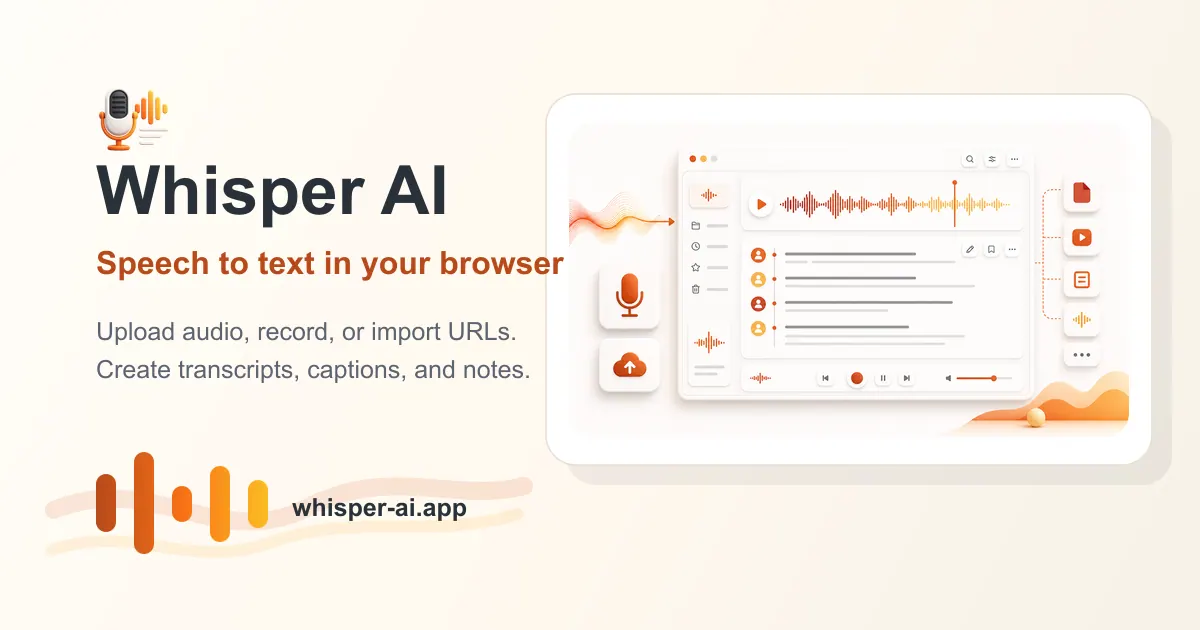
What does Whisper AI do?
Whisper AI is an online speech-to-text workspace that converts spoken audio into editable, searchable text. Upload audio or video files, record directly in your browser, or import a media URL to generate transcripts you can review and refine.
Built for real recordings like meetings, interviews, podcasts, lectures, webinars, support calls, and video voice tracks, Whisper AI helps you turn speech into usable documents and captions. It uses OpenAI Whisper technology for speech-to-text transcription across many languages.
After transcription, you can edit the transcript, search through key moments, and export results in multiple formats including TXT, SRT, DOCX, and JSON (with additional export options like PDF and VTT available in plans). Language can be auto-detected or selected manually, and you can enable speaker labels for interviews and meetings.
What inputs can I use with Whisper AI?
You can upload audio or video files, record live in your browser, or import a media URL for audio-to-text conversion.
Does Whisper AI support multiple languages?
Yes—language can be auto-detected or selected manually, with support for 100+ languages.
Can I edit and search my transcript?
Yes. Whisper AI provides a transcript editor so you can correct wording, and you can search within the transcript to find important parts.
What export formats are available?
You can export speech-to-text results as TXT, SRT, DOCX, and JSON. Plans also mention additional options like PDF and VTT.
Is Whisper AI suitable for meetings, interviews, and podcasts?
Yes. It’s designed for meeting and interview workflows (including speaker labels) and for turning podcasts and lectures into transcripts and captions.
Is there a free option to try Whisper AI?
Yes. You can start with 5 free minutes, then subscribe for plan-based transcription minutes and features.
Is this your tool?
Claim Whisper AI to manage this listing, or upgrade to Pro for featured-first placement and a newsletter feature.