
Visemory
Business AI Tools
Visemory helps you find and clip specific moments in your local videos, audio, and images using natural-language searches across dialogue, text, and scenes.

- Pricing
- Free
- Category
- Business
- Listed
- Oct 3, 2026
- Updated
- Oct 23, 2026
Promoted
 KurodyneSell the tools from your AI side projects. Listing is free.
 Sidrune AI85% off. Stable Claude API for agent developers. Pay as you go. Invoices & refunds available.
 Pixmax.aiPixmax.ai is an all-in-one AI workspace for videos, visual stories, and marketing content.
 SEOify - Improve your SEO & rankingsBuild links to rank in Google. Improve your DR with links you can start building now.Advertise here270,000+ people visit Dang.ai every month.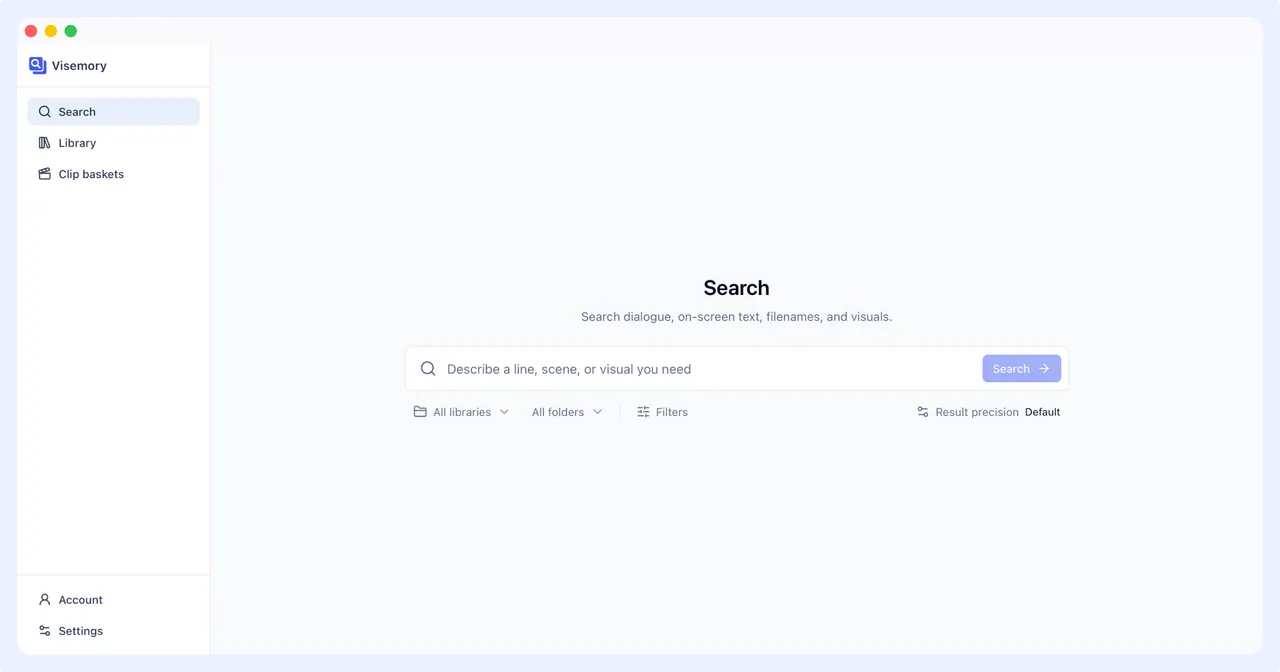
What does Visemory do?
Visemory is an AI video search app that helps you locate the exact moment you need in your own media library. Describe what you’re looking for in natural language—dialogue, on-screen text, filenames, and visuals—and jump directly to the matching timecode so you can review the surrounding context before collecting clips.
Visemory searches across videos, audio, and images stored locally. It can match what’s said (dialogue) and what appears on screen (on-screen text, including text visible in slides or on-camera). It also looks at filenames, notes, and tags, and supports visual search so you can retrieve moments by describing scenes, objects, colors, or people—not only by keywords.
When you find a match, you get information to help you verify it: the reason it matched, a supporting frame, and the timecode. From there, you can add results to separate clip baskets, adjust start and end points for the exact range you want, and export a media package with source details.
Visemory is local by default, keeping your source media on your device during processing. If you opt into cloud transcription, you’ll confirm the scope and an estimated Credit cost first; after that, only complete audio tracks needed for transcription are uploaded, and original videos and file paths are not uploaded. Visemory also supports cross-language semantic search, with an optional content language choice to improve dialogue recognition accuracy.
What kinds of files can I search in Visemory?
You can search across your own videos, audio, and images in your local media library.
What can I include in a single search query?
One query can match filenames, dialogue, on-screen text, visual content, notes, and tags.
Does Visemory upload my media to the cloud?
Visory processes your library locally by default. If you choose cloud transcription, you’ll review the scope and estimated Credit cost first, and then only complete audio tracks needed for transcription are uploaded—original videos and file paths are not uploaded.
What happens after I find a matching moment?
You can jump to the matching timecode to preview the surrounding content, add it to a clip basket, adjust the clip’s start and end times, and export a media folder with source details.
Can I search across different languages?
Yes. Cross-language semantic search is on by default, and you can choose a content language to help improve dialogue recognition accuracy.
Is Visemory a full video editor or cloud storage service?
No. Visemory is focused on local media search and clip preparation, not full editing, cloud drive storage, or enterprise asset management.
This listing is claimed
Own Visemory? Sign in with the email used to claim it to manage this listing, or upgrade to Pro for featured-first placement and a newsletter feature.