
ViralNote
AI Social Media Marketing Tools
Schedule posts to 10 social networks from one calendar, and use Pro AI clipping to turn long videos into captioned, feed-ready clips.
- Pricing
- Free trial
- Category
- Social
- Listed
- Oct 21, 2026
- Updated
- Nov 4, 2026
Promoted
 KurodyneSell the tools from your AI side projects. Listing is free.
 Sidrune AI85% off. Stable Claude API for agent developers. Pay as you go. Invoices & refunds available.
 Pixmax.aiPixmax.ai is an all-in-one AI workspace for videos, visual stories, and marketing content.
 AI Checker PlusAI detector that highlights which passages AI wrote. Free check, no sign-up. Plagiarism too.
 RewindType any X/Twitter handle. Get their year back as a narrated video story. Then ask it anything.
 SEOify - Improve your SEO & rankingsBuild links to rank in Google. Improve your DR with links you can start building now.Advertise here330,000+ people visit Dang.ai every month.
What does ViralNote do?
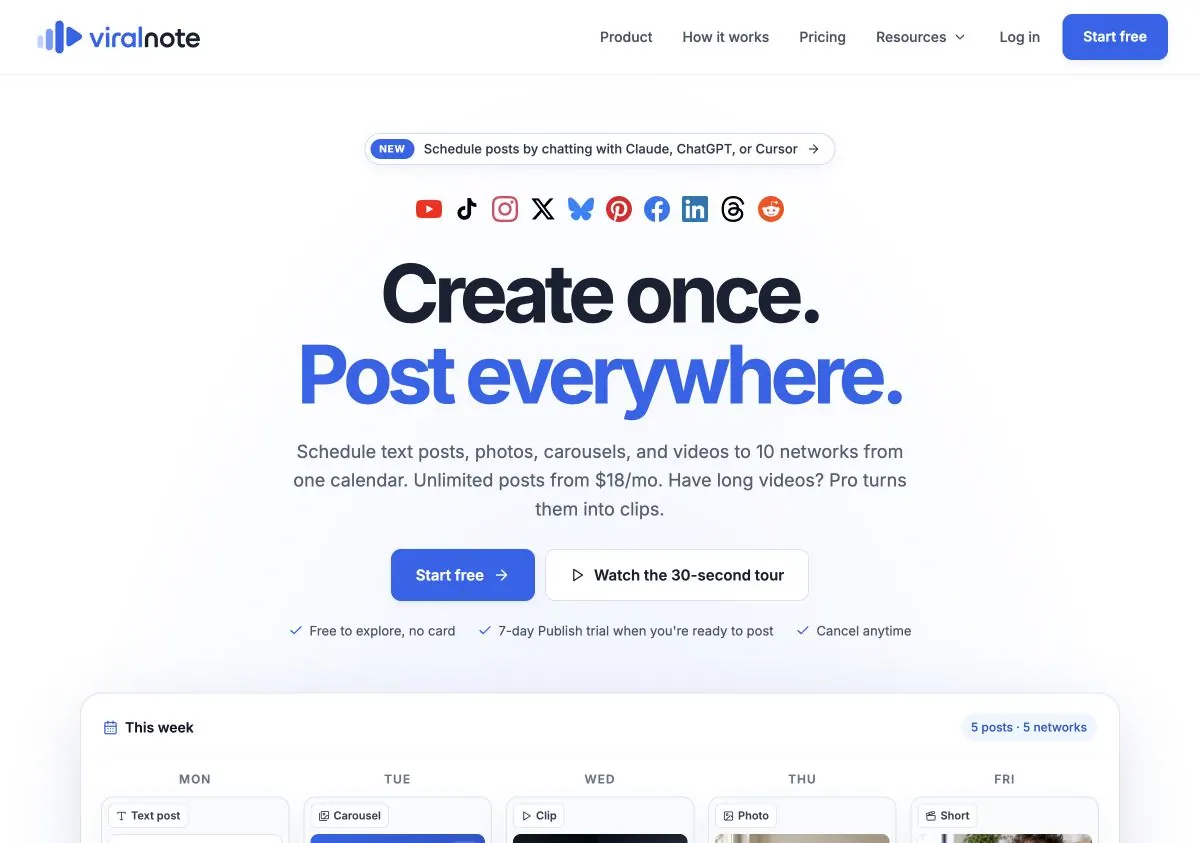
ViralNote is a social media scheduling workspace designed for “create once, post everywhere.” Plan text posts, photos, carousels, and videos in a single visual calendar, then publish to 10 networks from one place—so you can keep a consistent weekly workflow without juggling multiple tools.
You can review drafts, schedule posts for later, and manage what goes out across your selected accounts. Paid plans include unlimited posts and scheduling, post analytics, and an unbranded link-in-bio mini page to help you track engagement and mini page clicks.
ViralNote also supports an AI assistant workflow, letting you chat while planning your publishing for the week. Use this to draft a plan first, review accounts and times, and then schedule—helping creators, small teams, and agencies turn ideas into scheduled content faster while still tailoring captions and destinations.
If you’re working with long-form video, Pro adds AI clipping and video processing. Turn long recordings into clips, add captions, and reframe for the feed, with AI clip suggestions and batch generation plus a clip library for searching and reusing clips. Plans start with a free draft/setup experience, then a 7-day Publish trial (card required). Publish is $18/month billed monthly, Pro is $38/month billed monthly, and Agency is $129/month with additional workspace and team options.
What can I schedule in ViralNote?
You can schedule text posts, photos, carousels, and videos in one calendar. Drafts are reviewable before publishing so you can refine captions and selections first.
Which social networks are supported for publishing?
ViralNote supports publishing to YouTube, TikTok, Instagram, X, Bluesky, Pinterest, Facebook, LinkedIn, Threads, and Reddit from a single calendar.
What’s included in the Publish plan?
Publish includes unlimited posts and scheduling, publishing across all 10 networks, 5 connected accounts per platform, post analytics, and an unbranded link-in-bio mini page. Publishing and scheduling are included during the 7-day Publish trial.
How does Pro work for long videos?
Pro uses AI clipping to find the good parts in long recordings and turn them into clips. It adds captions and portrait reframing, and provides AI clip suggestions, batch generation, and a clip library to reuse clips.
Is there a trial before I can publish?
Yes. You can explore with free drafts and setup, then start a 7-day Publish trial to unlock publishing (card required). The trial renews as paid Publish unless you cancel before it ends.
Can teams manage multiple client brands in one place?
Yes. The Agency plan supports multiple brand workspaces, role-based team access, and reporting per brand without switching accounts.
This listing is claimed
Own ViralNote? Sign in with the email used to claim it to manage this listing, or upgrade to Pro for featured-first placement and a newsletter feature.