
Video Cutter AI
Verified
AI Social Media Marketing Tools
Video Cutter AI turns long videos into viral vertical shorts with AI highlights, animated captions, and auto reframe—free online with no sign-up required.
Promoted
 KurodyneSell the tools from your AI side projects. Listing is free.
 Sidrune AI85% off. Stable Claude API for agent developers. Pay as you go. Invoices & refunds available.
 Pixmax.aiPixmax.ai is an all-in-one AI workspace for videos, visual stories, and marketing content.
 AI Checker PlusAI detector that highlights which passages AI wrote. Free check, no sign-up. Plagiarism too.
 RewindType any X/Twitter handle. Get their year back as a narrated video story. Then ask it anything.
 SEOify - Improve your SEO & rankingsBuild links to rank in Google. Improve your DR with links you can start building now.Advertise here330,000+ people visit Dang.ai every month.
What does Video Cutter AI do?
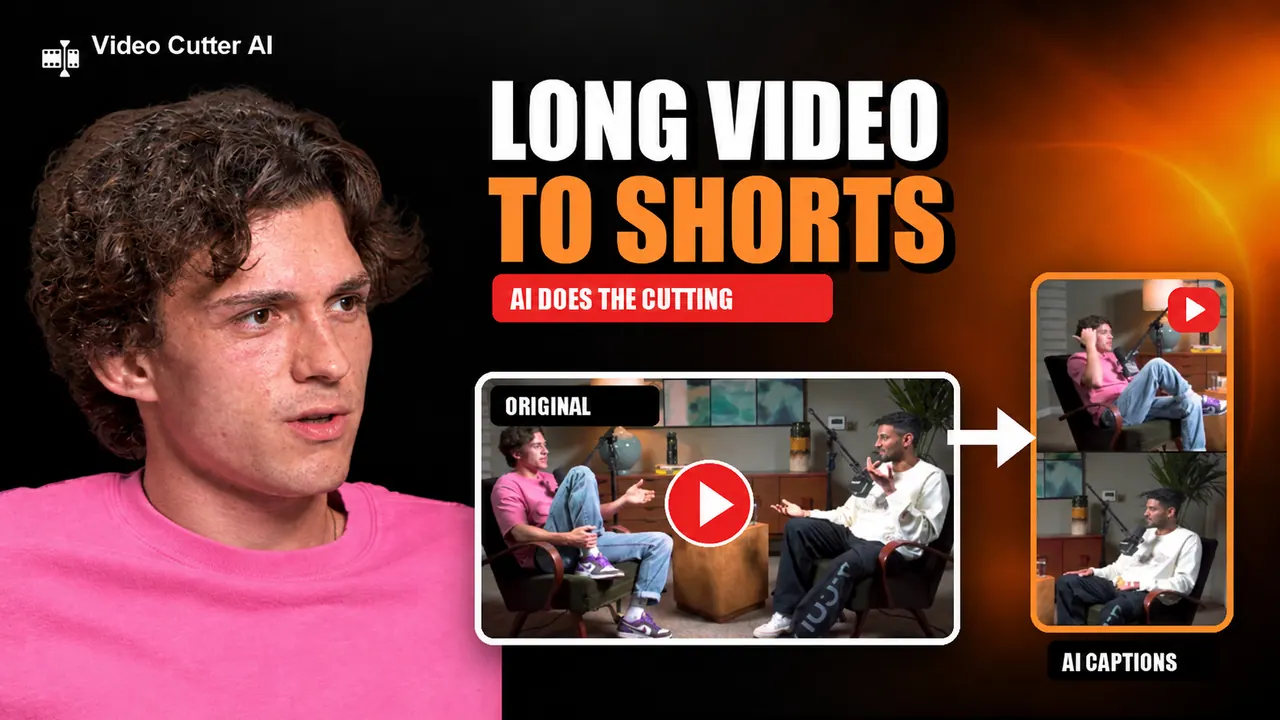
Video Cutter AI helps you repurpose long-form videos into ready-to-share shorts for YouTube Shorts, TikTok, and Instagram Reels. It analyzes your video to find the most engaging moments, then generates clips designed to keep viewers watching—so you can publish faster without spending hours manually cutting highlights.
The core workflow is simple: upload a podcast, webinar, interview, or YouTube video (or paste a YouTube link), let the AI analyze the content, and then generate short clips with captions, subtitles, layouts, and framing. Key features include AI Highlight Detection to surface watch-worthy moments, Smart Captions to create animated subtitles automatically, and Auto Reframe to convert landscape footage into vertical Shorts.
To reduce editing time further, Video Cutter AI includes Silence & Filler Removal to trim pauses and unnecessary words. An AI B-Roll feature is listed as coming soon to help improve retention by adding visual elements at the right beats. There’s also a Viral Score concept for identifying clips with the highest engagement potential.
Video Cutter AI is a good fit for creators and teams who want more social output from existing content—podcasters turning episodes into dozens of Shorts, YouTubers repurposing one long video into multiple clips, educators sharing lessons daily in bite-sized form, and marketers multiplying interviews, demos, and webinars into social-ready assets. Get started free online with no sign-up required.
What can I create with Video Cutter AI?
You can turn long videos into vertical shorts for YouTube Shorts, TikTok, and Instagram Reels, with AI-detected highlights and automatically generated captions.
Do I need editing skills to use it?
No. The tool is designed to generate clips with highlights, captions/subtitles, and proper framing so you can create Shorts without manual editing.
Can I use a YouTube link or do I need to upload files?
You can paste a YouTube video link to get free clips or upload files to start generating shorts.
Does it support vertical formats like YouTube Shorts and Reels?
Yes. Auto Reframe converts landscape videos into vertical Shorts so the output matches formats for TikTok, YouTube Shorts, and Instagram Reels.
What video cleanup features are included?
Silence & Filler Removal trims pauses and unnecessary words to help your clips move faster.
Is Video Cutter AI free to use?
Yes—it's available free online with no sign-up required.
This listing is claimed
Own Video Cutter AI? Sign in with the email used to claim it to manage this listing, or upgrade to Pro for featured-first placement and a newsletter feature.