
Unlimited OCR for PDF
AI Data Processing & Analytic Tools
Unlimited OCR helps extract readable text from scanned and multi-page PDFs using a simple, upload-and-review OCR workflow.
- Pricing
- Free
- Category
- Data
- Listed
- Jul 11, 2026
- Updated
- Jul 12, 2026
Promoted
 Sidrune AI85% off. Stable Claude API for agent developers. Pay as you go. Invoices & refunds available.
 Pixmax.aiPixmax.ai is an all-in-one AI workspace for videos, visual stories, and marketing content.
 SEOify - Improve your SEO & rankingsBuild links to rank in Google. Improve your DR with links you can start building now.Advertise here270,000+ people visit Dang.ai every month.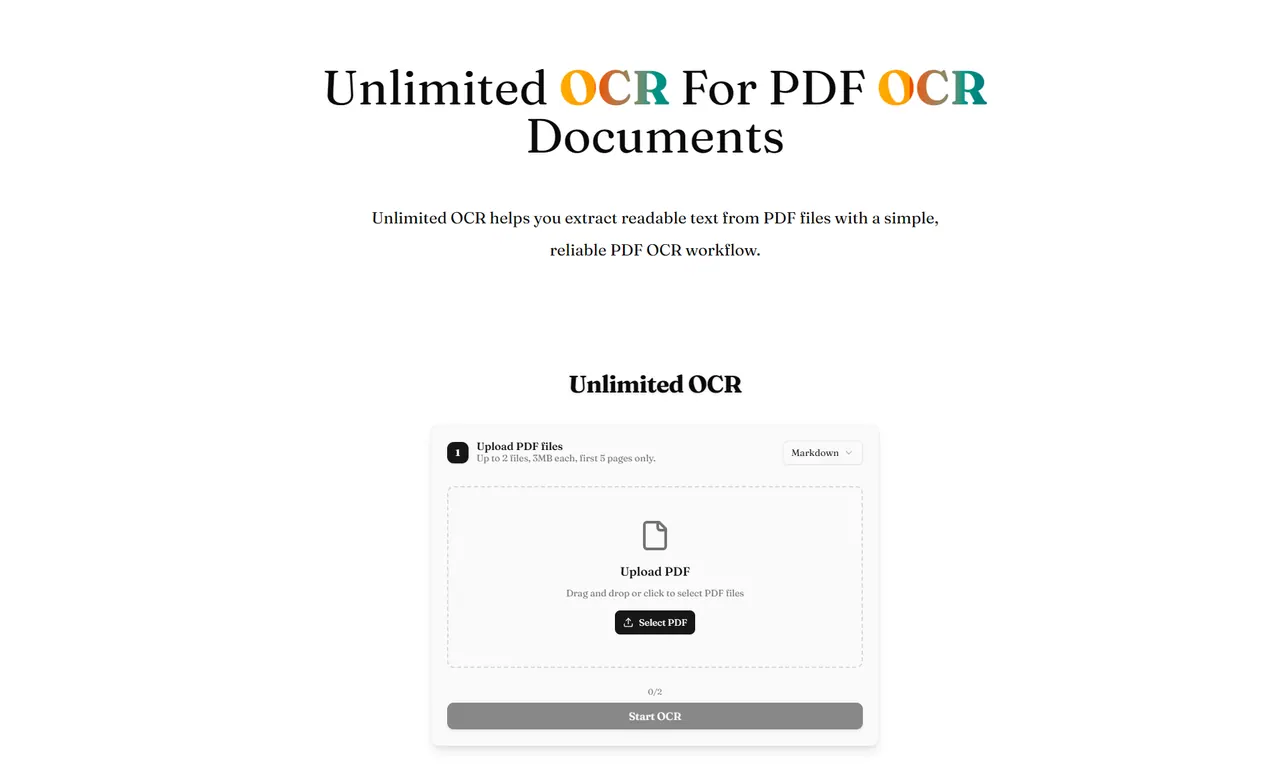
What does Unlimited OCR for PDF do?
Unlimited OCR for PDF is a focused PDF OCR workflow designed to turn PDF pages into readable text you can review, search, and reuse. It’s especially useful when your PDF is difficult to copy from directly—such as scanned documents, forms, tables, or long records.
To use it, upload a PDF, run OCR, then inspect the extracted output. This step-by-step flow helps you check recognition quality and the continuity of content across page breaks, which can otherwise make OCR results harder to verify.
The OCR workflow is built for practical document scenarios where layouts are mixed and information spans multiple pages. After reviewing the text, you can copy or reuse the extracted content to make it easier to find, compare, and work with.
How does Unlimited OCR for PDF work?
Upload a PDF, start the OCR process, then review the extracted text output. This lets you inspect readability and how well the content is recognized across the document.
What kinds of PDFs is this best for?
It’s aimed at scanned or image-based PDFs where text isn’t readily selectable, as well as multi-page files with forms, tables, or long records that are hard to extract cleanly.
Are cross-page documents handled well?
It focuses on reviewing OCR output where content continues across page breaks. After OCR, check continuity—especially for paragraphs, table-like records, or form fields that span pages.
Is there a limit on how many files/pages I can process?
Yes. You can upload up to 2 PDF files, with 3MB per file, and OCR uses only the first 5 pages.
Can I copy or reuse the OCR results?
Yes. After you review the extracted text, you can copy or use the OCR output for easier searching, comparing, and reuse.
What should I do if the OCR output looks incomplete?
Compare the OCR result with the original PDF and re-check areas where content may break across pages or appear in tables/forms. This helps you identify recognition gaps before relying on the extracted text.
This listing is claimed
Own Unlimited OCR for PDF? Sign in with the email used to claim it to manage this listing, or upgrade to Pro for featured-first placement and a newsletter feature.