
serifu
AI Translator & Translation Tools
Serifu translates whole manga, manhwa, and comics in your browser, then letteres English into accurate bubble shapes on every page.

- Pricing
- Free
- Category
- Translation
- Listed
- Oct 6, 2026
- Updated
- Oct 19, 2026
Promoted
 Sidrune AI85% off. Stable Claude API for agent developers. Pay as you go. Invoices & refunds available.
 Pixmax.aiPixmax.ai is an all-in-one AI workspace for videos, visual stories, and marketing content.
 RewindType any X/Twitter handle. Get their year back as a narrated video story. Then ask it anything.
 KurodyneSell the tools from your AI side projects. Listing is free.
 SEOify - Improve your SEO & rankingsBuild links to rank in Google. Improve your DR with links you can start building now.Advertise here270,000+ people visit Dang.ai every month.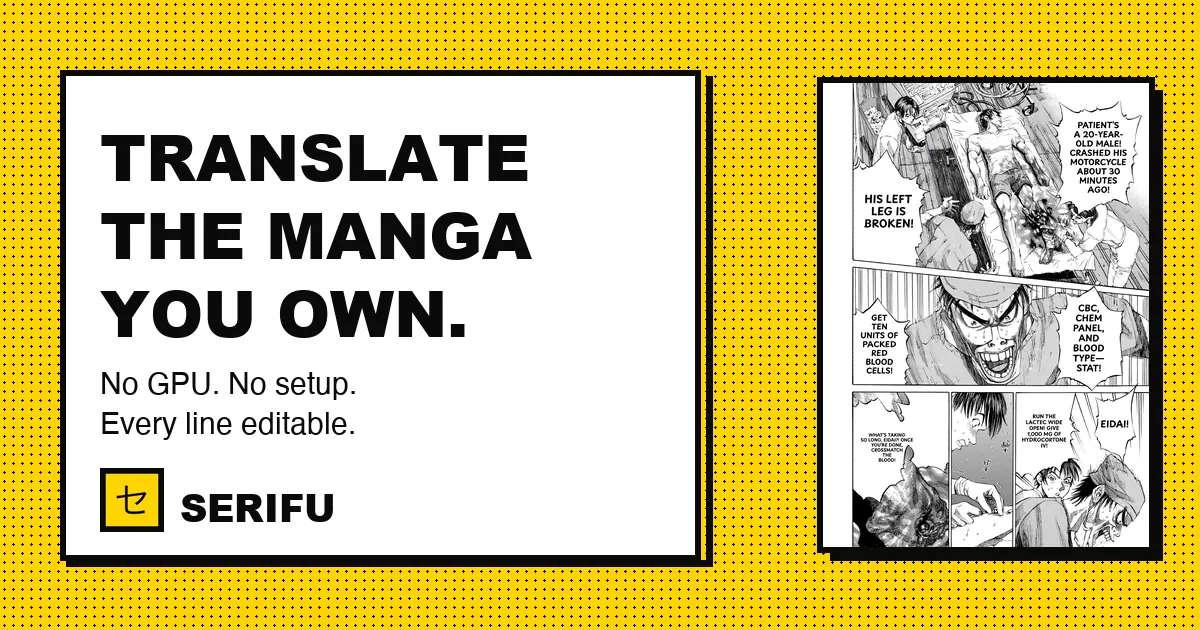
What does serifu do?
Serifu is an AI manga translator that runs in your browser. Drop in a raw manga, manhwa, or comic volume—like a folder of pages, a CBZ/ZIP, a PDF, or the image files—and you get each page returned translated and lettered into its own speech bubbles.
Designed for whole-volume accuracy, Serifu translates pages in reading order, reading each page together with the two pages before it. That helps keep speakers, names, and numbers consistent across the volume. Instead of pasting boxes over the art, each translated line is set inside the bubble’s own shape so the lettering matches where the original text was.
You stay in control while translating: click a line to change or disable its translation, and the page is lettered again immediately in your browser. There’s also a way to switch between original and translated pages during your review, then export the finished volume.
Serifu reads Japanese (vertical and horizontal), Korean, Chinese, and English, and translates into English, Simplified Chinese, Traditional Chinese, and Korean. Pricing uses credits (5 free when you sign up); a page costs 1 credit with gpt-6-luna, 1.5 with gemini-3.8-flash, and 3 with claude-opus-5-5. No subscription, credits never expire, and packs are available (e.g., 100 credits for $5.99).
What file types can I upload to translate a manga volume?
You can drop in a folder of pages, a CBZ/ZIP, a PDF, or the images themselves (PNG, JPEG, WebP). Pages are sorted by file name, and for long volumes you can choose specific page ranges.
Does Serifu translate page-by-page, or can it handle a whole volume at once?
Serifu works on one volume or chapter at a time, translating pages in reading order. It reads each page together with the two pages before it to help keep context consistent across the volume.
How does Serifu place the translated text—does it cover the artwork?
Serifu letteres translations into the speech bubble shapes in the comic, in the same positions as the original text. It avoids pasting boxes over the art.
Can I edit a specific line after translation?
Yes. Click a line to change the translation or turn it off, and the page is re-lettered in your browser so you can fine-tune wording and placement.
What browsers and devices are supported for the in-browser translator?
Serifu runs in the browser using WebGPU support. It works in Chrome and Edge, and in Safari on recent Macs, iPhones, and iPads.
How does pricing work?
Translation uses credits: a page costs 1 credit with gpt-6-luna, 1.5 with gemini-3.8-flash, or 3 with claude-opus-5-5. You get 5 credits free when you sign up, there’s no subscription, credits never expire, and credits are used the same way in the desktop app.
This listing is claimed
Own serifu? Sign in with the email used to claim it to manage this listing, or upgrade to Pro for featured-first placement and a newsletter feature.