
ImageTranslate
Manga Translation Tool
Translate manga text bubbles while preserving original artwork and layout
- Pricing
- Freemium
- Category
- Translation
- Listed
- Apr 15, 2025
- Updated
- May 25, 2026
Promoted
 Pixmax.aiPixmax.ai is an all-in-one AI workspace for videos, visual stories, and marketing content.
 Sidrune AI85% off. Stable Claude API for agent developers. Pay as you go. Invoices & refunds available.
 SEOify - Improve your SEO & rankingsBuild links to rank in Google. Improve your DR with links you can start building now.Advertise here270,000+ people visit Dang.ai every month.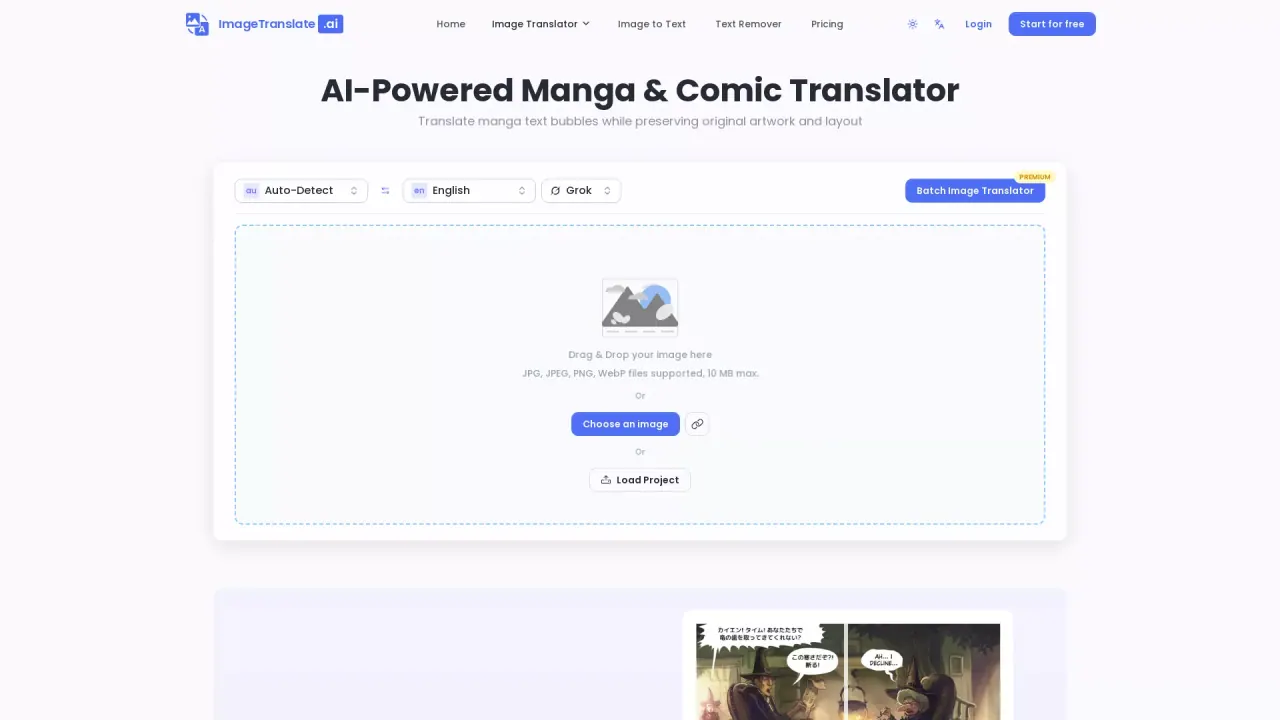
What does ImageTranslate do?
What is Image Translate AI?
Image Translate AI is an AI-powered image translator that provides instant translations for text in images across 130+ languages, while preserving the original layout and styling. It’s designed to help with e-commerce, product marketing, website localization, and more.
How many languages does Image Translate AI support and can it auto-detect the source language?
It supports 130+ languages for both source and target, and it can auto-detect the language of the text in the image.
How does Image Translate AI preserve the original layout and style during translation?
The tool translates the text while maintaining the original image’s layout, fonts, and design so the translated image remains visually consistent with the source.
What image formats are supported, and can I translate images from a URL?
Supported formats include PNG, JPG, JPEG, and WebP. You can translate images from your device via upload or by providing an image URL.
Can I use the translated images for product marketing and other business uses?
Yes. The translator is optimized for e-commerce and marketing materials, helping you create localized content while preserving layout and design.
How do I translate text in an image?
- Upload your image (JPG, PNG, WebP). 2) Select source and target languages (130+ options) or use auto-detect. 3) Click translate. The AI detects the text, translates it, and replaces it on the image while preserving the original fonts and design. The process typically takes just seconds.
Do I offer a free plan and how does free usage work?
Yes. Free plans provide 20 Basic Credits per day, with each translation costing 10 credits (roughly two translations per day). No credit card is required to start. Non-logged-in users can also access a small free usage allotment (commonly described as two free translations per day).
How can I translate multiple images at once?
Use Batch Image Translator. You can upload up to 20 images and translate them into up to 10 target languages in a single batch. This feature is available on Premium and Ultra plans.
What plans are available and what do they include?
- Free: 20 Basic Credits per day; translations priced by credits; no cost to start; basic access to core features.
- Pro: Paid plan with more credits and features (e.g., expanded usage and tools).
- Premium: Higher monthly credits and additional capabilities (e.g., batch and broader use cases).
- Ultra: Highest tier with the most credits, priority support, and commercial-use rights.
All paid plans include core Image Translate features; Batch Image Translator is available on Premium and Ultra plans. Payments are processed via Stripe.
How are payments processed for Image Translate AI?
All payments are securely processed by Stripe.
How can I download or export the translated image, and does the filename get preserved?
Yes. You can download the translated image, and there is an option to keep the original image filename when downloading.
This listing is claimed
Own ImageTranslate? Sign in with the email used to claim it to manage this listing, or upgrade to Pro for featured-first placement and a newsletter feature.