
PixPilot
AI Design Tools
PixPilot is a creative workspace for generating AI images and short videos from prompts, references, and model-specific controls.
- Pricing
- Free
- Category
- Design
- Listed
- Jul 18, 2026
- Updated
- Jul 18, 2026
Promoted
 Sidrune AI85% off. Stable Claude API for agent developers. Pay as you go. Invoices & refunds available.
 Pixmax.aiPixmax.ai is an all-in-one AI workspace for videos, visual stories, and marketing content.
 RewindType any X/Twitter handle. Get their year back as a narrated video story. Then ask it anything.
 KurodyneSell the tools from your AI side projects. Listing is free.
 SEOify - Improve your SEO & rankingsBuild links to rank in Google. Improve your DR with links you can start building now.Advertise here270,000+ people visit Dang.ai every month.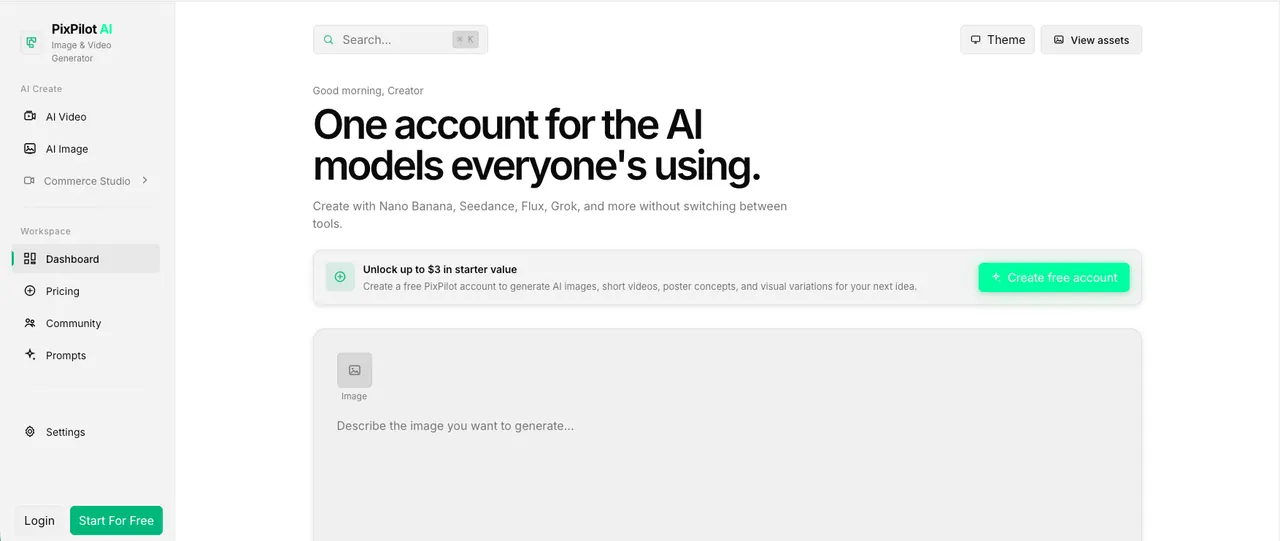
What does PixPilot do?
PixPilot is a curated AI creative workspace for making images and short videos for campaigns, product visuals, and social content. Create polished visual drafts from detailed prompts, then refine results using the reference media options supported by the selected workflow.
Work in one account across multiple AI models without switching tools. Choose an image or video workspace, select a model, describe the result, and adjust only the settings that model actually supports—keeping your completed outputs organized in your private account history.
Use PixPilot for poster concepts, image-to-video ideas, short clips from prompts, and reference-guided compositions. You can also generate commercial-style product photography and marketing-ready creative visuals to support your next launch or campaign.
Can PixPilot generate both images and videos?
Yes. PixPilot provides dedicated AI workspaces for image generation and for creating short videos.
Can I upload images to guide a generation?
Yes. Supported models accept input images, first and last frames, or multiple reference images depending on the workflow you choose.
Where do completed generations go?
Completed outputs are saved to your private account history and can be reopened from the Assets page.
Do I need to switch between different tools to use multiple models?
No. PixPilot is a one-account workspace designed to create with multiple AI models without switching tools.
How do model settings work in PixPilot?
After you select a model, PixPilot exposes only the settings that model supports, helping you stay within what each model can control.
This listing is claimed
Own PixPilot? Sign in with the email used to claim it to manage this listing, or upgrade to Pro for featured-first placement and a newsletter feature.