Pi (Presentation Intelligence)
Verified
AI Design Tools
Pi (Presentation Intelligence) is an AI slide maker that turns text, notes, and files into polished, ready-to-use PPTs with consistent styling.
Promoted
 AI Checker PlusAI detector that highlights which passages AI wrote. Free check, no sign-up. Plagiarism too.
 RewindType any X/Twitter handle. Get their year back as a narrated video story. Then ask it anything.
 KurodyneSell the tools from your AI side projects. Listing is free.
 Sidrune AI85% off. Stable Claude API for agent developers. Pay as you go. Invoices & refunds available.
 Pixmax.aiPixmax.ai is an all-in-one AI workspace for videos, visual stories, and marketing content.
 SEOify - Improve your SEO & rankingsBuild links to rank in Google. Improve your DR with links you can start building now.Advertise here270,000+ people visit Dang.ai every month.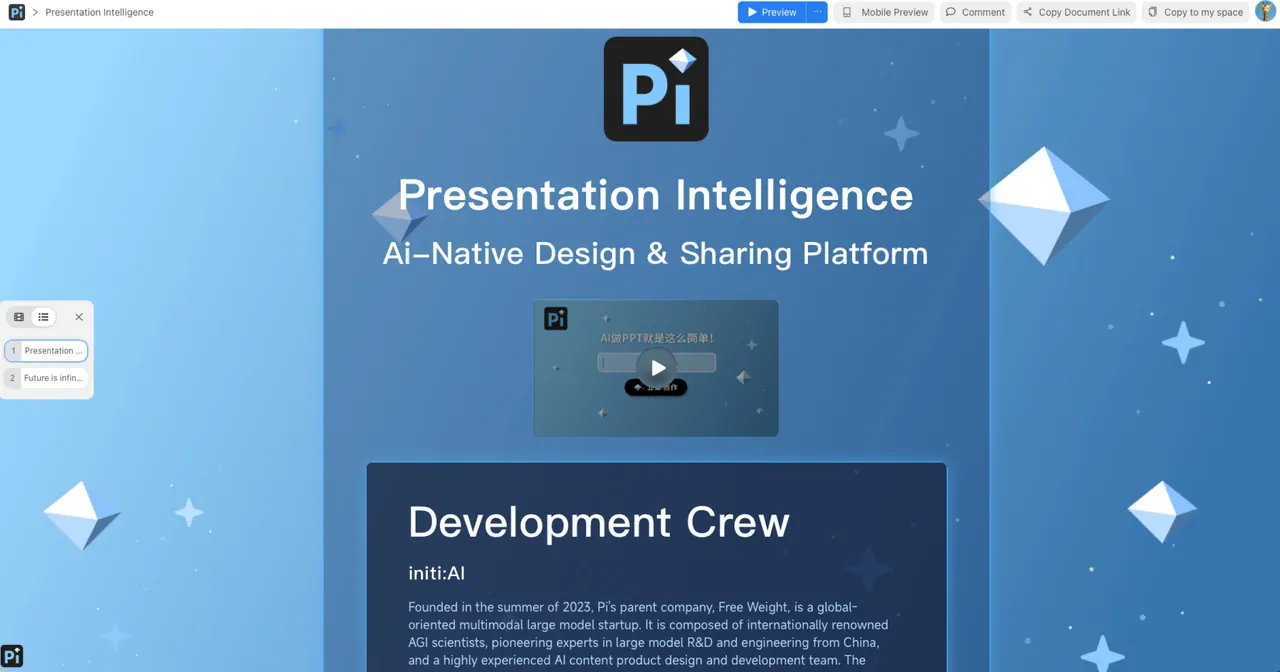
What does Pi (Presentation Intelligence) do?
Pi (Presentation Intelligence) helps you turn ideas into professional-looking presentations without requiring design or layout experience. Upload pictures, reference PPTs, share articles, notes, or text drafts of any length, and Pi will organize your content into clear slide structure while keeping a unified visual style.
You can generate a full presentation in one click, explore inspiration through a built-in inspiration gallery, and reuse a presentation look by copying style. Pi also supports AI video and AI image creation to help you add engaging media alongside your slides.
Slides are editable as you build, and you can use Pi Docs, Themes, and Ideas to keep your workflow moving—from rough drafts to polished presentation decks.
What kinds of inputs can I use to create slides in Pi?
You can upload pictures, reference existing PPTs, and bring in articles, notes, or text drafts to generate slide content.
Do I need design skills or layout experience to use Pi?
No. Pi is built to help you generate polished slide sets without requiring professional design or layout expertise.
Can Pi generate an entire presentation automatically?
Yes—Pi supports one-click full presentation generation, turning your provided material into a complete slide set.
How does Pi keep slides looking consistent?
Pi organizes your content logic and matches a unified visual style across slides, so the deck feels cohesive rather than page-by-page.
What’s the inspiration gallery in Pi for?
The inspiration gallery provides example presentation ideas and styles you can use as references while creating your own deck.
Can I reuse a specific presentation look across new slides?
Yes. Use Copy Style to apply a presentation style to keep your slides aligned with the same visual tone.
This listing is claimed
Own Pi (Presentation Intelligence)? Sign in with the email used to claim it to manage this listing, or upgrade to Pro for featured-first placement and a newsletter feature.