
AICaptions
Video Caption Generator
Turn audio or video into styled burned-in captions with a real preview, then download the full captioned video.
Promoted
 Pixmax.aiPixmax.ai is an all-in-one AI workspace for videos, visual stories, and marketing content.
 Sidrune AI85% off. Stable Claude API for agent developers. Pay as you go. Invoices & refunds available.
 SEOify - Improve your SEO & rankingsBuild links to rank in Google. Improve your DR with links you can start building now.Advertise here270,000+ people visit Dang.ai every month.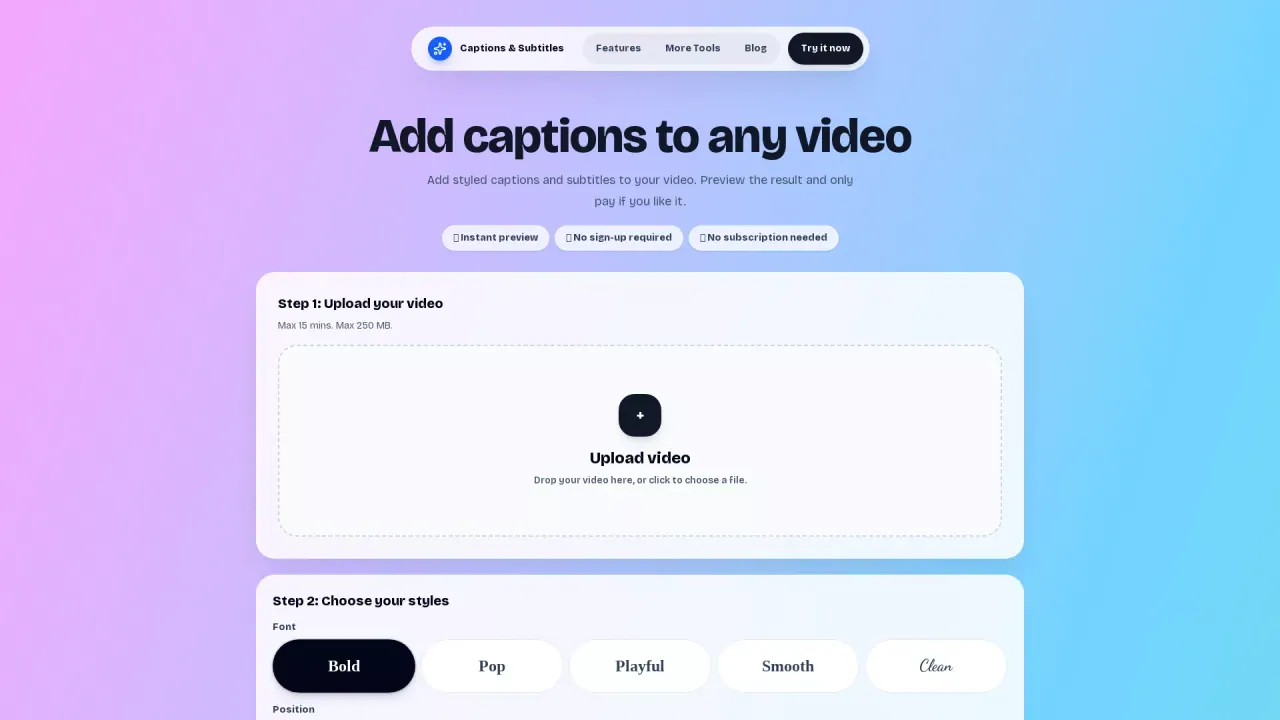
What does AICaptions do?
Best AI Captions lets you transcribe and add subtitles directly onto your video. Start by uploading an audio or video file, then choose a caption look that matches your content style. You can preview captions on a short sample before generating the full result.
The tool supports common formats including MP4, MOV, WebM, MP3, M4A, OGG, FLAC, and WAV, with files up to 4 GB. Captions can be “burned” into the video so the text appears as part of the video itself. You can select from multiple caption styles (including Red Boxed and TikTok Sans), and the sample plays immediately when you pick a style.
Customization options include font, text color, highlight, text border, background box, and text size/screen spot. You can turn highlighting, borders, and background boxes on or off to get the exact look you want. Positioning can be adjusted so captions land where they’re easiest to read.
This is a good fit for creators and anyone sharing short-form video, tutorials, reels, or online content that needs readable captions. Use it free to generate preview videos; pay only if you want the full video. No account is needed, and there’s no watermark on the full result.
Do I need an account to add captions to my video?
No—there’s no account needed. You can upload, preview, and generate without signing in.
What file types and sizes are supported?
You can upload MP4, MOV, WebM, MP3, M4A, OGG, FLAC, and WAV, with a limit up to 4 GB.
How does the caption preview work before I get the full video?
After you upload, choose a caption style and the tool plays a short real sample with captions so you can check the look before generating the full result.
Can I customize the caption appearance?
Yes. You can adjust the font, text color, highlight, text border, background box, and the size/screen position.
Are captions burned into the video or delivered separately?
Captions are added directly onto the video so the text stays visible as part of the video output.
Is there a watermark on the full captioned video?
No watermark is applied to the full result.
This listing is claimed
Own AICaptions? Sign in with the email used to claim it to manage this listing, or upgrade to Pro for featured-first placement and a newsletter feature.